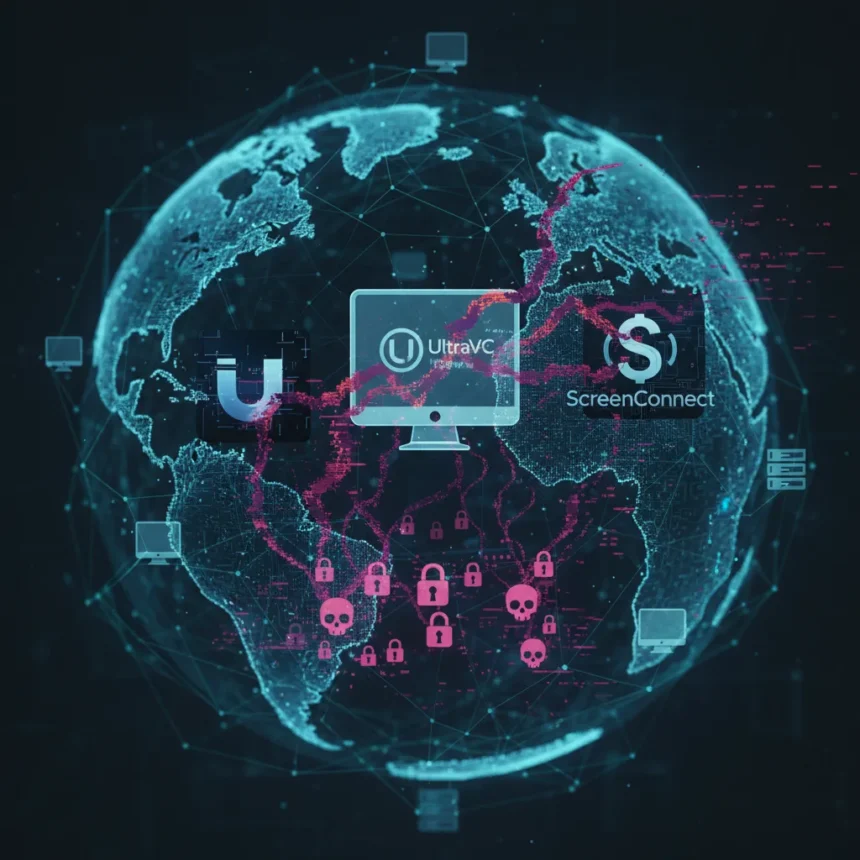
Remote access tools hijacked by attackers represent one of the fastest-growing threats to business infrastructure. Rather than deploying custom malware, threat actors are increasingly turning to legitimate software like UltraVNC, Splashtop, and ScreenConnect to gain control of corporate machines, blending smoothly into normal IT operations and evading detection.
Key Takeaways
- Attackers weaponize trusted remote access tools instead of building custom malware to avoid detection.
- UltraVNC, Splashtop, and ScreenConnect are primary targets for abuse in RMM-style attacks.
- Business PCs remain the focus of coordinated hijacking campaigns, particularly in Brazil.
- Legitimate remote access tools are highly attractive to threat actors seeking stealthy, trusted access.
- Organizations may already whitelist these tools, giving attackers a direct path into secured networks.
Why Legitimate Tools Became Attack Vectors
Remote access tools hijacked for malicious purposes offer attackers a critical advantage: they are already trusted by enterprise IT teams. These tools sit on approved software lists, bypass firewall rules, and blend into normal administrative activity. Attackers have found that they can deploy malware to servers or workstations with the client software installed, turning legitimate administration into a trojan horse. This trust is the vulnerability. Why spend months developing custom malware when organizations have already installed the door for you?
The shift from custom RATs to weaponized legitimate tools reflects a pragmatic evolution in attack tactics. ScreenConnect, Splashtop, and UltraVNC were designed for IT support and remote administration. They are not inherently insecure—but in the hands of attackers, they become invisible weapons. Organizations that have invested in these tools for their own operations now face the irony that those same tools can be used against them.
The Brazilian Campaign and Global Implications
Recent attacks have specifically targeted business PCs in Brazil using these remote access tools, signaling a geographically focused campaign rather than indiscriminate global attacks. This concentration suggests attackers are deliberately targeting a specific region, possibly because of weaker endpoint security practices, higher adoption of these tools, or valuable data assets in that market. The campaign’s focus on legitimate tools rather than novel exploits indicates attackers are confident in the effectiveness of this approach across multiple environments.


The Brazilian targeting is not isolated. Related reporting shows that ScreenConnect abuse is part of a broader trend affecting organizations worldwide, with attackers delivering payloads such as Vidar and Redline malware through trojanized installers and vulnerable installations. Other remote access tools including AnyDesk, UltraViewer, RustDesk, and TightVNC have been similarly weaponized in parallel campaigns, demonstrating that this is not a single-tool problem but a systemic vulnerability in how organizations trust remote administration software.
Remote Access Tools Hijacked: Detection and Defense
Organizations using remote access tools hijacked in these campaigns face a unique detection challenge. Traditional malware signatures and behavioral analysis struggle to identify attacks using legitimate software. The attacker’s activity looks identical to authorized IT support—connections from expected IP ranges, normal session durations, and standard file access patterns.



Defense requires a shift in monitoring strategy. Instead of asking whether a remote access tool is installed, organizations must ask whether it is being used appropriately. Anomalous connection times, unexpected geographical origins, and unusual data exfiltration patterns are the signals that matter. Access controls should be granular: limiting which machines can initiate remote sessions, requiring multi-factor authentication for tool access, and logging every connection for forensic review. Additionally, keeping remote access software patched and updated is critical, as many attacks exploit known vulnerabilities rather than relying on zero-days.
How Organizations Can Respond
The immediate response is inventory and audit. Organizations must identify which machines have UltraVNC, Splashtop, ScreenConnect, or similar tools installed. For each installation, verify that it is actively managed, regularly updated, and used only by authorized personnel. Unused instances should be removed entirely—they represent pure risk with no operational benefit.
Longer-term defense requires treating remote access tools as critical infrastructure. These applications should receive the same security scrutiny as email and web gateways. Network segmentation can limit the damage if a remote access tool is compromised—an attacker gaining access through ScreenConnect should not automatically have visibility into all corporate systems. Endpoint detection and response (EDR) tools should be configured specifically to monitor remote access software for anomalous behavior, even though the tools themselves are legitimate.
Is remote access software inherently unsafe?
No. UltraVNC, Splashtop, ScreenConnect, and similar tools are legitimate software with valid business purposes. The risk lies not in the tools themselves but in how they are deployed, secured, and monitored. An unpatched installation with weak credentials or unnecessary internet exposure becomes a liability. A properly maintained instance with strong access controls and active monitoring is far less risky than many other business applications.



How can I tell if my business PC has been hijacked through a remote access tool?
Look for unexpected remote access sessions in your tool’s logs, unusual network connections to unfamiliar IP addresses, and changes to system files or settings you did not authorize. If your organization uses endpoint detection and response software, unusual process execution from remote access tool processes is a strong indicator. If you suspect compromise, isolate the machine from the network immediately and contact your IT security team.
Should we stop using remote access tools?
Eliminating remote access tools is impractical for most organizations. Instead, implement strict controls: require multi-factor authentication, limit access by role and machine, enforce encryption, maintain detailed audit logs, and keep software patched. Regular security assessments of how these tools are configured and used will significantly reduce risk without eliminating functionality.
The weaponization of remote access tools hijacked from legitimate software is a wake-up call for enterprise security teams. These tools will not disappear—they are too useful for IT operations. But organizations that treat them as critical security infrastructure rather than simple utilities will be far better protected when attackers inevitably attempt to abuse them.
Edited by the All Things Geek team.
Source: TechRadar