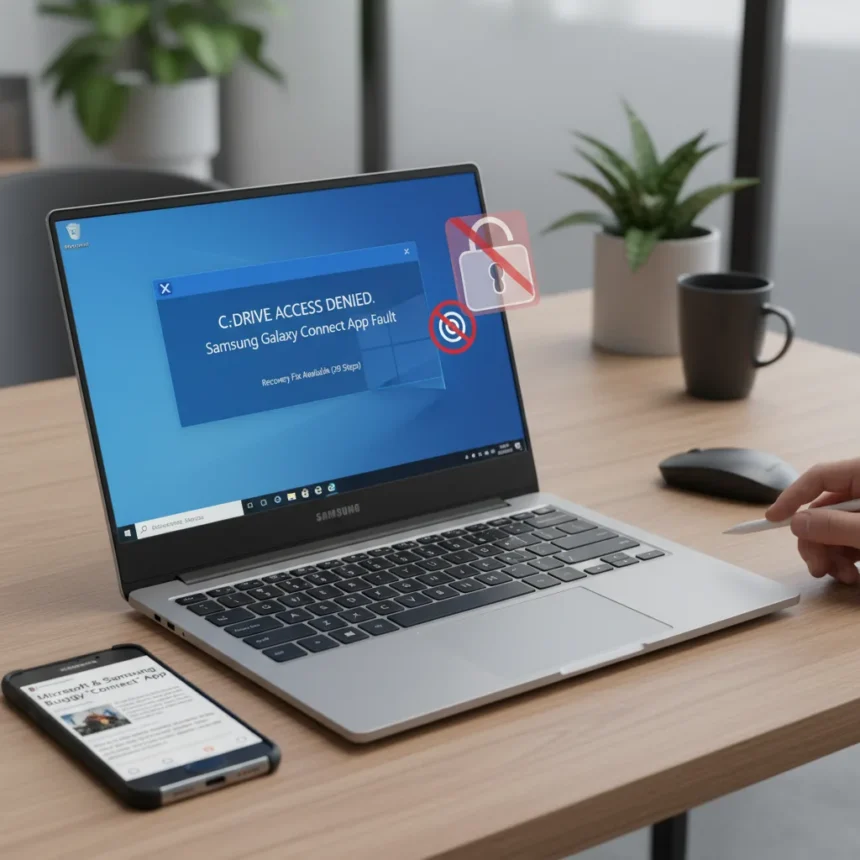
The Galaxy Book4 C-drive access issue that left thousands of Samsung laptop users locked out of their system drives in March 2026 was not caused by a Windows update—it was Samsung’s own Galaxy Connect app, according to a joint investigation by Microsoft and Samsung. The culprit: a bug in the screen-mirroring and file-sharing application that corrupted C-drive permissions after users installed the February 2026 security patch KB5077181.
Key Takeaways
- Samsung Galaxy Connect app caused C-drive access denial, not Windows KB5077181 update.
- Issue affects Galaxy Book 4 and some Samsung desktops running Windows 11 versions 24H2 and 25H2.
- Symptoms include “C: is not accessible – Access denied” error blocking file access and app launches.
- Microsoft published a 29-step official recovery process taking up to 15 minutes.
- Samsung removed the problematic app from Microsoft Store and republished a stable previous version.
For once, Windows wasn’t the villain in a major system-breaking incident. The Galaxy Book4 C-drive access issue emerged after the February 10, 2026 Patch Tuesday update, but the real damage came from Samsung’s Galaxy Connect app—a utility designed to enable seamless screen mirroring, file sharing, and data transfer between Samsung Galaxy devices and Windows PCs. A bug in that app altered C-drive ownership and permissions in ways that locked out even administrator accounts. Users reported being unable to launch Outlook, Office, browsers, and even Quick Assist, alongside file access failures.
How the Galaxy Book4 C-drive Access Issue Unfolded
The Galaxy Book4 C-drive access issue struck a specific subset of Galaxy Book 4 devices (2023–2025 models) and some Samsung desktops running Windows 11 versions 24H2 and 25H2. Not every Galaxy Book 4 owner experienced the lockout—the issue affected only devices that had the problematic version of Samsung Galaxy Connect installed. When users applied KB5077181, the app’s permission-handling bug triggered, changing the C-drive owner from TrustedInstaller (the secure default) to the Everyone group, effectively blocking standard and administrative access.
The error message “C: is not accessible – Access denied” became a nightmare for affected users. They couldn’t run Windows updates, perform administrative tasks, elevate privileges, or even collect system logs for troubleshooting. Some users turned to a risky Reddit workaround attributed to a Samsung Brazil technician, which involved manually changing drive ownership—a band-aid that exposed system files to broader security risks.


Microsoft’s Official Recovery Steps for Galaxy Book4 C-drive Access Issue
Microsoft and Samsung jointly published an official 29-step recovery process on March 17, 2026, that restores default secure permissions without modifying personal files. The process begins with uninstalling the problematic Samsung Galaxy Connect app, then using File Explorer to change the C-drive owner back to TrustedInstaller via the Security tab in drive Properties. The critical step involves downloading and running a Microsoft-provided RestoreAccess.bat script as administrator, which automates the permission restoration and eliminates the need for manual ownership changes.
Microsoft stated: “This process restores Windows default, secure permissions on the system drive and does not access or modify personal files”. The entire recovery typically takes 10–15 minutes, including a system restart. If the official steps fail, Microsoft recommends contacting Samsung Support with a reference to the Galaxy Connect app issue, or using Samsung’s OEM recovery tools if accessible.



Why This Matters: Samsung vs. Third-Party Workarounds
The Galaxy Book4 C-drive access issue highlights a critical difference between official fixes and community workarounds. The Reddit solution circulating before Microsoft’s fix involved granting the Everyone group full control over the C-drive, including system directories normally protected by TrustedInstaller or SYSTEM ownership. While it unblocked access, it left the drive exposed to unintended modifications—a security trade-off most users shouldn’t accept. Microsoft’s official approach restores the secure default state, making it vastly preferable to any third-party hack.
Samsung removed the buggy Galaxy Connect app from the Microsoft Store immediately upon confirmation and republished a stable previous version. This swift action, combined with Microsoft’s detailed recovery guidance, prevented the issue from spreading further. Users who had already uninstalled the app or avoided it entirely faced no problems.
Is My Galaxy Book4 Affected by the C-drive Access Issue?
The Galaxy Book4 C-drive access issue only affects devices that had the problematic version of Samsung Galaxy Connect installed at the time of the KB5077181 update. If you uninstalled the app before applying the February 2026 patch, or if you never installed it, your drive remains secure. If you are unsure, check Programs and Features for “Samsung Galaxy Connect” or “Samsung Continuity Service”—if it is listed, follow Microsoft’s 29-step recovery process.
What Happens After Recovery?
Once you run the RestoreAccess.bat script and restart your PC, the Galaxy Book4 C-drive access issue resolves completely. Windows permissions revert to their secure defaults, and all blocked functionality—file access, app launches, administrative tasks—returns to normal. You can then safely reinstall a corrected version of Samsung Galaxy Connect if you need its screen-mirroring features, though many users may opt to skip it entirely.



FAQ
Did Windows 11 KB5077181 cause the Galaxy Book4 C-drive access issue?
No. The February 2026 security update KB5077181 did not cause the issue—it merely triggered the bug in Samsung’s Galaxy Connect app. The app’s permission-handling flaw was the root cause.
Can I prevent the Galaxy Book4 C-drive access issue from happening again?
Yes. Do not reinstall the original version of Samsung Galaxy Connect that caused the problem. Samsung has republished a stable previous version on the Microsoft Store, which is safe to use. Alternatively, you can leave the app uninstalled if you do not rely on its screen-mirroring features.
How long does the official recovery process take?
Microsoft’s 29-step recovery process typically takes 10–15 minutes, including a system restart. The RestoreAccess.bat script automates most of the work, so manual intervention is minimal.
The Galaxy Book4 C-drive access issue was a painful reminder that third-party software can wreak havoc on Windows system integrity, even when the OS itself is blameless. Microsoft’s swift publication of an official fix and Samsung’s rapid removal of the buggy app prevented what could have been a much larger disaster. If you own a Galaxy Book 4 and see the “Access denied” error, the solution is now straightforward—follow the official recovery steps, and your drive will be restored within minutes.
Edited by the All Things Geek team.
Source: Tom's Hardware