





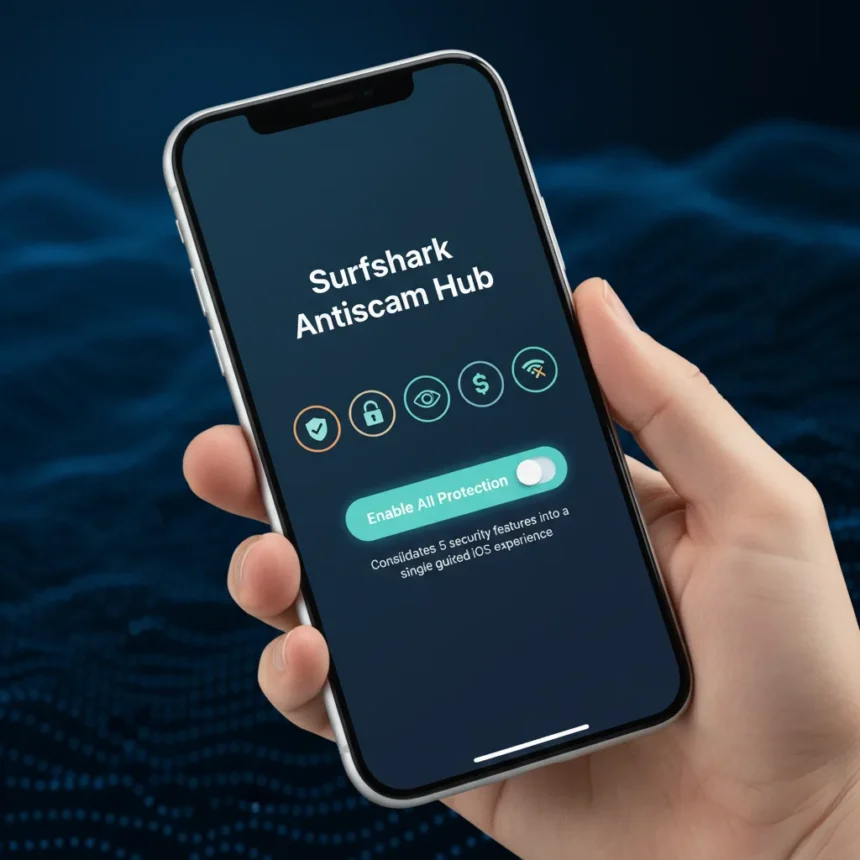
Surfshark’s Antiscam Hub is a new iOS interface that consolidates five scam-defense tools into a single guided in-app experience, available in the updated Surfshark 4.0.0 app. Instead of hunting through separate settings, iOS users now access all their protection features from an Antiscam tab in the bottom menu. The move matters because most people skip security setup entirely—a single guided workflow removes that friction.
Key Takeaways
- Surfshark Antiscam Hub combines five security features under one iOS tab with guided setup.
- The hub includes VPN security, identity protection, ad blocking, email generation, and breach detection.
- Unsafe site blocking on iOS lets users block scam, adult, drug, gambling, and weapon categories.
- Advanced features like Antivirus are bundled into Surfshark One and Surfshark One+ plans only.
- The Antiscam Hub is iOS-specific; no verified Android or desktop rollout has been announced.
What’s Inside the Surfshark Antiscam Hub
The Antiscam Hub rolls together identity protection, browsing safety, ad blocking, email generation, and data leak detection into one consolidated space. Rather than requiring users to navigate to separate menus, the guided setup walks them through each protection step by step. This is a deliberate design choice: most people never enable security features they can’t find easily. By grouping them under a single tab, Surfshark removes the excuse to skip configuration.
The hub includes Clean Web, which blocks ads, trackers, and malware in-app when connected to the VPN. It also offers an Alternative ID email generator for protecting your primary email address from spam and phishing. The data leak detector monitors for compromised personal information across the web. Unsafe site blocking, meanwhile, prevents access to websites in selected categories—adult, drug, gambling, weapon, and scam sites.
How to Enable Unsafe Site Blocking on iOS
Unsafe site blocking is one of the core features in the Antiscam Hub, available to Surfshark One and Surfshark One+ subscribers. The setup process is straightforward: open the Antiscam tab, select Unsafe site blocking, and tap Set up this device. Enter your device name, then select which categories to block by checking the boxes next to each one. Once you tap Save, you’ll see a confirmation that Unsafe site blocking is enabled. The app will prompt you to enable notifications if they are not already on.


What Requires a Paid Tier
Not all five features in the Antiscam Hub are available to free users. The Antivirus tool, for example, is bundled exclusively into Surfshark One and Surfshark One+ plans and is not sold separately. Antivirus lets you run full or quick scans on Windows, macOS, or Android devices—up to five devices per account. The hub’s other tools—email generation, breach detection, and ad blocking—appear to be part of the core VPN offering, but the research brief does not specify tier restrictions for each one.
This bundling strategy differs from standalone security suites, which often sell antivirus, firewall, and parental controls as separate products or add-ons. Surfshark integrates its scam-defense tools into higher-tier subscription plans rather than offering them piecemeal. Users who want the full Antiscam Hub experience, including Antivirus, must commit to one of the premium tiers.



iOS-Only for Now
The Antiscam Hub is currently an iOS-specific rollout. The research brief confirms Unsafe site blocking is available on iOS for Surfshark One and Surfshark One+ users, but does not verify whether the consolidated Antiscam Hub interface has rolled out to Android or desktop versions. This matters for Android users who may be waiting for feature parity. Until Surfshark announces a wider rollout, the Hub remains an iPhone and iPad advantage.
How Does Surfshark’s Approach Compare?
Most VPN providers keep security features scattered across separate tabs or menus, forcing users to dig for protections they may not even know they have. Surfshark’s decision to unify five tools under a single Antiscam tab is a usability win, even if the underlying features are not new. The trade-off is that some of the most powerful tools—like Antivirus—require a paid subscription tier. Free users get the VPN and basic scam-prevention features, but not the full arsenal.
Unlike standalone antivirus products, Surfshark’s approach bundles security into a subscription model. This means no separate purchase, but also no option to buy only the antivirus component. For users who already subscribe to a VPN, this is convenient. For those evaluating security tools independently, the bundled-only model limits flexibility.
Is the Antiscam Hub Worth Setting Up?
Yes, if you are already a Surfshark subscriber. The guided setup removes the barrier to enabling protections you are already paying for. Unsafe site blocking is particularly useful for blocking scam websites at the device level—you will see a blocker screen explaining what was detected when you try to visit a blocked category. The email generator and breach detector add practical layers of defense against identity theft and phishing.



If you are not yet a Surfshark user, the Antiscam Hub is a reason to consider the service, especially if you want VPN, scam protection, and identity monitoring bundled into one subscription. However, do not expect it to replace a dedicated password manager or firewall—those remain separate products or absent from Surfshark’s offering entirely.
Does the Antiscam Hub work on Android?
The research brief does not confirm an Android rollout for the consolidated Antiscam Hub interface. Surfshark’s Antivirus tool is available on Android as part of Surfshark One and One+ plans, but the guided Antiscam Hub experience appears to be iOS-exclusive at this time.
What does Unsafe site blocking actually block?
Unsafe site blocking lets you choose from five categories: adult, drug, gambling, weapon, and scam websites. Once enabled, Surfshark prevents access to any site in your selected categories and displays a blocker screen explaining what triggered the block. This is device-level filtering, not just in-app protection.
Do I need Surfshark One to use the Antiscam Hub?
Not entirely. The hub itself is available to all users, but some features—like Antivirus and possibly Unsafe site blocking—require Surfshark One or One+. Basic VPN security, email generation, and breach detection appear to be available to standard subscribers, though the brief does not explicitly confirm tier restrictions for each tool.
Surfshark’s Antiscam Hub succeeds because it acknowledges a real problem: security features people never enable are useless. By consolidating five tools into a single guided tab, Surfshark removes friction from the setup process. iOS users who subscribe to Surfshark One or One+ will find the new interface immediately useful. Everyone else should at least explore what the hub offers before dismissing it as redundant.
Edited by the All Things Geek team.
Source: TechRadar




