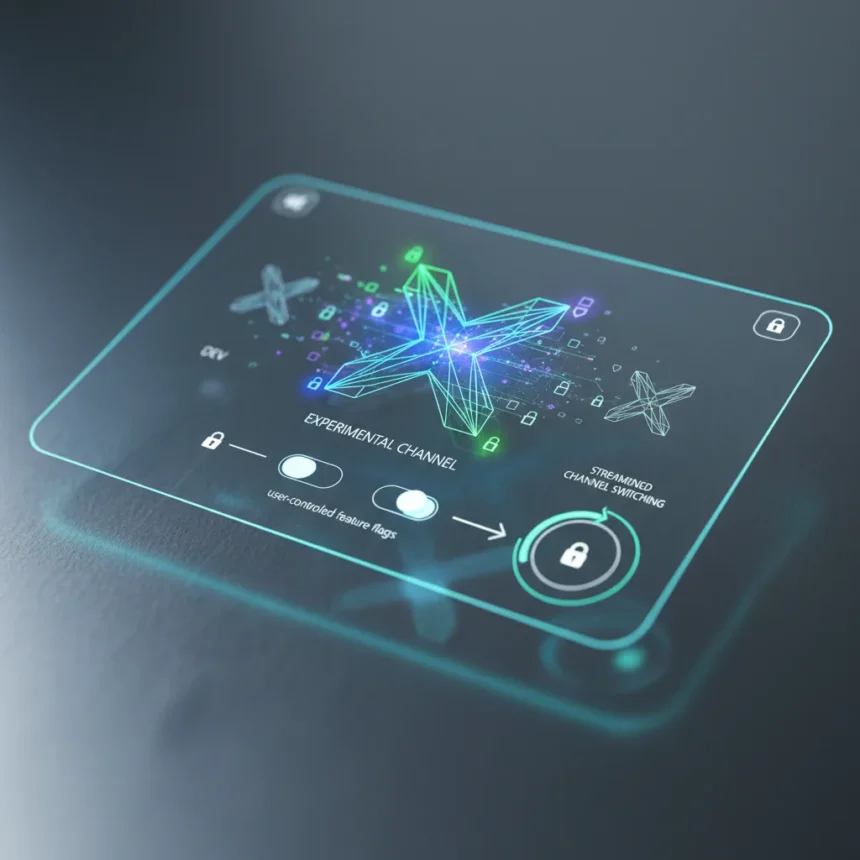
The Windows Insider Program reboot officially launches today, April 10, 2026, fundamentally restructuring how Microsoft gathers feedback from testers. The program now consolidates to two primary channels: Experimental, which replaces the previous Dev and Canary channels, and Beta, which shifts to include early builds arriving soon after their Experimental counterparts. This overhaul addresses years of Insider feedback requesting earlier feature access and simpler channel management.
Key Takeaways
- Experimental Channel provides earliest access to features under active development, replacing Dev and Canary channels.
- Feature flags page in Windows Insider settings lets Experimental Channel users enable or disable specific visible features.
- In-place upgrades allow switching between Experimental, Beta, and Release Preview without requiring a clean Windows install.
- Redesigned Windows Insider Program settings loads faster with fewer reboots and streamlined navigation.
- First Experimental Preview build aligns with future platforms (29,500 builds), not current retail production versions.
What the Windows Insider Program Reboot Changes
Microsoft’s Windows Insider Program reboot consolidates testing into a clearer structure. The Experimental Channel now serves as the earliest-access tier, explicitly designed for features still under active development. According to Microsoft, “Experimental replaces what were previously the Dev and Canary channels. The name is deliberate: you’re getting early access to features under active development, with the understanding that what you see may change, get delayed, or not ship at all”. This directness sets expectations upfront—Experimental testers sign up knowing instability and incomplete features are part of the deal.
The Beta Channel shifts its role as well. Rather than continuing gradual rollouts, Beta now receives early builds that will soon appear in the main Windows 11 release, positioning it between Experimental and the stable Release Preview channel. This three-tier structure mirrors feedback loops: Experimental for raw ideas, Beta for polished candidates, Release Preview for near-final validation.
Feature Flags Empower Experimental Channel Users
A new Feature Flags page in Windows Insider Program settings gives Experimental Channel users direct control over which visible features they test. “Insiders in the Experimental channel will have a new ability to enable or disable specific features via the new Feature flags page on the Windows Insider Program settings page”. This granular control matters because it lets testers isolate feedback—if a new feature breaks workflows, toggling it off lets users continue testing other components without reinstalling Windows.


The Feature Flags page covers visible feature toggles but excludes bug fixes and system-level improvements, so testers should expect some instability outside flagged features. For users who want maximum control, this is a step forward from the previous all-or-nothing channel approach.
In-Place Upgrades Eliminate Clean Install Pain
One of the most requested Insider features finally arrives: in-place upgrades (IPU) between channels. Testers can now hop from Experimental to Beta to Release Preview—or exit the program entirely—on the same Windows core version without erasing their system. The process takes longer than a channel switch but preserves apps, settings, and data, which matters for users who cannot afford downtime.



There is one caveat: Experimental Future Platforms (the 29,500 build tier for testing next-generation Windows versions) still requires a clean install to switch or exit. This limitation reflects the deeper architectural differences in future platform builds. For everyone testing current-generation features, however, the friction has dropped significantly.
Settings Overhaul Reduces Friction
The redesigned Windows Insider Program settings page loads faster and requires fewer reboots and configuration steps. This might sound minor, but testers who switch channels frequently will notice. Fewer reboot prompts and clearer navigation reduce administrative overhead, letting users focus on actual testing rather than managing the testing infrastructure.
What This Means for Windows 11 and 26H2 Development
The Windows Insider Program reboot arrives as Microsoft accelerates Windows 11 and 26H2 development. The Experimental Channel will preview builds for 25H2, 26H2, 26H1, and future platforms, with features that may change, get delayed, or never ship. This transparency is crucial—testers who report bugs on a feature that never ships are less frustrated if they knew the risk upfront.
For casual testers, the Beta Channel remains the safer option, offering stability closer to release. For power users and developers who want to shape features before they ship, Experimental is now the obvious choice, with clearer expectations and better control.



How does in-place upgrade switching work in the Windows Insider Program?
In-place upgrades let you switch between Experimental, Beta, and Release Preview channels without a clean install, preserving your apps, settings, and data. The process takes longer than a direct channel switch but avoids the downtime of a full Windows reinstall. Experimental Future Platforms still require a clean install to switch or exit.
What features will the first Experimental Preview build include?
The first Experimental Preview build aligns with Experimental Future Platforms, not current retail production versions. Specific features will roll out through the Feature Flags page, which lets Experimental Channel users toggle visible new features on or off as they become available.
Is the Windows Insider Program reboot free to join?
Yes, the Windows Insider Program reboot is free for all Windows Insiders. Access is available now through Windows Insider Program settings for eligible devices running Windows 11 version 25H2 or later.
Microsoft’s Windows Insider Program reboot streamlines testing and restores power to the testers. Experimental Channel users get earlier access to unfinished features with clear expectations, Feature Flags let them control what they test, and in-place upgrades eliminate the reinstall tax of channel switching. For a company that has struggled to balance tester feedback with product stability, this restructuring is long overdue—and it signals that Microsoft is listening to what Insiders actually want.
Edited by the All Things Geek team.
Source: Windows Central