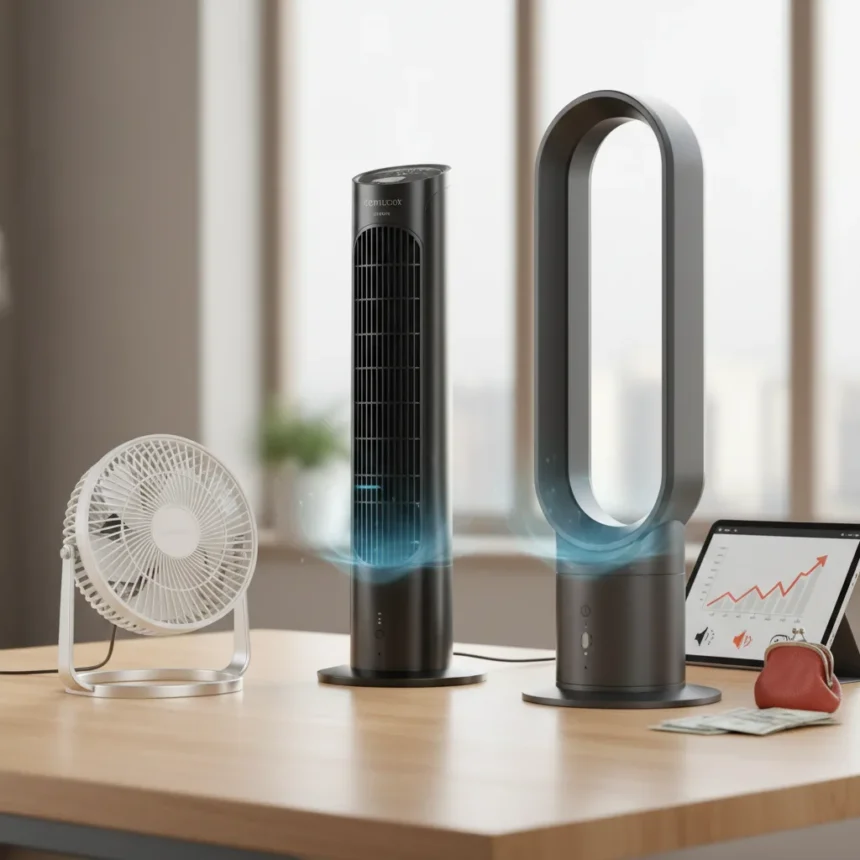
Finding the best desktop fans means chasing a tricky balance: you want powerful airflow without the noise that makes colleagues or roommates hate you. We tested three models that actually deliver on that promise, including an affordable smart fan that punches above its price point.
Key Takeaways
- Govee Smart Tower Fan offers affordable smart controls and customizable speeds for compact spaces.
- Klim Mistral cooling pad costs around $70 but generates noticeable noise unsuitable for shared spaces.
- Desktop cooling solutions now blend smart features with practical airflow without premium pricing.
- Strong airflow and quiet operation remain the two hardest specs to achieve simultaneously.
- Compact tower designs win for home offices; cooling pads work best for laptop-specific needs.
The Govee Smart Tower Fan: Affordable Entry to Smart Cooling
The Govee Smart Tower Fan is the best desktop fan for anyone starting with smart home cooling without breaking the bank. It delivers a wide range of speeds and customizable modes through its smart capabilities, making it easy to dial in exactly the airflow you need for different times of day or room temperatures. The tower design fits neatly into corners and blends with most decor, which matters if you’re working from home and don’t want your workspace to feel like a wind tunnel factory.
The catch? Voice commands can be temperamental, and the noise level varies depending on which speed setting you’re using. The design also wobbles slightly under sustained operation, which is more annoying than it sounds when you’re trying to concentrate. But for someone making their first move into smart fans, Govee’s model is genuinely effective and easy to use without requiring a tech degree to set up.
Klim Mistral: Powerful But Loud for Shared Spaces
The Klim Mistral cooling pad sits at the mid-market price point—around $70 after discount, down from roughly $87—and it’s built with 4500rpm fans designed to push serious airflow. That raw power is exactly why it fails in one crucial real-world scenario: shared workspaces. The noise output from those spinning fans is noticeable enough that if you don’t want to annoy roommates or colleagues, you should steer clear.


In testing, the Klim Mistral actually flunked the chilling test outright, making it one of the first popular cooling pads to fail that benchmark entirely. That’s a significant strike against a device positioned as a laptop cooling solution. Compared to premium competitors priced around $120 to $130, the Klim undercuts on cost but delivers less effective thermal management, so you’re saving money on a product that doesn’t solve the core problem as well as pricier alternatives.
What Makes Desktop Cooling So Difficult
The fundamental tension in desktop fan design is simple: power and silence don’t coexist easily. Fans that move enough air to actually cool a space need motor speed, and motor speed makes noise. The best desktop fans we tested manage this through variable speed controls and smart scheduling—running at lower speeds during focused work hours and ramping up only when you genuinely need the airflow.



Govee’s approach with customizable smart settings lets you automate this trade-off, adjusting speeds based on room temperature rather than running constantly at max power. The Klim Mistral takes the opposite approach: raw horsepower all the time, which is why it’s better suited to garages or workshops than home offices. Neither solution is perfect, but understanding which compromise fits your space is the real decision.
Which Desktop Fan Should You Actually Buy
If you work from home or share your office space with others, the Govee Smart Tower Fan is the smarter choice despite its minor flaws. The ability to customize speeds and modes means you’re not stuck with one noise level, and the affordable price means you’re not gambling with a premium investment on a device that might frustrate you.
Skip the Klim Mistral unless you need a cooling pad specifically for a laptop and you work in isolation—a garage, basement, or private office where noise doesn’t matter. The failed chilling test is a red flag that suggests the engineering doesn’t match the marketing hype around cooling performance.
Is the Govee Smart Tower Fan actually quiet?
Quiet is relative. The Govee varies in noise depending on which speed you select, so lower settings are genuinely quiet enough for an office environment, but higher speeds are noticeably louder. The smart controls let you avoid maxing out the fan unnecessarily, which is where the real value lives.



Can the Klim Mistral cool a laptop effectively?
No—it flunked the chilling test in reviews, making it one of the few popular cooling pads to fail outright. If laptop cooling is your actual goal, premium alternatives in the $120-130 range perform measurably better, even though they cost more.
What’s the difference between a tower fan and a cooling pad?
Tower fans like the Govee cool an entire room or workspace through general airflow circulation, while cooling pads like the Klim sit directly under a laptop and try to pull heat away from the bottom of the device. Tower fans are better for home offices where you want ambient cooling; cooling pads are for specific heat problems with individual devices, though the Klim’s failure in testing suggests not all cooling pads deliver on that promise.
The best desktop fans balance power with practicality—they move air without making you want to turn them off immediately. The Govee Smart Tower Fan achieves that balance through smart controls and affordable pricing, making it the clear winner for anyone setting up a home office or workspace that needs real cooling without the constant hum of a jet engine in the background.
Where to Buy
SharkFlexbreeze HydroGo Cordless Fan£129shop now
Edited by the All Things Geek team.
Source: TechRadar