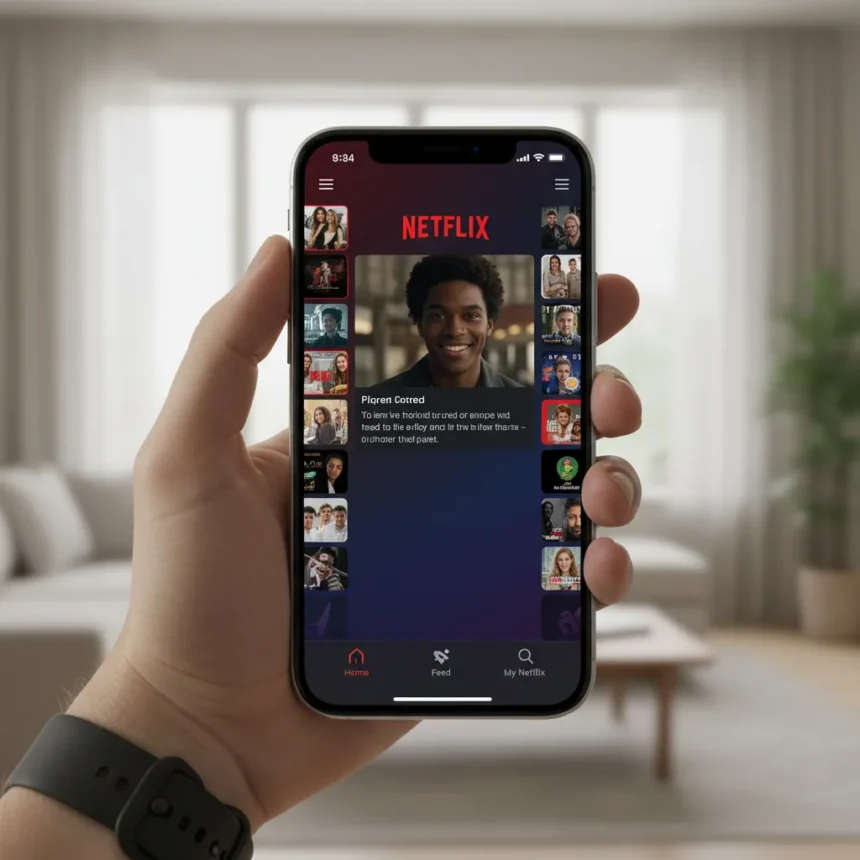
Netflix’s iPhone app has finally embraced vertical video with a comprehensive redesign that overhauls how users browse and consume content on mobile devices. The Netflix iPhone app vertical video feature marks a significant shift in how the streaming giant approaches mobile-first viewing, moving away from traditional horizontal layouts toward a feed-based interface that mirrors the scrolling behavior users expect from social platforms.
Key Takeaways
- Netflix’s redesigned iPhone app now supports vertical video playback and browsing natively.
- The new feed-based navigation replaces traditional horizontal menus with vertical scrolling.
- Vertical video adoption reflects broader industry trends in mobile streaming consumption.
- Competitor Peacock launched TikTok-style vertical video swiping and live NBA vertical broadcasts in spring 2026.
- The redesign prioritizes mobile-first users who consume content primarily on smartphones.
Why Netflix is Adopting Vertical Video Now
The shift toward vertical video in Netflix’s iPhone app responds to how people actually use their phones. Rather than rotating devices to landscape mode or squinting at horizontal content, users increasingly expect apps to respect their natural vertical grip. This architectural change acknowledges that mobile viewing now dominates streaming consumption patterns. Competitor Peacock has already moved aggressively in this direction, unveiling TikTok-style vertical video swiping and launching live NBA vertical broadcasts—the first for a streaming platform—beginning in spring 2026.
Netflix’s redesigned iPhone app vertical video implementation signals the company is no longer betting on landscape as the default mobile experience. The new feed layout uses vertical scrolling to surface content, making discovery feel less like navigating menus and more like browsing a social feed. This approach reduces friction: users stay in vertical orientation, swipe to explore, and tap to play—no mode-switching required.
How the Redesigned Navigation Works
The Netflix iPhone app vertical video redesign includes a completely overhauled navigation structure. Rather than relying on bottom tabs or side drawers, the new interface uses vertical scrolling as the primary discovery mechanism. This means users can flick through rows of content recommendations while staying in the same orientation they use for texting, social media, and email.


The feed-based approach also allows Netflix to surface content more dynamically. Personalized rows appear based on viewing history and preferences, and users can swipe vertically to see more options within each category. This design pattern has proven successful on other platforms because it reduces cognitive load—there are fewer navigation choices to make, and content discovery feels organic rather than hierarchical.
Netflix iPhone App Vertical Video vs. Traditional Streaming Apps
Most streaming apps still default to landscape layouts when content begins playing, forcing users to rotate their phones or accept letterboxed video. Netflix’s redesigned iPhone app vertical video support eliminates this friction. The app now treats vertical orientation as a first-class citizen rather than a compromise mode. This distinction matters because it acknowledges that many users never rotate their devices—they watch vertically because that is how they hold their phones.


Peacock’s approach with vertical NBA broadcasts demonstrates the competitive pressure Netflix faces. By offering live sports in vertical format as the industry’s first streaming platform to do so, Peacock is positioning itself as mobile-native in ways traditional streamers are not. Netflix’s redesign is a direct response to this market shift. The company is signaling that mobile-first viewing is no longer a secondary feature—it is the primary experience.
What This Means for Content Discovery
The Netflix iPhone app vertical video redesign changes how content bubbles up to users. A vertical feed allows Netflix’s recommendation algorithm to surface content more granularly. Instead of broad category rows, the feed can show individual titles, clips, or trailers in a more social-media-like cadence. This creates more touchpoints for engagement and potentially increases the likelihood users discover something they want to watch.
The new feed also enables Netflix to experiment with short-form content more easily. Vertical video is the native format for clips, trailers, and promotional material. By redesigning the iPhone app around vertical video, Netflix positions itself to compete more directly with platforms optimized for short-form discovery, even as it remains primarily a long-form content service.
Is the redesigned Netflix iPhone app worth the update?
Yes, if you primarily watch Netflix on your iPhone without rotating to landscape. The Netflix iPhone app vertical video redesign eliminates friction and makes discovery faster. If you already use landscape mode for most viewing, the changes are less transformative but still improve navigation efficiency.



Does Netflix’s redesign work on older iPhone models?
The research brief does not specify iOS version requirements or device compatibility for the Netflix iPhone app vertical video redesign. Check your App Store listing for compatibility details before updating.
How does this compare to other streaming apps?
Most competitors still treat vertical as a secondary viewing mode. Peacock has moved more aggressively toward vertical-native features, including vertical video swiping and live content in vertical format. Netflix’s redesign brings the company closer to this mobile-first positioning but operates within Netflix’s existing content library and long-form focus.
Netflix’s embrace of vertical video in its iPhone app redesign reflects a maturing understanding of how mobile users actually consume content. The company is not inventing a new behavior—it is finally architecting its app around an existing one. Whether this redesign translates to increased engagement and retention remains to be seen, but the strategic direction is clear: vertical is no longer optional, it is essential.
Edited by the All Things Geek team.
Source: Tom's Guide