





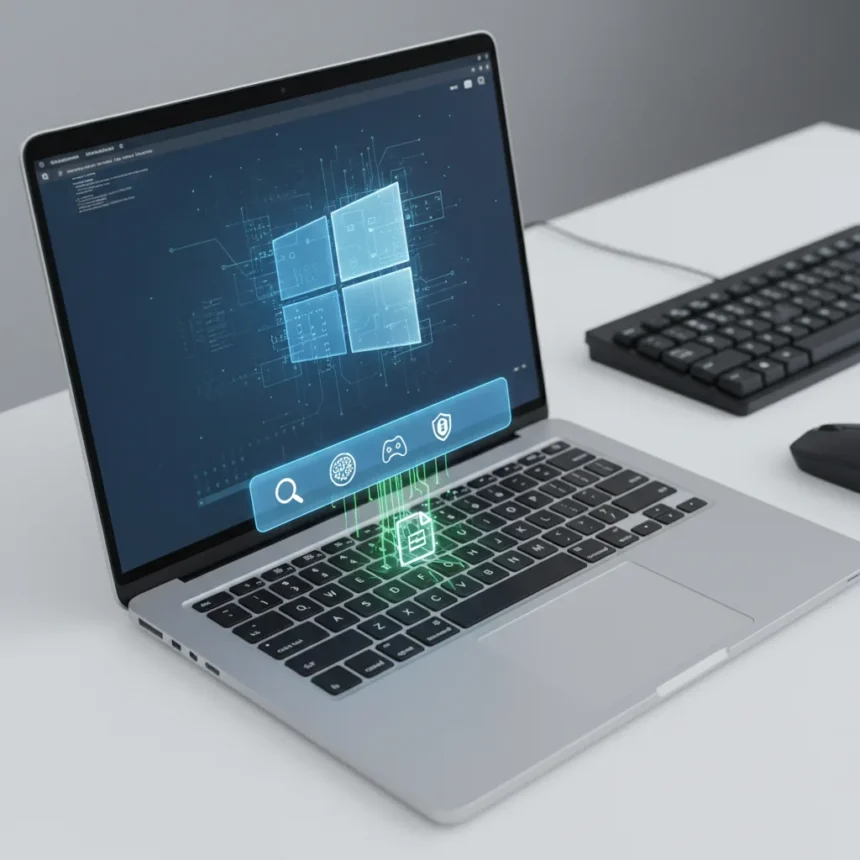
Windows 11 KB5083631 is an optional preview update released to Insiders in the Release Preview Channel on April 17, 2026, introducing a mix of stability improvements, AI integration, and security hardening that signals Microsoft’s direction for the next phase of Windows development. The update arrives in two builds—26100.8313 for 24H2 and 26200.8313 for 25H2—and addresses long-standing frustrations with File Explorer while laying groundwork for AI-powered workflows.
Key Takeaways
- explorer.exe reliability improves across login, taskbar flyouts, Task View, and Quick Access unpinning scenarios
- Agents on Taskbar feature enables real-time monitoring of AI agents, starting with Microsoft 365 Copilot’s Researcher
- Xbox Mode comes to all PC form factors, blending desktop and console experiences
- Windows driver policy removes default trust for cross-signed third-party drivers, enforcing stricter security
- Startup app launch speed improves via Settings > Apps > Startup optimization
Explorer.exe Finally Gets the Stability Treatment It Deserves
File Explorer has been a source of frustration for Windows users for years—processes that refuse to die after closing windows, crashes during routine tasks, and general sluggishness. Windows 11 KB5083631 directly targets these pain points with underlying reliability improvements that address explorer.exe behavior during login, taskbar flyout interactions, Task View navigation, and when users unpin items from Quick Access. This is not a visual overhaul; it is a behind-the-scenes fix that tackles the technical debt accumulated in the File Explorer codebase.
The specificity of these fixes matters. Rather than a blanket performance boost, Microsoft has identified discrete scenarios where explorer.exe misbehaves and hardened each one. Users who have toggled Task View repeatedly or unpinned Quick Access items only to see Explorer hang will notice the difference immediately. This update demonstrates that Microsoft is listening to long-standing reliability complaints, not just chasing flashy features.
AI Agents Now Live on Your Taskbar—Here Is What That Means
Windows 11 KB5083631 introduces Agents on Taskbar, a feature that lets you monitor AI agents directly from the Windows taskbar in real time. The first integration is Microsoft 365 Copilot’s Researcher agent, which displays live progress as it generates reports or processes tasks. This is the first visible step in Microsoft’s strategy to embed AI agents into Windows workflows rather than relegating them to browser tabs or separate applications.



The design choice is telling: agents are no longer passive background processes. They sit on your taskbar like any other app, surfacing their status and progress. If you are running multiple AI agents—whether from Microsoft or third-party developers—you can monitor them all from one place. This lays the foundation for a future where agents handle research, data analysis, writing, and other tasks while you work on other things. The Researcher agent showing live progress is the proof of concept; expect more sophisticated agent integrations as the feature matures.
Xbox Mode on PC: A Hybrid Experience for All Form Factors
Xbox Mode is coming to all PC form factors with Windows 11 KB5083631, not just hybrid devices or tablets. This feature blurs the line between traditional desktop and console experiences, optimizing the interface for controller input, game-centric workflows, and living room setups. While details are sparse, the implication is clear: Microsoft is betting that some users want their PC to behave like a console when docked or used in entertainment contexts.


This is not a radical departure—it echoes the approach Microsoft took with Windows 10’s Game Mode. But the expansion to all form factors suggests confidence that the feature will appeal beyond enthusiasts. Whether casual gamers or media enthusiasts embrace it remains to be seen, but the inclusion signals that Microsoft views console-like experiences as a core Windows use case, not a niche add-on.
Driver Security Gets Stricter—And Some Admins Will Feel the Pinch
Perhaps the most consequential change in Windows 11 KB5083631 is the driver policy update. Microsoft is removing default trust for cross-signed third-party drivers, trusting only WHCP (Windows Hardware Certification Program) drivers and allow-listed legacy drivers. Before enforcement kicks in, Microsoft will audit driver compatibility for over 100 hours and at least 3 reboots to identify potential issues.
This is a security win—cross-signed drivers have been a vector for malware and rootkits for years. But it is also a pain point for IT administrators and users running older hardware or niche peripherals. Some cross-signed drivers will be blocked post-enforcement unless they are allow-listed. Organizations relying on legacy hardware should test this update in non-production environments first and prepare driver updates or workarounds for devices that may no longer be supported.
Other Improvements Worth Noting
Beyond the headliners, Windows 11 KB5083631 includes a range of smaller but meaningful updates. Startup app launch speed improves through Settings > Apps > Startup optimization, addressing the common complaint that Windows takes forever to boot when multiple apps are set to launch automatically. Display color profile persistence improves for supported monitors, fixing a long-standing issue where monitor-specific settings would not stick. File Explorer gains preloading improvements and better support for archive formats, plus fixes for the white flash that appeared when opening certain folders. Haptics support expands, kiosk mode configuration simplifies when Microsoft Edge is included, and the Copilot presence shrinks—it has been removed from Snipping Tool and Widgets, with low-key branding in Notepad.



Is Windows 11 KB5083631 Ready for Production?
This is a preview update, not a stable release. It is intended for Insiders who can tolerate occasional bugs and are willing to provide feedback to Microsoft. If you are running Windows 11 on a work machine or a system you rely on daily, wait for the stable release or at least test this update on a secondary device first. The driver policy changes, in particular, could cause compatibility issues with older hardware or specialized peripherals.
When Will KB5083631 Roll Out to Everyone?
Windows 11 KB5083631 is currently exclusive to Insiders in the Release Preview Channel. A broader rollout to all Windows 11 users will happen later, likely as part of a monthly Patch Tuesday cycle or a larger feature update. Microsoft typically takes 4-8 weeks to move a preview update from Insiders to the general population, so expect wider availability in late May or June 2026.
How Does KB5083631 Compare to Previous Windows 11 Updates?
Most Windows 11 updates focus on security patches and minor bug fixes. Windows 11 KB5083631 is more ambitious—it combines stability improvements, new features like Agents on Taskbar and Xbox Mode, and a significant security policy shift around drivers. This suggests Microsoft is accelerating its roadmap to address accumulated friction points and position Windows as a platform for AI-driven workflows. Unlike updates that feel incremental, this one signals a strategic pivot.
Windows 11 KB5083631 is a snapshot of where Microsoft wants Windows to go: more reliable, more AI-integrated, and more secure. The explorer.exe fixes address immediate pain points, the AI agent monitoring opens the door to new workflows, and the driver policy tightens security at the cost of some legacy compatibility. For Insiders, it is worth testing. For everyone else, it is worth watching—this preview is likely a preview of the next major shift in Windows.
This article was written with AI assistance and editorially reviewed.
Source: Windows Central




