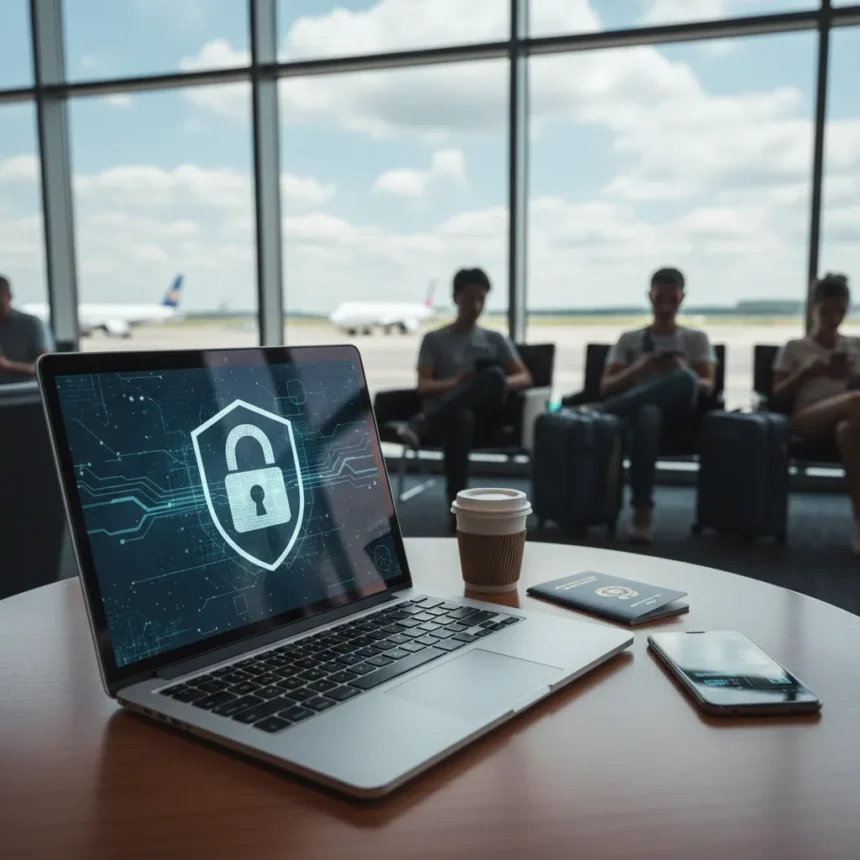
Airport Wi-Fi safety is a serious concern for summer travelers, especially as airports reach record capacity and millions connect to free terminal networks. Free airport Wi-Fi has become a goldmine for cybercriminals who exploit crowded travel periods to target distracted passengers checking email, banking apps, and messaging services before boarding.
Key Takeaways
- Free airport Wi-Fi creates significant cybersecurity risks during peak summer travel periods.
- Common threats include man-in-the-middle attacks, snooping, and malicious hotspot impersonation.
- Crowded airports increase exposure to criminals who target public networks.
- Simple protective measures can significantly reduce your vulnerability on airport networks.
- Summer vacation timing makes airport Wi-Fi security advice especially timely for travelers.
Why Airport Wi-Fi Poses Real Risks
Airport Wi-Fi safety becomes critical during summer when terminals operate at peak capacity. Cybercriminals actively exploit busy travel periods because crowded networks create confusion—travelers are distracted, rushing, and more likely to overlook security warnings. An attacker can set up a fake Wi-Fi hotspot with a name nearly identical to the legitimate airport network, tricking users into connecting to a malicious access point controlled entirely by the criminal. Once connected, attackers can intercept every data packet you transmit: passwords, credit card numbers, login credentials, private messages, everything.
Man-in-the-middle attacks represent another significant threat on airport networks. An attacker positioned between your device and the legitimate router can intercept, read, and even modify data in transit. This is especially dangerous when you access banking apps, email accounts, or social media—all common activities travelers perform while waiting for flights. The attacker does not need sophisticated tools; basic packet-sniffing software is freely available online and requires minimal technical knowledge to operate.
Airport Wi-Fi Safety Compared to Mobile Data
The fundamental difference between airport Wi-Fi and mobile data comes down to encryption and control. Mobile data networks use carrier-grade encryption and authentication protocols built into your phone’s connection. Airport Wi-Fi, by contrast, typically uses no encryption at all on the initial connection—your device broadcasts and receives data in the clear. A mobile hotspot from your phone provides a middle ground: it uses your carrier’s security infrastructure but is limited by your data plan. For travelers concerned about airport Wi-Fi safety, switching to mobile data during airport time eliminates the Wi-Fi attack surface entirely, though it consumes your monthly data allowance.


Airport Wi-Fi safety also differs from home or office networks, which are typically password-protected and controlled by a single organization. Airport networks are public-by-design: anyone within range can connect, and the airport has minimal ability to verify who is actually using the network. This open architecture is convenient for travelers but creates an environment where attackers blend smoothly into the crowd.
Practical Steps to Protect Yourself on Airport Networks
Airport Wi-Fi safety improves dramatically when you use a VPN (Virtual Private Network), which encrypts all data flowing between your device and a remote server. Even if an attacker intercepts your traffic on the airport network, they see only encrypted gibberish—the actual content of your communications remains hidden. A VPN creates a secure tunnel that protects your banking, email, messaging, and browsing activity from snooping on public networks.



Beyond VPN use, airport Wi-Fi safety is enhanced by disabling automatic Wi-Fi connection on your device. Most phones and laptops are configured to automatically connect to previously trusted networks, and attackers exploit this by creating fake hotspots with the names of popular airports. Manually connecting to the network forces you to consciously verify the network name, reducing the chance of accidentally joining a malicious hotspot. Additionally, avoid accessing sensitive accounts—banking, email, work systems—while on airport Wi-Fi unless you are using a VPN. If you must check email, use a read-only approach and defer any actions requiring credentials until you are on a secure network.
Keeping your device’s software up to date is a critical but often overlooked aspect of airport Wi-Fi safety. Security updates patch vulnerabilities that attackers exploit on public networks. A device running outdated software is far more vulnerable to network-based attacks than one with current patches applied. Before traveling, update your phone, laptop, and tablet operating systems and applications.
Why Summer Travel Makes This Urgent
Airport Wi-Fi safety becomes especially critical during summer vacation season because airports operate at their highest capacity. More travelers means more potential targets, more congestion, and more opportunity for attackers to hide their activity in the noise. A cybercriminal at a busy summer airport can target dozens of travelers in a single day, knowing that most will never realize their data was compromised until weeks or months later when fraudulent charges appear or accounts are accessed.
The timing of peak summer travel also coincides with vacation mode—travelers are relaxed, thinking about destinations rather than security, and more likely to ignore warning messages or use shortcuts that compromise their safety. An attacker understands this psychology and actively targets summer travelers accordingly.



Is airport Wi-Fi ever truly safe?
Airport Wi-Fi is never completely safe without protective measures. Even with security precautions in place, the public nature of airport networks means risk always exists. A VPN substantially reduces risk, but the safest approach is to avoid sensitive activities on airport Wi-Fi entirely and use mobile data or wait until you reach your destination for banking, email access, or password changes.
Can I use airport Wi-Fi to book flights or check reservations?
Booking flights or checking reservations on airport Wi-Fi carries moderate risk because these activities typically do not require transmitting passwords or financial data in real time. However, if booking involves entering credit card information, use a VPN first. Checking a reservation that is already booked is lower risk, but attackers can still intercept your confirmation number or personal details, so a VPN remains the safer choice.
What should I do if I accidentally connected to a fake airport Wi-Fi network?
If you realize you connected to a suspicious network, disconnect immediately and change any passwords you entered while connected, particularly banking and email passwords. If you transmitted financial information, contact your bank or credit card company to report potential fraud. Going forward, verify the exact network name with airport staff before connecting, and use a VPN on any public network to prevent future exposure.
Airport Wi-Fi safety ultimately depends on your awareness and the precautions you take before connecting. Summer travelers face heightened risk simply because airports are busier and attackers know this. A VPN transforms airport Wi-Fi from a genuine security liability into a manageable risk, allowing you to travel with confidence that your data remains private even on public networks. Do not let convenience override security—protect yourself before your next flight.
Edited by the All Things Geek team.
Source: TechRadar