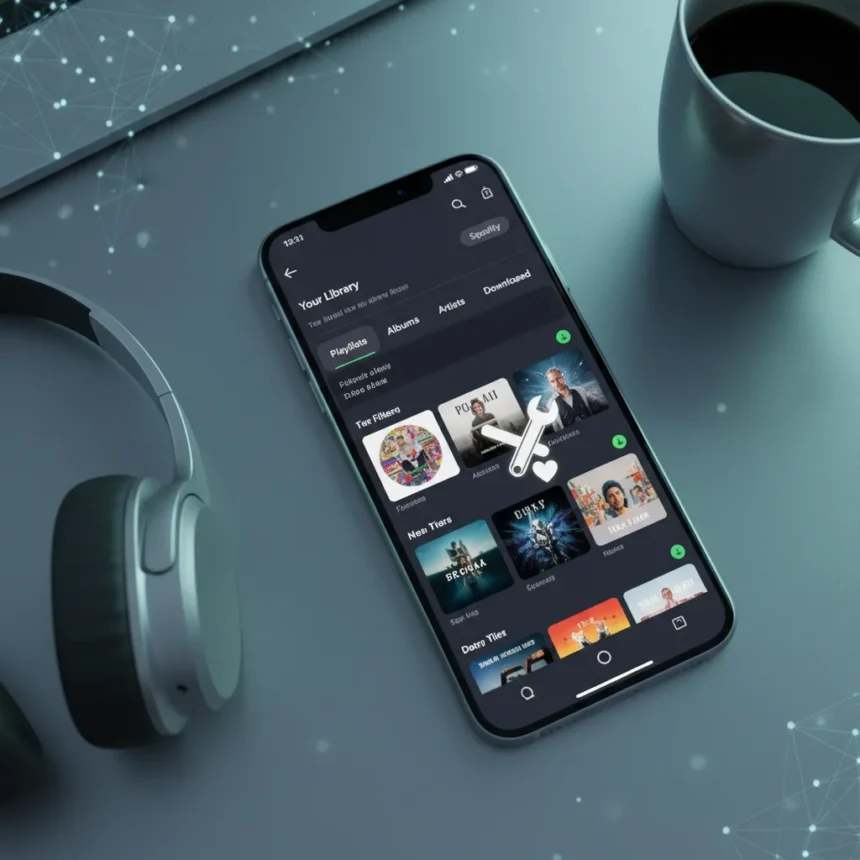
Spotify’s music organization update represents a rare moment when a major streaming platform actually listens to what users have been asking for. The Spotify music organization update focuses on two core pain points: making it easier to manage growing music libraries and improving how offline downloads work across devices.
Key Takeaways
- Spotify released a new update targeting music library organization and offline download functionality.
- The update addresses long-standing user complaints about managing large music collections.
- Offline download improvements make it easier to access saved music without internet connectivity.
- The features are designed to streamline how users organize and access their personal music libraries.
- This update reflects Spotify’s effort to improve core listening experience features.
Why Spotify’s Music Organization Update Matters Right Now
Music library management has been a persistent weak point in Spotify’s otherwise polished interface. Users with thousands of saved songs have long struggled with clunky organization tools, and the offline download system has felt disconnected from the broader library experience. The Spotify music organization update directly tackles these frustrations, suggesting Spotify is finally prioritizing utility over flashy AI-driven playlists.
For listeners who maintain extensive saved libraries across multiple devices, this update removes friction from daily use. Whether you’re commuting without cellular data or managing a collection that spans decades of music, the improvements to offline functionality mean less time fighting the app and more time actually listening to what you want.
What’s Improved in the Spotify Music Organization Update
The Spotify music organization update streamlines how you sort, search, and access your saved tracks and playlists. The offline download system now integrates more smoothly with your library management workflow, reducing the gap between online and offline experiences. These changes eliminate the disconnect users previously felt when trying to organize music for offline listening.



The improvements extend across the user experience, making it faster to locate specific songs within large libraries and ensuring that offline downloads sync properly when you reconnect to the internet. This matters most for users who rely on offline listening during travel, commutes, or in areas with spotty connectivity.
How the Spotify Music Organization Update Compares to Competitors
Apple Music and Amazon Music offer their own library management tools, but Spotify’s approach has historically been more streamlined—sometimes to a fault. This update brings Spotify closer to offering the organizational depth that power users need without abandoning the simplicity that casual listeners appreciate. The focus on offline downloads specifically addresses a feature gap that has frustrated Spotify subscribers for years, bringing the platform more in line with how competitors handle local listening.



Unlike some streaming services that treat offline mode as an afterthought, Spotify’s renewed focus on offline downloads shows the company recognizes that connectivity isn’t guaranteed everywhere. The update reflects a shift toward making offline listening a first-class feature rather than a secondary consideration.
Who Benefits Most from the Spotify Music Organization Update
Users with large saved libraries—think 5,000+ songs—will feel the biggest impact. If you regularly listen offline or manage multiple playlists for different moods, activities, or eras, the organizational improvements directly address your workflow. Commuters and travelers who depend on offline downloads will also appreciate the streamlined sync process.
Casual listeners with smaller libraries may not notice dramatic changes, but they’ll still benefit from a cleaner, more intuitive interface when managing their favorite tracks. The update is designed to scale, meaning it works just as well for someone with 50 saved songs as it does for a collector with 10,000.
When Is the Spotify Music Organization Update Rolling Out
The update is live and available now. Spotify typically rolls out new features gradually across platforms, so you may not see all improvements immediately depending on your device and region. Check your app’s settings or update through your device’s app store to ensure you have the latest version.



How do I organize my Spotify library after this update?
The Spotify music organization update enhances existing library tools rather than replacing them entirely. You can use improved search and sorting options to manage your saved tracks and playlists more efficiently. The offline download system now syncs more smoothly with your library, so organizing music for offline listening feels like a natural part of managing your library rather than a separate process.
Does the Spotify music organization update work on all devices?
The update is designed to work across Spotify’s supported platforms, including iOS, Android, and desktop. However, rollout timing may vary slightly between devices. If you’re not seeing the new features, make sure your app is fully updated to the latest version available in your device’s app store.
Can I download music offline with the new Spotify music organization update?
Yes. The Spotify music organization update specifically improves offline download functionality. You can save tracks for offline listening, and the improved system ensures those downloads sync properly across your devices when you reconnect to the internet. This is one of the update’s core improvements.
The Spotify music organization update won’t reshape how you listen to music, but it removes enough friction from daily use that it feels overdue. If you’ve been frustrated by library management or offline downloads, this update finally gives Spotify the organizational depth that serious listeners have been asking for.
Edited by the All Things Geek team.
Source: Tom's Guide