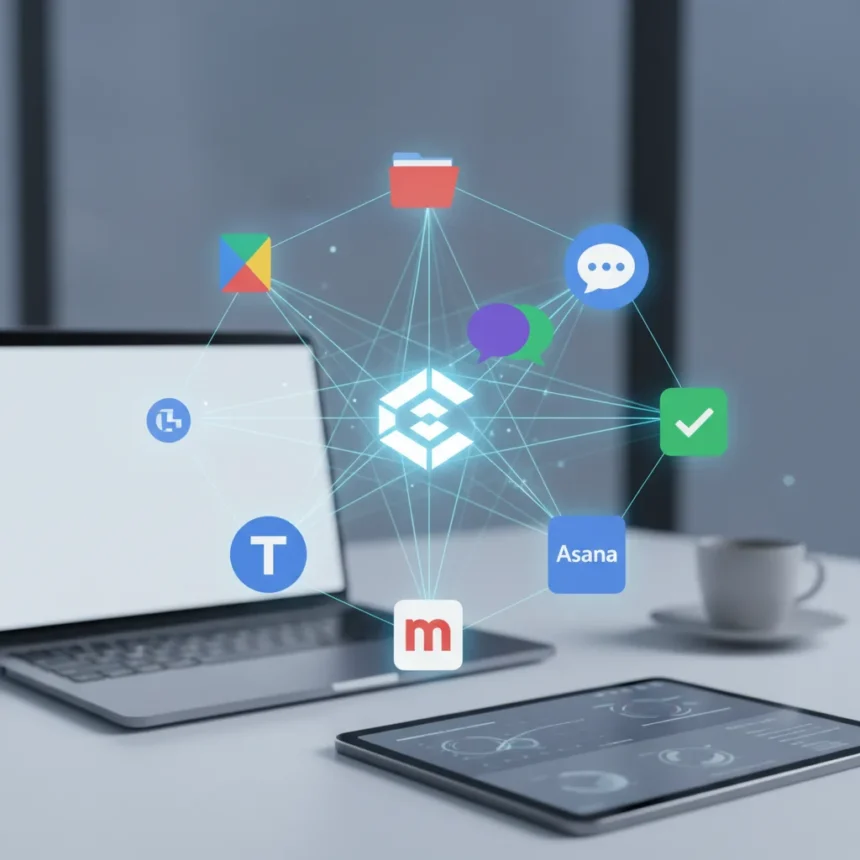
Claude app connectors represent a significant shift in how AI assistants interact with the tools you already use daily. Anthropic has expanded Claude’s integration ecosystem to include Google Drive, Slack, Canva, Notion, Asana, Trivago, Indeed, and Confluence, allowing the AI to pull data directly from these platforms and act on your behalf.
Key Takeaways
- Claude now integrates with eight major apps including Google Drive, Slack, and Canva
- Connectors let Claude read, analyze, and modify content across your favorite tools
- Setup requires authentication but enables hands-free workflow automation
- App connectors work within Claude’s conversation interface without switching windows
- Integration scope varies by app—some allow read-only access, others enable full editing
What Claude App Connectors Actually Do
Claude app connectors function as bridges between the AI and your existing software ecosystem. Rather than copying and pasting data into Claude manually, connectors let the AI access your files, messages, and project data directly. This means you can ask Claude to summarize a Google Drive folder, draft responses to Slack messages, or pull job listings from Indeed—all without leaving the Claude interface.
The appeal is straightforward: less context-switching, faster workflows. A connector-enabled Claude can read your Notion database, understand your project structure, and suggest next steps based on actual project data rather than generic templates. For teams using Slack, Claude can analyze channel conversations and surface key decisions or action items without manual summarization.
How to Set Up Claude App Connectors
Setting up Claude app connectors requires authentication but no technical configuration. When you enable a connector, Claude requests permission to access that app’s data—similar to how third-party apps request Google account access. Once authenticated, the connector remains active and Claude can reference that data within conversations.



The specific setup process varies by app. Google Drive connectors, for example, let you choose which folders Claude can access. Slack connectors authenticate to your workspace and allow Claude to read channel history. Canva connectors link your account so Claude can view and modify designs. Each integration respects the permission boundaries you set—Claude cannot access data you haven’t explicitly granted.
Which Apps Connect to Claude and What They Enable
The current Claude connector ecosystem spans productivity, design, job search, and project management. Google Drive integration lets Claude analyze documents, spreadsheets, and presentations directly from your cloud storage. Slack connectors enable Claude to read channel messages and thread history, making it useful for meeting summaries or decision logging. Canva integration allows Claude to understand your design projects and suggest visual changes.



Notion connectors give Claude access to your databases and notes, useful for research synthesis or project planning. Asana integration connects to your task management system, allowing Claude to understand project timelines and dependencies. Trivago and Indeed connectors focus on travel and job search respectively—letting Claude aggregate listings and recommendations based on your criteria. Confluence integration serves teams using that documentation platform, enabling Claude to search and reference internal knowledge bases.
The scope of each connector differs. Some operate read-only, allowing Claude to analyze data but not modify it. Others grant full editing permissions, letting Claude update tasks in Asana or modify Notion pages directly. Understanding these permission boundaries matters for security and workflow design.
Why Claude App Connectors Matter for Your Workflow
App connectors solve a real friction point in AI adoption: most AI tools operate in isolation, forcing users to manually feed them information and then manually transfer outputs back into production systems. Claude connectors eliminate that middle step. A marketer can ask Claude to analyze campaign performance data stored in Google Drive, draft an email response to a Slack message, and suggest next steps—all in one conversation, with Claude accessing live data rather than stale snapshots.
For knowledge workers, this integration depth matters. Rather than treating Claude as a separate tool, connectors position it as a layer on top of your existing stack. This is fundamentally different from AI chatbots that exist in isolation. The comparison is less about Claude versus other AI models and more about integrated AI versus standalone AI—and connectors are what make integration possible.


How Claude App Connectors Compare to Manual Workflows
Without connectors, using Claude for work-related tasks requires manual steps: export data from Google Drive, paste it into Claude, copy the response, paste it back into your destination app. With connectors, those steps collapse into a single prompt. The time savings compound across dozens of daily tasks. A project manager who previously spent 30 minutes manually compiling status updates from Asana, Slack, and Google Drive can now ask Claude to synthesize that information in real-time.
The security model differs too. Manual workflows rely on copy-paste, which creates data fragmentation and version control issues. Connectors maintain a single source of truth—Claude reads from the live version of your data, not a copy you created yesterday.
Potential Limitations and Considerations
Claude app connectors are powerful but not unlimited. Permission boundaries exist—Claude can only access data you grant it access to, and it respects the permission model of each app. If you don’t have Notion access, Claude cannot read that Notion workspace. If a Google Drive folder is shared read-only, Claude cannot modify it.
The breadth of available connectors, while expanding, remains smaller than the total number of apps most knowledge workers use daily. If your critical workflow depends on a tool not yet integrated with Claude, connectors alone won’t solve your problem. The ecosystem is growing, but adoption depends on Anthropic and third-party developers prioritizing integration.
Can I use Claude app connectors on the free tier?
The research brief does not specify which Claude subscription tier supports app connectors. Access may be limited to paid plans, but exact tier requirements are not detailed in available information.
What happens if I revoke a Claude app connector?
Revoking a connector removes Claude’s access to that app’s data. Any ongoing conversations referencing that app’s data may lose context, but the action does not affect your original data in Google Drive, Slack, Notion, or other connected apps.
Do Claude app connectors work offline?
Claude app connectors require internet access to authenticate and retrieve live data from connected apps. Offline use is not supported, as the connectors function by querying your apps’ servers in real-time.
Claude app connectors represent a practical step toward AI that integrates into existing workflows rather than demanding you rebuild them from scratch. The eight currently available integrations cover the productivity core for most knowledge workers—cloud storage, communication, design, notes, and project management. The real question is not whether connectors work, but whether your critical tools are among those connected. If they are, the workflow gains are immediate and measurable.
Edited by the All Things Geek team.
Source: Tom's Guide