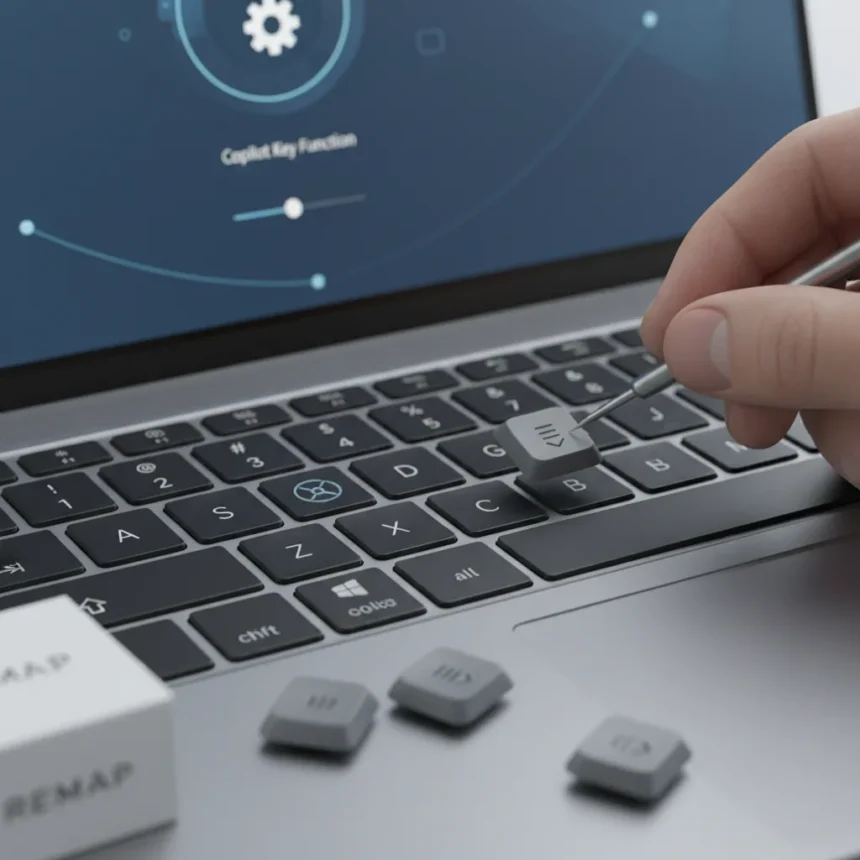
Microsoft is finally testing Copilot key remapping on Windows 11, acknowledging what users have complained about since the dedicated key’s introduction: the hardware change was poorly received. The company admitted Windows users “experienced some challenges” with the forced Copilot key, and is now working to let people reclaim keyboard control by reassigning the key to more useful functions, including restoring it to behave like the traditional Menu key it replaced.
Key Takeaways
- Microsoft is testing Copilot key remapping in Windows Insider builds, allowing reassignment to other functions.
- The key can be remapped to open a context menu, restoring the original Menu key behavior.
- Earlier testing only permitted the key to launch a limited set of Microsoft apps.
- The feature remains unavailable to general Windows 11 users; no official launch date has been announced.
- Users can already remap the Copilot key through other methods without waiting for Microsoft’s official solution.
Why the Copilot Key Became Windows Users’ Biggest Keyboard Complaint
When Microsoft introduced Copilot+ PCs, the company made a bold hardware decision: replace the Menu key with a dedicated Copilot key. This was not a subtle change. The Menu key, which opens context menus with a single press, had been a standard keyboard feature for decades. Replacing it was framed as progress—a direct gateway to Microsoft’s AI assistant. Instead, it became one of the most criticized design choices in modern Windows hardware.
The problem was simple: most users do not want a dedicated key for a single application, especially one they rarely use. The Copilot key launched with severely limited functionality. It could only launch a handful of Microsoft applications or trigger Copilot itself. For users accustomed to the Menu key’s flexibility, this felt like losing functionality to gain something unwanted. Microsoft’s own admission that users “experienced some challenges” is corporate understatement for widespread frustration.
The backlash revealed a fundamental disconnect between hardware manufacturers and users. A keyboard is intimate. People have muscle memory built around specific key positions. Removing a useful key and replacing it with a vendor-locked feature is the kind of decision that breeds resentment, not enthusiasm. This was not a minor tweak—it was a forced change to hardware millions of people use eight hours a day.



Microsoft’s Slow Path to Fixing the Copilot Key Remapping Problem
Microsoft did not ignore the criticism entirely. By September of the prior year, the company was already testing Copilot key reprogramming in Windows Insider beta builds. But the initial solution was underwhelming: users could reassign the key only to launch a limited set of applications. This was not the flexibility users wanted. The company was still treating the Copilot key as sacred hardware that must point somewhere within the Microsoft ecosystem.
Now, Microsoft is somewhat loosening those restrictions. The new testing phase allows the Copilot key to be remapped to open a context menu—restoring the exact functionality of the Menu key it replaced. This is a meaningful shift. It acknowledges that for many users, the Copilot key’s primary value is not as a dedicated AI launcher but as a way to reclaim lost keyboard utility. Instead of forcing users to choose between Copilot access and traditional keyboard functions, the company is finally letting users choose.



The feature is still in testing and limited to Windows Insider builds. Microsoft has not announced an official launch date, though the article speculates it should arrive “sometime this year.” For general Windows 11 users, this remains a promise rather than a solution. The delay matters. Every month the feature stays in beta is another month users are stuck with a key they do not want, in a position where a key they do want used to be.
What This Means for Windows Users Right Now
For users who cannot wait for Microsoft’s official remapping feature, alternatives already exist. The article notes that users can remap the Copilot key using other methods available on Windows 11 today. This is not ideal—it requires workarounds and third-party tools—but it proves the solution is technically feasible. The fact that users have had to resort to these workarounds while waiting for Microsoft to act underscores how long this problem has persisted.
The Copilot key remapping test represents a small but significant victory for user agency. It is not a complete reversal of the Copilot key’s introduction, but it does restore choice. Users who want Copilot access can keep it. Users who want their Menu key back can have it. This is how hardware should work: with flexibility built in, not forced upon users.
The comparison to the old Menu key is important because it highlights what was lost. The Menu key was not flashy or trendy. It was useful. It did one job reliably and stayed out of the way. The Copilot key was supposed to be progress—a direct line to AI. Instead, it became a symbol of tech companies prioritizing their own agendas over user experience. Remapping it back to a context menu is not a victory lap; it is an admission that the original decision was wrong.


When Will Copilot Key Remapping Actually Launch?
Microsoft has not provided an official release date for Copilot key remapping. The article suggests it “should hopefully be sometime this year,” but this is speculation, not a company commitment. Given Microsoft’s history of slow rollouts for Windows features, “sometime this year” could mean December, or it could slip into next year entirely. Insider builds move faster than general releases, so the feature will likely reach beta testers well before general availability.
For those waiting, the timeline is frustrating but not surprising. Microsoft has a pattern of testing features in Insider builds for months before releasing them widely. The company wants to avoid bugs and ensure stability, but this caution can feel excessive when the feature is simply restoring functionality users already had.
Is the Copilot key remapping feature available for all Windows 11 users yet?
No. Copilot key remapping is currently available only in Windows Insider beta builds. General Windows 11 users cannot access the feature yet. Microsoft has not announced an official release date, though the feature is expected to roll out sometime in 2025.
Can I remap the Copilot key on Windows 11 right now?
Yes, but not through an official Microsoft tool. Users can already remap the Copilot key using alternative methods and third-party tools available on Windows 11. These workarounds exist because Microsoft took so long to address the issue officially.
Why did Microsoft replace the Menu key with the Copilot key?
Microsoft introduced the Copilot key on Copilot+ PCs as a dedicated hardware button to access its AI assistant. The company positioned it as progress, but users saw it as losing a useful key to gain access to a feature they did not ask for. The backlash has led Microsoft to reconsider how the key should function.
The Copilot key remapping feature is a small but necessary correction. It proves that even major hardware decisions can be reversed or modified when user feedback is loud enough. For Windows users who never wanted a dedicated Copilot key, the ability to reclaim that space for a traditional context menu is not flashy—but it is exactly what they asked for.
Edited by the All Things Geek team.
Source: Tom's Guide