







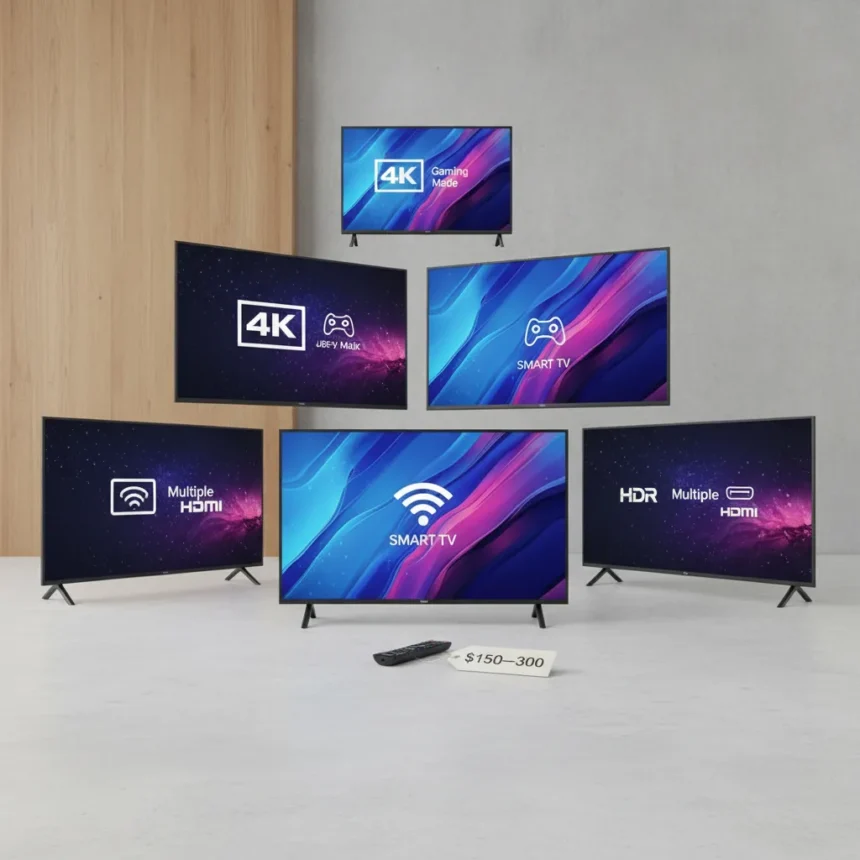
Buying a budget TV in the $150–$300 price range forces hard choices. Not all cheap TVs are created equal, and the difference between a TV that lasts and one that becomes landfill in two years often comes down to knowing which budget TV features matter most.
Key Takeaways
- Entry-level LED TVs outperform edge-lit models in the budget range—prioritize full backlighting over edge illumination.
- Cheap TVs have weak built-in smart platforms; pair them with external streaming devices for better performance.
- Avoid Insignia and Westinghouse in the $150–$300 bracket due to reliability concerns.
- A $200–$300 TV won’t last forever, but it should avoid premature failure requiring immediate replacement.
- Processing power is limited on budget sets—external hardware often outperforms onboard software.
Display Technology: Edge-Lit vs. Full Backlighting
The cheapest TVs use edge-lit LED displays, where light comes from the edges of the panel rather than behind the entire screen. This saves manufacturers money but produces uneven brightness, weak blacks, and visible blooming around bright objects. Entry-level LED TVs with full backlighting cost slightly more but deliver noticeably better picture quality and more consistent brightness across the screen. When shopping for budget TV features, display architecture is the first filter—it affects every image you’ll see.
Full backlighting doesn’t mean premium performance, but it eliminates the most glaring compromise of rock-bottom models. You’re not paying for quantum dots or mini-LED zones; you’re paying for the fundamental difference between light coming from everywhere versus light bleeding in from the edges. This single choice between edge-lit and full backlighting separates TVs that feel cheap from TVs that feel acceptable.
Smart TV Software: Why Built-In Platforms Disappoint
Budget TVs come with smart TV platforms because manufacturers assume you want everything onboard. The reality is that cheap processors struggle with app performance, interface responsiveness, and software updates. Streaming apps lag, menus stutter, and remote functionality feels sluggish. Rather than fighting weak built-in platforms, pair your budget TV with an external streaming device—a dedicated box handles video decoding, app performance, and interface smoothness far better than underpowered TV chipsets.

This isn’t a limitation unique to budget models, but it’s most painful at this price point. A $150 TV cannot include a processor powerful enough to run multiple apps smoothly while also powering the display and audio. The smarter move is accepting that limitation and outsourcing streaming to hardware designed specifically for that job. External devices cost extra, but they eliminate the most frustrating aspect of cheap TV ownership.
Brand Reliability: Which Names to Avoid
Not all budget TV brands carry equal risk. Insignia and Westinghouse, particularly in the $150–$300 range, have documented reliability issues that can result in premature failure. This doesn’t mean every unit fails, but the failure rate and expected lifespan are lower than entry-level options from more established manufacturers. When you’re spending $200–$300, you’re making a conscious choice that this TV is temporary—but temporary should mean three to five years, not three to five months.


Avoiding known problem brands is the easiest way to dodge regret. You’re not paying for premium durability at this price, but you can at least avoid brands with a track record of short lifespans. Research user reviews and failure rates before checkout. A slightly higher price for a more reliable brand often pays for itself in avoided replacement costs.
Processing Power and Upscaling Limitations
Budget TVs lack the processing muscle to handle advanced upscaling, motion smoothing, or color enhancement. If you feed a cheap TV a 1080p signal, it won’t magically become 4K. If you watch sports, motion handling will feel less fluid than pricier models. These aren’t hidden flaws—they’re inherent to the price point. Understanding what your budget TV cannot do prevents disappointment when it doesn’t perform miracles.
Manage expectations around processing. Budget TV features are honest about their limitations: they display the image you send them without heavy processing. This is actually fine for casual viewing, streaming, and older content. It becomes a problem only if you expect advanced picture processing that simply isn’t available at this price.
Longevity vs. Replacement Cycles
A $200–$300 TV is not an heirloom investment. It’s a pragmatic purchase for someone with tight budget constraints. The question isn’t whether it will last fifteen years—it won’t. The question is whether it will last long enough to justify the purchase without catastrophic early failure. Checking reliability records, reading reviews for failure patterns, and choosing brands with known durability helps ensure your cheap TV reaches a reasonable end-of-life rather than dying prematurely.


This reframing helps avoid regret. You’re not buying cheap because you expect excellence; you’re buying cheap because that’s what fits your budget. The goal is a TV that performs acceptably for a reasonable timeframe, not a bargain that fails immediately and forces an unexpected replacement purchase.
Should I buy a smart TV or a basic TV with an external device?
Buy a budget TV with a basic smart platform and pair it with an external streaming device. The TV’s weak processor will frustrate you with laggy apps, but an external device solves this problem completely. You’ll spend more upfront, but the experience is dramatically better than fighting sluggish built-in software.
What’s the difference between edge-lit and full backlighting on cheap TVs?
Edge-lit displays have light sources along the edges, creating uneven brightness and weak blacks. Full backlighting puts light sources across the entire back panel, delivering more consistent brightness and better picture quality. Full backlighting costs more but eliminates the most obvious quality compromise of ultra-cheap models.
Are budget TV brands like Insignia reliable?
Insignia and Westinghouse have higher failure rates in the $150–$300 range, making them riskier choices despite lower prices. Spending a bit more on a brand with better reliability records helps avoid premature failure and the frustration of needing an unexpected replacement.
Buying a budget TV doesn’t mean accepting garbage—it means prioritizing ruthlessly. Focus on display technology, avoid processor-heavy smart features, steer clear of brands with reliability red flags, and pair your set with an external streaming device. These choices transform a cheap TV from a regrettable purchase into a pragmatic solution that delivers acceptable performance for the money. Times are tough, and a smart budget TV purchase means knowing exactly what you’re getting and what you’re willing to sacrifice.
Edited by the All Things Geek team.
Source: Tom's Guide




