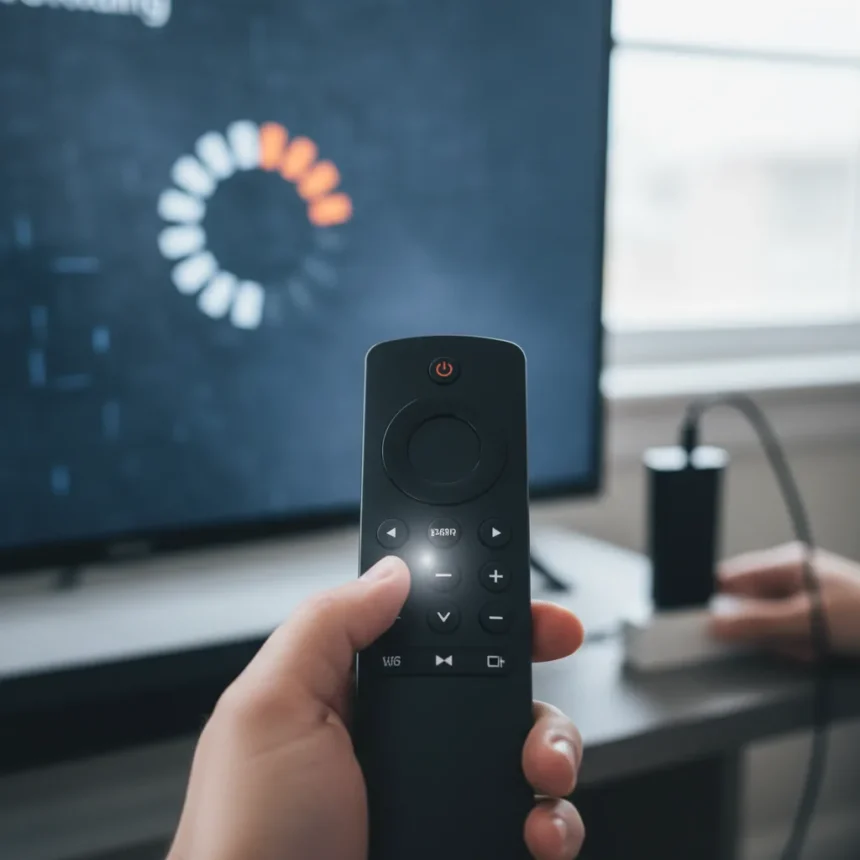
Fire TV unresponsive issues—frozen interfaces, dead remotes, sluggish navigation—plague millions of cord-cutters, especially after software updates roll out. The good news: most cases resolve in under 60 seconds with a targeted power-cycle method that preserves all your apps, settings, and data.
Key Takeaways
- Power-cycle Fire TV by unplugging for 10-20 seconds fully discharges the device and clears temporary glitches.
- Remote pairing failures often accompany unresponsiveness and reset by holding the Home button for 10 seconds.
- This non-destructive fix works on Fire TV Stick 4K, Stick Lite, Cube, and other recent models.
- Unlike factory reset, this method keeps your apps, login credentials, and preferences intact.
- If unresponsiveness persists after the fix, check HDMI and ethernet cables or consider hardware failure.
Why Fire TV Becomes Unresponsive
Fire TV unresponsiveness stems from temporary software glitches, network hiccups, or remote pairing failures that accumulate over time. Post-2023 Fire OS updates trigger these issues across millions of devices as the operating system struggles to manage memory or process background tasks. The device doesn’t need a factory reset—it needs a clean slate for its temporary memory.
Unlike Roku devices, which report fewer freezing incidents but slower update cycles, Fire TV prioritizes rapid software pushes that sometimes introduce stability quirks. Google Chromecast with Google TV handles similar unresponsiveness through factory reset, a far more destructive process that erases everything. Apple TV rarely freezes due to iOS optimization, but costs three times more than Fire TV Stick 4K at $49.99 USD.
The 60-Second Fix for Fire TV Unresponsive
Unplug the Fire TV device directly from the wall outlet—not the power adapter, but the outlet itself. Hold it unplugged for 10 to 20 seconds. This fully discharges residual power and clears the device’s temporary memory, forcing a clean boot cycle.



Reconnect the power cable and wait for the device to fully boot. Watch for the LED light to turn solid and the home screen to load completely. This typically takes 30 to 45 seconds. Once booted, press buttons on your remote to test responsiveness. If the remote doesn’t respond, hold the Home button for 10 seconds near the device to re-pair it.
Navigate through menus to verify the interface responds smoothly. If Fire TV unresponsive symptoms persist, repeat the power-cycle or check that HDMI and ethernet cables are seated firmly. Loose cables often masquerade as software problems.



When to Skip This Fix and Try Something Else
This method solves temporary glitches, not hardware faults. If your Fire TV unresponsive issue involves a physically damaged remote, a cracked screen, or port corrosion, unplugging won’t help. Similarly, severe OS corruption that prevents the device from booting requires a factory reset through the settings menu or Amazon’s recovery tools.
Repeated unresponsiveness across multiple reboots suggests either a persistent software bug tied to a specific app or underlying hardware degradation. In these cases, factory reset through Settings becomes necessary, though it erases all data. For Fire TV Stick models, the device costs $29.99 to $49.99 USD, making replacement cheaper than extended troubleshooting if the hardware is failing.
Fire TV Unresponsive vs. Other Streaming Devices
Fire TV unresponsive problems are more common than Roku because Amazon prioritizes rapid update deployment. Roku devices ship with slower, more stable firmware cycles. However, Roku users report needing factory resets more often for severe freezes, whereas Fire TV’s quick power-cycle typically resolves issues before that step becomes necessary.
Google Chromecast with Google TV suffers similar unresponsiveness but offers better app stability once it boots. The trade-off: Chromecast lacks Fire TV’s Alexa integration and costs more. Apple TV eliminates freezing almost entirely through iOS optimization, but at $200-plus, it targets premium users, not budget-conscious streamers.



Frequently Asked Questions
Will unplugging my Fire TV erase my apps and passwords?
No. Power-cycling only clears temporary memory and forces a reboot. All installed apps, login credentials, and preferences remain intact. Only a factory reset erases data, and that requires deliberate action through the settings menu.
How often should I power-cycle my Fire TV to prevent unresponsiveness?
Monthly power-cycles help, but they’re not mandatory. Most users only unplug when Fire TV unresponsive issues surface. If you experience freezes weekly, a monthly cycle reduces frequency, though persistent issues suggest a software bug or hardware problem requiring escalation.
Does this fix work on all Fire TV models?
Yes. Fire TV Stick 4K, Fire TV Stick Lite, Fire TV Cube 3rd Gen, and other recent models respond to power-cycle fixes. Older Fire TV editions (pre-2020) may behave differently, but the method is safe to try on any model.
Fire TV unresponsive issues frustrate users because they interrupt streaming mid-session, but most resolve instantly with this non-invasive reset. Keep this fix in your troubleshooting toolkit before contacting Amazon support or assuming your device is broken.
Where to Buy
Roku Streaming Stick 4K (2021) | Google Chromecast with Google TV | Roku Express 4K+ (2021) | Amazon Fire TV Stick 4K Max 2023
Edited by the All Things Geek team.
Source: Tom's Guide