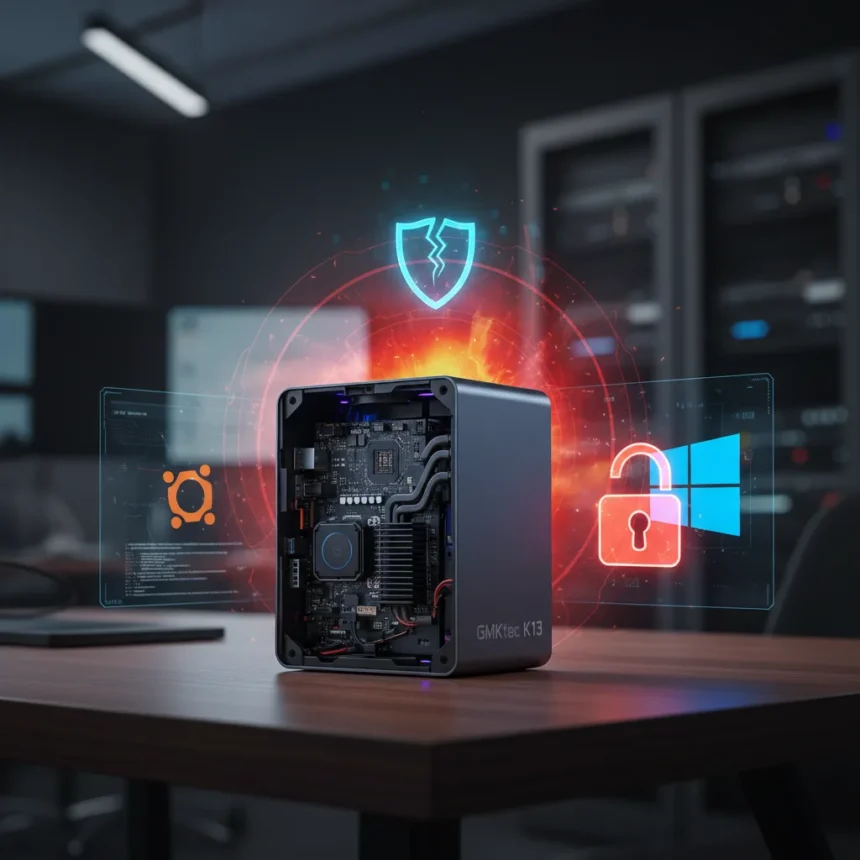
The GMKtec NucBox K13 is a dual-boot mini PC made by GMKtec, launched in February 2026 in China, priced at around $675 for 512 GB and $719 for 1 TB, available globally through Amazon and GMKtec’s website. It packs an Intel Core Ultra 7 256V processor into a chassis smaller than a deck of cards—just 0.6 litres—and ships with both Windows 11 Pro and Ubuntu pre-configured, a rarity in the mainstream mini PC market. Yet beneath the promotional sheen lies a device that promises more than it can reliably deliver.
Key Takeaways
- First mainstream mini PC offering Windows-Ubuntu dual-boot out of the box, powered by Intel Lunar Lake architecture.
- Intel Core Ultra 7 256V CPU with 115 TOPS total AI compute (47 TOPS NPU + 64 TOPS iGPU) in a 0.6-litre chassis.
- Non-upgradeable 16 GB soldered LPDDR5X RAM; expandable storage up to 16 TB via dual M.2 2280 PCIe 4.0 slots.
- Includes OpenClaw AI application, touted as 2026’s hottest AI app but flagged for security vulnerabilities.
- Heat and reliability concerns persist despite compact form factor; handles gaming and 4K editing with notable thermal and performance trade-offs.
What Makes This Dual-Boot Mini PC Different
The NucBox K13 is probably the first consumer-grade dual-boot mini PC to ship with Windows and Ubuntu pre-configured, eliminating the Linux installation friction that deters mainstream users. Most mini PCs force buyers to choose one OS or tackle dual-boot setup manually. GMKtec’s approach is pragmatic—Windows 11 Pro for productivity and gaming, Ubuntu for developers and Linux enthusiasts who want plug-and-play compatibility. That said, the distinction matters less if the machine itself is unreliable. The dual-boot feature is genuine and useful, but it is not a cure for the deeper problems lurking in the thermal and software layers.
The CPU is Intel’s new Lunar Lake architecture, the Core Ultra 7 256V, built on TSMC’s 3-nanometre process. It features 8 cores total: four high-performance Lion Cove cores (up to 4.8 GHz) and four efficiency Skymont cores (up to 3.7 GHz). In multi-threaded workloads, this configuration matches the performance of Apple’s M2 SoC, a chip now over three years old. That comparison alone signals the modest expectations: you are getting M2-era performance in 2026, not latest speed. The integrated Arc 140V iGPU handles gaming reasonably well—it sits between AMD’s Radeon 780M and 890M in graphics capability—but do not expect high-refresh 4K gaming without compromise.
AI Ambitions Collide With Security Reality
GMKtec bundles the NucBox K13 with OpenClaw, an AI application it markets as the hottest AI tool of 2026. That claim is promotional hyperbole masking a serious flaw: OpenClaw carries documented security vulnerabilities. Shipping a device with a known-flawed AI application is a credibility misstep. Users buying this machine for AI workflows should treat OpenClaw as a bonus feature with caveats, not a selling point. The system’s total AI capacity is 115 TOPS (INT8), split across the 47-TOPS NPU and the iGPU’s 64-TOPS compute—respectable for local inference tasks, but security holes undercut the promise.


The real question is whether buyers will trust a device that arrives with a compromised application. GMKtec should have either fixed OpenClaw before shipping or included a clear security advisory. Instead, the company leans into the hype and hopes buyers do not dig deeper. This is a pattern seen too often in the rush to capitalize on AI’s popularity: features over fundamentals.
Performance and Thermal Compromise
The NucBox K13 can run demanding games like Cyberpunk 2077 and Black Myth: Wukong using Intel’s XeSS upscaling technology, but frame rates and thermal management require careful tuning. Gaming is possible; sustained high-performance gaming is not. For 4K video editing in DaVinci Resolve, the machine struggles with heavy effects work due to CPU and RAM constraints—1080p editing is more realistic. The non-upgradeable 16 GB of soldered LPDDR5X RAM is the bottleneck here. You cannot add more memory later, and 16 GB is tight for professional workflows.



Heat and reliability concerns linger despite the compact form factor. Shoving Lunar Lake’s 8 cores into 0.6 litres creates thermal pressure. The device will throttle under sustained load, and noise from the cooling system is likely intrusive during video calls or quiet work. GMKtec has not published detailed thermal or noise benchmarks, which is itself a red flag. Transparency about thermals would either reassure buyers or confirm their suspicions—the silence suggests the latter.
Storage and Connectivity: Strengths in a Tight Package
Storage is where the NucBox K13 shines. It comes with either 512 GB or 1 TB of M.2 2280 PCIe 4.0 NVMe, and there is a second M.2 slot that accepts drives up to 8 TB, for a total of 16 TB. That is generous for a mini PC and future-proofs the machine against storage bloat. Connectivity includes dual USB4 ports with DisplayPort 1.4 Alt Mode (supporting triple 4K displays), one HDMI 2.1 port, 5 GbE Ethernet, Wi-Fi 6E, and a full-size USB 2.0 port. There is no OCuLink port for external GPUs, and no discrete graphics option—if you need more GPU power, you are out of luck. The port selection is solid for a mini PC, but the lack of external GPU expansion is a missed opportunity for future upgrades.
How Does the NucBox K13 Compare to Alternatives?
The GMKtec NucBox K16, the previous generation, used AMD’s Ryzen 7 7735HS and remains a viable alternative. The K13’s Intel Lunar Lake offers faster memory bandwidth—137 GB/s versus roughly 100 GB/s on the K16—and the dual-boot feature is new. However, if you prioritize reliability and proven thermals over latest AI compute, the K16 is the safer bet. For users who specifically want Ubuntu pre-configured alongside Windows, the K13 is unique. For everyone else, the novelty of dual-boot does not offset the thermal and security concerns.
Should You Buy the NucBox K13?
The NucBox K13 is a device caught between ambition and execution. It is the first mainstream dual-boot mini PC, and that matters for Linux developers and power users who want zero friction. The Lunar Lake CPU is new and power-efficient, and the storage expansion is generous. But the bundled OpenClaw AI app carries security flaws, thermal management is questionable, and you cannot upgrade the RAM. At $719 for the 1 TB model, you are paying for novelty and AI hype, not proven reliability. If dual-boot is essential and you are comfortable with thermal trade-offs, it is worth considering. If you want a stable, quiet mini PC for everyday use, look elsewhere. GMKtec has built something interesting but incomplete—a device that needs a second revision to live up to its promise.



Is the NucBox K13 available outside China yet?
The device launched in China on February 5, 2026, and is available globally through Amazon and GMKtec’s website. Global availability is confirmed, though regional stock may vary. Check local retailers for shipping times and warranty terms.
Can you upgrade the RAM in the NucBox K13?
No. The 16 GB of LPDDR5X RAM is soldered directly to the processor and cannot be upgraded. This is a significant limitation for users who plan to run heavy workloads or multitask aggressively.
What is the difference between the 512 GB and 1 TB models?
The only difference is the pre-installed NVMe storage—512 GB versus 1 TB. Both models have the same CPU, RAM, and GPU. Both include a second M.2 slot for expansion. The 1 TB model costs roughly $44 more and is the better value for most users.
The GMKtec NucBox K13 is a bold attempt to mainstream Linux and dual-boot computing, but hype and security flaws undermine its potential. It is the first of its kind, which is noteworthy—but being first does not make it the best. For developers and Linux enthusiasts, it is worth a closer look. For general users, the thermal concerns and OpenClaw vulnerabilities are deal-breakers. GMKtec has laid the groundwork for a genuinely useful category of mini PC. They just need to finish the job.
Edited by the All Things Geek team.
Source: TechRadar