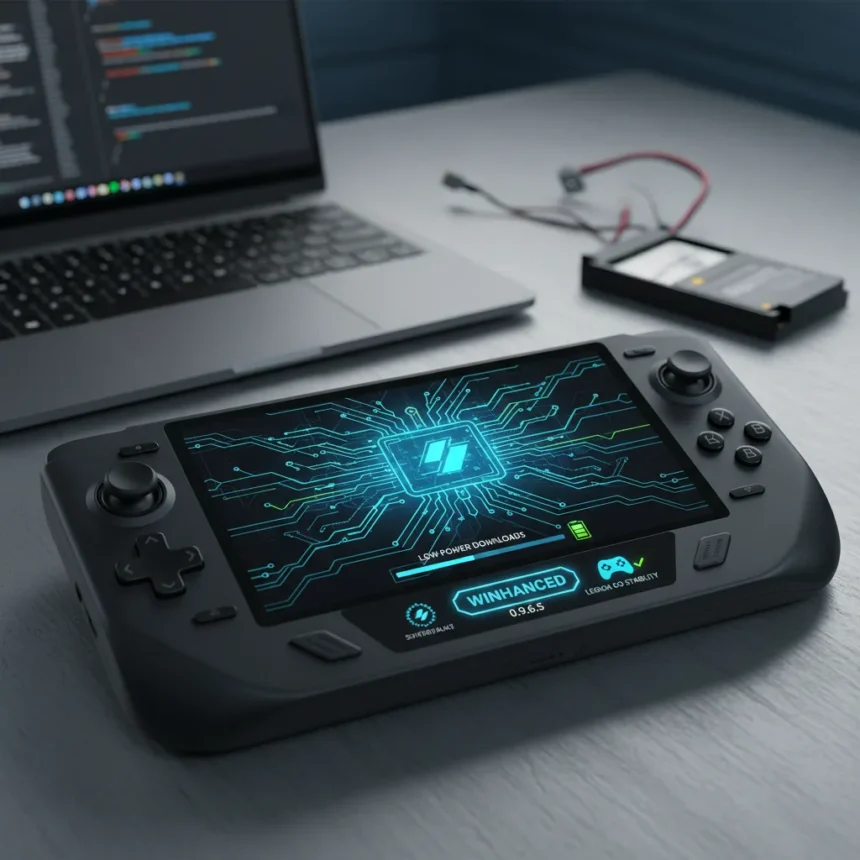
Winhanced 0.9.6.5 is a software update for the Windows handheld gaming launcher that introduces a low-power download mode and targeted fixes for devices like the Lenovo Legion Go. The update arrives as the app continues to position itself as a console-like alternative to the Xbox Full-Screen Experience on portable Windows PCs.
Key Takeaways
- Winhanced 0.9.6.5 adds a new low-power downloads mode to minimize battery drain during file transfers on handheld devices.
- The update includes refreshed launcher icons and improved visual polish across the interface.
- Legion Go-specific fixes address stability and compatibility issues on Lenovo’s handheld gaming device.
- Winhanced aggregates libraries from Steam, Epic, GOG, and Xbox Game Pass into a single unified interface.
- The app supports cloud gaming, remote play, and TDP controls for optimized handheld performance.
Low-Power Downloads: Addressing Battery Drain on Handhelds
Battery life remains the Achilles heel of Windows handheld gaming. Long downloads can drain a device to zero in hours, making low-power mode a practical necessity rather than a luxury feature. Winhanced 0.9.6.5 tackles this by introducing a dedicated low-power download mode that reduces power consumption during file transfers. For players on the move—whether commuting or traveling—this feature could mean the difference between finishing a download session and arriving at a dead device.
The implementation matters more than the feature name. A download mode that merely throttles bandwidth is different from one that reduces CPU clock speeds, GPU usage, or screen refresh rates. The research brief does not specify the technical mechanics, but the inclusion suggests the developers understood that handheld gamers need downloads to work with their battery constraints, not against them. This is the kind of detail that separates a handheld-first app from a desktop app hastily ported to small screens.
Legion Go Fixes Signal Device-Specific Development
Winhanced 0.9.6.5 includes fixes targeting the Lenovo Legion Go, a Windows-based handheld released in 2023. The specificity matters. Rather than issuing generic stability patches, the update addresses real problems users encountered on that hardware. This approach mirrors how console developers optimize for fixed hardware—they know exactly what device they are tuning for and can fix issues that might not affect other machines.


Windows handhelds are fragmented. The Legion Go runs different processors, memory configurations, and firmware than the ASUS ROG Ally or other competitors. A launcher that handles these differences gracefully gains credibility with users who own niche hardware. The Legion Go has a smaller user base than the Ally, so supporting it signals that Winhanced is not chasing only the biggest market segment.
Refreshed Launcher Icons and UI Continuity
The update also refreshes launcher icons, a visual change that might seem cosmetic but reflects ongoing UI polish. Console launchers like the PlayStation 5 and Xbox Series X succeed partly because their interfaces feel cohesive and intentional. Winhanced is building toward that standard by ensuring every visual element—from icons to buttons to status displays—feels part of a unified design language. Icon refreshes are typically paired with broader UI improvements, though the brief does not detail additional visual changes.



Winhanced vs. Xbox App: Why This Matters
The Xbox Full-Screen Experience (FSE) is Microsoft’s official handheld gaming interface, built into Windows and free to all players. Yet Winhanced has gained traction because it aggregates multiple storefronts—Steam, Epic, GOG, Xbox Game Pass—into one library view, while the Xbox app focuses primarily on Game Pass and Microsoft titles. For players who own games across multiple platforms, Winhanced eliminates the friction of switching between launchers.
Winhanced 0.9.6.5 strengthens this advantage by addressing battery and device-specific concerns that the Xbox app has not prioritized. A low-power download mode and Legion Go stability fixes show that Winhanced is listening to handheld-specific pain points rather than treating the category as a secondary concern. That focus is why some players consider Winhanced the better handheld experience despite it being a third-party tool.
What About Cloud Gaming and Remote Play?
Winhanced supports cloud gaming via NVIDIA GeForce NOW and remote play through PlayStation Remote Play, features that expand beyond traditional local game libraries. These integrations mean a player can launch a cloud game, a local Steam title, and a PlayStation remote session all from the same interface. The 0.9.6.5 update does not explicitly add new cloud features, but the low-power mode could improve streaming performance on battery, since cloud gaming relies on network stability rather than local processing power.
Is Winhanced 0.9.6.5 worth updating to?
If you own a Legion Go or rely on downloads over WiFi, yes. The low-power download mode directly addresses a known frustration, and Legion Go-specific fixes eliminate potential crashes or compatibility issues on that device. If you use a different handheld or rarely download large files, the update is less urgent but still recommended for the UI improvements and general stability gains.


Does Winhanced 0.9.6.5 work with all Windows handhelds?
Winhanced is designed for any Windows-based handheld gaming device, including the ASUS ROG Ally, Lenovo Legion Go, and others running Windows 10 or 11. The 0.9.6.5 update includes Legion Go-specific fixes, but the core features like low-power downloads and unified library management apply across all supported devices.
Can I use Winhanced alongside the Xbox app?
Yes. Winhanced is a third-party launcher that complements rather than replaces the Xbox app. You can run both, though most handheld players choose Winhanced for its superior interface and multi-store library aggregation. Game Pass titles work through Winhanced, so there is no functional loss in switching.
Winhanced 0.9.6.5 is a solid incremental update that shows the developers understand what handheld gamers actually need: battery-conscious downloads, device-specific stability, and a polished interface. It will not reshape handheld gaming on Windows, but it makes the experience less frustrating—which, for a portable device, is exactly what matters.
Edited by the All Things Geek team.
Source: Windows Central