





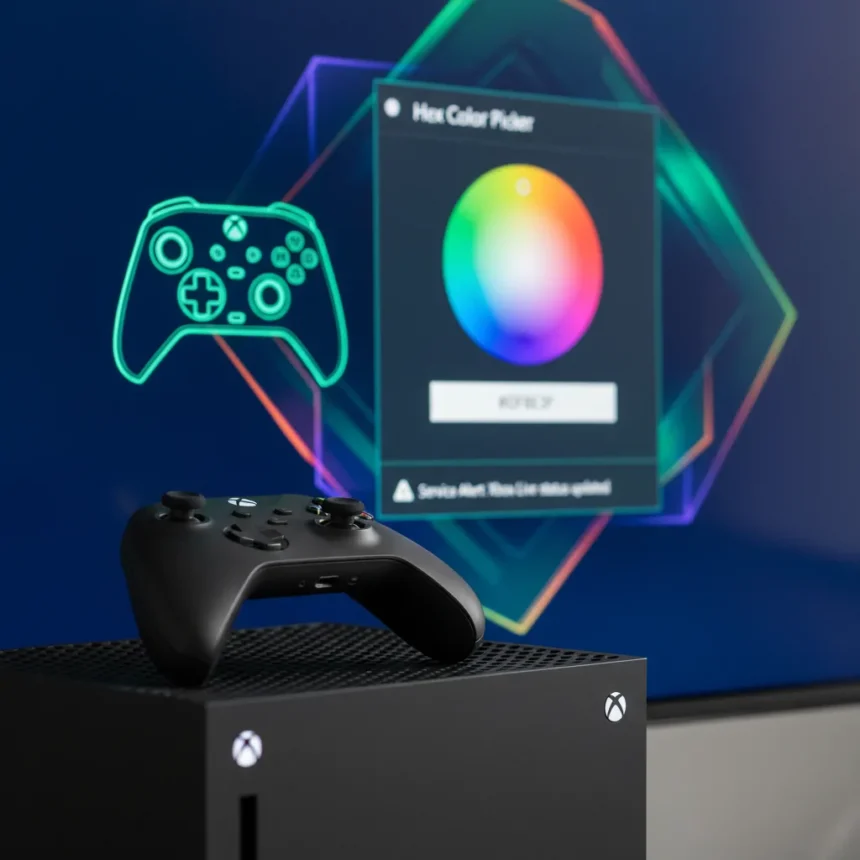
The Xbox Insider update is rolling out new customization tools and smarter notifications to give users finer control over their console experience. This latest Insider build focuses on three core improvements: a hex code color picker for precise console customization, controller previews in the Accessories app, and enhanced service status alerts that keep players informed about Xbox network issues.
Key Takeaways
- The Xbox Insider update adds a hex color picker for precise custom console colors.
- Controller previews in the Accessories app let users visualize changes before applying them.
- Smarter service alerts notify users of Xbox system issues more effectively.
- Additional dashboard personalization features expand customization options.
- Features are currently available to Xbox Insider program members only.
Hex Color Picker Brings Precision to Console Customization
The new hex code color picker is the standout feature of this Xbox Insider update, allowing users to move beyond preset color options and select any shade they want with precision. Instead of choosing from a limited palette, players can now input specific hex codes—the same color system designers and developers use—to match their console to their setup exactly. This is a meaningful upgrade for anyone who has felt constrained by standard color menus.
Console customization has always been a way for players to express personality, but previous Xbox tools limited that expression to whatever Microsoft pre-selected. The hex picker removes that ceiling. Whether you want a shade that matches your gaming desk, your monitor bezel, or your gaming chair, the precision is now there. This kind of granular control signals that Microsoft is listening to players who view their console as part of a larger gaming ecosystem, not just a black box.
Controller Previews Make Accessory Decisions Easier
The Accessories app now includes controller previews, letting users visualize how a controller will look before they commit to applying changes or purchasing new hardware. This feature addresses a real friction point: buying or customizing a controller without seeing it first is a gamble, especially when color combinations or finishes are involved.


By showing what a controller looks like with different button colors, stick finishes, or other customizations applied, the preview feature removes guesswork from the buying and customization process. It is a small quality-of-life improvement that acknowledges how important visual cohesion has become in gaming setups. Players spend hours holding their controller—it makes sense they want it to look exactly right.
Smarter Service Alerts Keep Players Informed
The Xbox Insider update also refines how the console communicates service disruptions and maintenance windows. Rather than vague notifications, the improved alerts are designed to be more actionable and timely, giving players clear information about what is happening with Xbox services and when they can expect resolution.



This is less flashy than a color picker, but it is arguably more important. Nothing is worse than launching a game only to hit a service error with no explanation. Better alerts mean players understand whether the problem is on their end, their internet, or Xbox’s servers—and how long they might need to wait. For competitive players and streamers especially, this information is critical.
Dashboard Personalization Expands Further
Beyond the specific features mentioned, the Xbox Insider update includes additional dashboard customization options that give players more ways to tailor their console experience. Microsoft has been gradually expanding Xbox’s personalization toolkit over the past year, and this update continues that trajectory. The company is clearly committed to letting users shape their console environment rather than forcing a one-size-fits-all interface.
What Sets This Apart From Previous Updates
Earlier Xbox updates have added cosmetic options, but the hex color picker represents a meaningful leap in customization depth. Previous color tools forced users into predetermined categories. The hex system treats console customization with the same sophistication that gaming peripherals, lighting systems, and PC builders expect. It signals a shift in how Microsoft thinks about console personalization—not as a checkbox feature, but as a core part of the user experience.
Who Can Access These Features Now
that these features are part of the Xbox Insider program, meaning they are available to early-access testers, not the general Xbox user base yet. Insider builds often precede broader rollouts by weeks or months, so general availability will likely follow. However, if you are not currently in the Insider program and want to try these features early, joining is straightforward through the Xbox Insider Hub on your console.


Is the Xbox Insider update available to all Xbox users?
No, the Xbox Insider update is currently exclusive to Xbox Insider program members. These early-access builds allow Microsoft to test features and gather feedback before rolling them out to all Xbox users. General availability typically follows weeks or months later.
Can I use a hex color picker on my Xbox console right now?
The hex color picker is available now, but only if you are enrolled in the Xbox Insider program. If you are a regular Xbox user without Insider access, you will need to wait for the feature to roll out to the general public, or join the Insider program to access it early.
What is the difference between the hex color picker and standard color options?
The hex color picker allows you to input any color code to customize your console precisely, while standard color options limit you to a preset palette that Microsoft has selected. The hex system gives you millions of color possibilities instead of dozens.
The Xbox Insider update is a reminder that console customization is evolving beyond cosmetic window dressing into something that genuinely matters to players. Whether it is matching your entire gaming setup or simply feeling ownership over your hardware, these tools acknowledge that your console is part of a larger personal ecosystem. For Insider members, these features are worth exploring now. For everyone else, expect them to roll out to your console in the coming months.
Edited by the All Things Geek team.
Source: Windows Central




