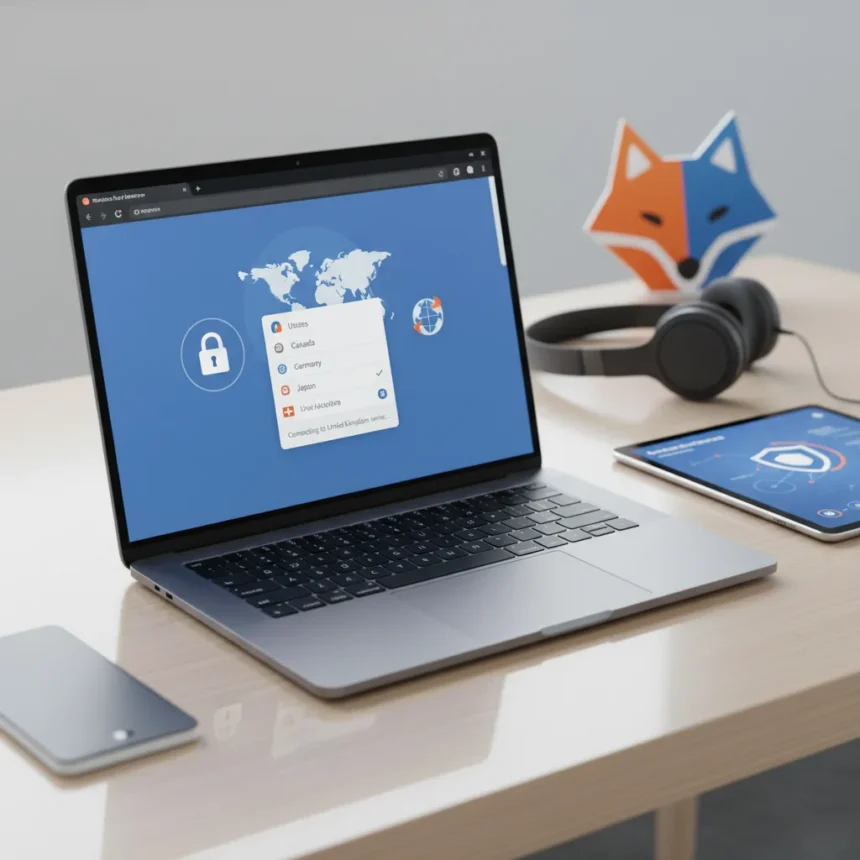
Firefox free VPN now supports choosing your preferred server location, marking a significant shift in how Mozilla’s built-in browser privacy tool works. Previously, the Firefox free VPN automatically connected users to the nearest stable server without any choice in the matter. Firefox 151 changes that, rolling out location selection to users in five countries and giving them flexibility they previously lacked.
Key Takeaways
- Firefox free VPN now lets users manually select their preferred server location instead of auto-connecting to the nearest server.
- The new feature rolls out in Firefox 151 to users in five eligible countries.
- Firefox free VPN remains browser-only, protecting only Firefox traffic, not entire device traffic.
- Mozilla continues expanding its built-in privacy features without requiring paid subscriptions.
- Server location selection adds control without changing the core browser-integrated design.
What Changed in Firefox 151
The Firefox free VPN previously operated on autopilot, routing users through the nearest stable server without asking their preference. This approach prioritized speed and reliability but sacrificed user control. Firefox 151 flips that script by introducing manual server location selection. Users in eligible regions can now swap between available server locations on the fly, choosing a preferred region based on their specific needs rather than accepting Mozilla’s algorithmic choice.
This distinction matters because it transforms Firefox free VPN from a set-it-and-forget-it tool into something more granular. Whether you need to access content available in a specific region or simply prefer privacy routing through a particular location, you now have agency. The feature does not fundamentally change what Firefox free VPN does—it still protects only traffic flowing through the Firefox browser itself, not your entire device—but it gives users meaningful control over how that protection operates.
How Firefox Free VPN Compares to Standalone VPN Services
Understanding what Firefox free VPN is requires understanding what it is not. Standalone VPN services like ExpressVPN or ProtonVPN protect all device traffic, routing everything from your email client to your streaming apps through encrypted tunnels. Firefox free VPN takes a narrower approach: it only encrypts and routes traffic passing through the Firefox browser. Your email app, your messaging client, your system-level connections—none of those get VPN protection. This is by design, not by accident. Mozilla built Firefox free VPN as a browser-native privacy layer, not a full-device solution.


The tradeoff is significant but intentional. Browser-only VPN means lighter resource consumption, faster performance, and no need to manage a separate application. You get privacy protection where you browse without the overhead of protecting your entire device. With the new location selection feature, Firefox free VPN now occupies a more useful middle ground: it is not as comprehensive as paid standalone VPNs, but it is more flexible than it was before. For users who primarily care about Firefox privacy and do not need device-wide encryption, the addition of server location choice makes it a more compelling option.
Availability and Rollout Details
The new location selection feature is not available everywhere. Mozilla is rolling out Firefox free VPN’s server location selection to users in five countries, meaning global users will not immediately have access. The exact list of eligible countries was not fully detailed in available information, but the phased rollout approach suggests Mozilla is testing the feature carefully before broader expansion. If you use Firefox in an eligible region, you should see the new location selection option appear in your Firefox toolbar VPN interface once Firefox 151 reaches your device.



This staged approach is typical for Mozilla when introducing new privacy features. Rather than flipping a global switch, the company tests functionality in limited markets first, gathers user feedback, and iterates before wider deployment. If you are outside the initial five countries, the feature may eventually roll out to your region, but there is no guaranteed timeline for that expansion.
Why This Matters for Firefox Users
The shift from automatic server selection to manual location choice reflects a broader trend in privacy tooling: users increasingly want granular control over their privacy settings rather than accepting defaults. Firefox free VPN’s new feature acknowledges this preference. By letting users pick their server location, Mozilla is saying that one-size-fits-all privacy does not work for everyone. Some users want the fastest possible connection, others prioritize privacy routing through a specific jurisdiction, and still others have content-access needs tied to particular regions. Manual selection accommodates all three.
This update also positions Firefox free VPN as a more serious privacy option for the average browser user. It stops being a novelty feature bundled into the browser and starts being a tool with actual user agency. That shift is subtle but important. A VPN that forces you to accept its server choice feels paternalistic; a VPN that lets you decide feels like a real privacy tool.
Should You Switch from Your Current VPN to Firefox Free VPN?
If you are already paying for a standalone VPN service, Firefox free VPN’s new location selection probably does not change your calculus. Paid VPN services offer device-wide protection, larger server networks, and dedicated customer support—things Firefox free VPN simply does not provide. The upgrade is most relevant for Firefox users who were either using the browser without any VPN protection or considering a paid option specifically for browser privacy.



For that audience, Firefox free VPN with location selection becomes a more credible alternative. You get privacy protection where it matters most—your browsing—without paying a subscription or running a separate application. The ability to choose your server location adds the kind of control that previously existed only in paid services. If your primary privacy concern is Firefox traffic and you live in one of the five eligible countries, the feature is worth trying before committing to a paid VPN subscription.
Does Firefox free VPN protect my entire device?
No. Firefox free VPN only encrypts and routes traffic passing through the Firefox browser. Your email client, messaging apps, streaming services, and system-level connections do not get VPN protection. If you need device-wide encryption, you need a standalone VPN service, not a browser-integrated tool.
Which countries can use the new server location feature?
Firefox free VPN’s location selection is rolling out to users in five countries, but the exact list of eligible regions was not fully specified in available information. Check your Firefox VPN settings to see if the location selection option appears in your browser.
Is Firefox free VPN completely free with no paid tier?
Yes. Firefox free VPN is completely free to use. Mozilla offers it as a built-in privacy feature without any paid upgrade option or subscription requirement.
Firefox free VPN’s new server location selection is a meaningful step forward for Mozilla’s browser-native privacy strategy. It transforms the tool from a passive, automatic service into something users can actively control. For Firefox users in eligible regions who want straightforward browser privacy without a paid VPN subscription, the feature is worth testing. It will not replace standalone VPN services for users who need device-wide protection, but it closes the gap between passive browser privacy and active user control.
Edited by the All Things Geek team.
Source: TechRadar