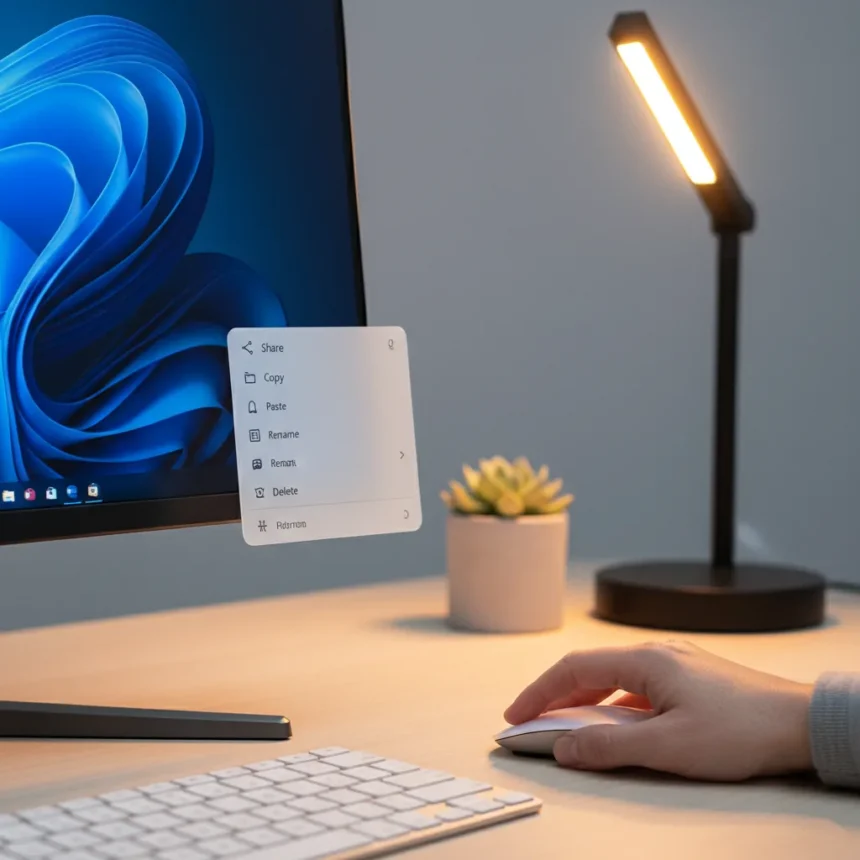
Windows 11 context menus are about to undergo a significant redesign, according to Microsoft. The company has signaled that these menus will become faster, simpler, and more configurable—a direct response to widespread criticism of the current design. Since Windows 11 launched on October 5, 2021, the operating system has faced persistent complaints about its context menu behavior, which has become a flashpoint for user frustration.
Key Takeaways
- Microsoft plans to redesign Windows 11 context menus to be faster, simpler, and more configurable
- Current Windows 11 context menus are widely criticized as cluttered and confusing
- The redesign will address File Explorer menu behavior that hides commands under overflow menus
- Windows 11 already includes a redesigned shell with modified context menu interactions
- The changes reflect Microsoft’s ongoing iteration on the Windows 11 interface
Why Windows 11 Context Menus Matter So Much
Context menus are one of the most frequently used UI elements in any operating system. They appear when you right-click on files, folders, or the desktop, and they determine how quickly you can access common actions. Windows 11 context menus have become controversial because Microsoft redesigned them as part of the OS’s broader shell overhaul, moving some actions to a top toolbar and hiding others under an overflow menu. This approach frustrated users accustomed to Windows 10’s simpler, flatter menu structure.
The redesign was meant to modernize the interface, but instead it created friction. Users complained about having to click through additional layers to find basic commands. A cluttered menu that requires extra steps defeats the purpose of a context menu entirely—it should provide quick access to the most relevant actions for the selected item. Microsoft’s acknowledgment that these menus need to become simpler suggests the company recognizes this fundamental usability failure.
What the Redesign Will Actually Change
According to Microsoft’s statement through Marcus Ash, the upcoming Windows 11 context menus will prioritize three attributes: speed, simplicity, and configurability. Speed means faster response times when you right-click. Simplicity means fewer nested menus and clearer action hierarchies. Configurability means users will have more control over which commands appear in their context menus.


The configurability aspect is particularly important because it acknowledges that different users need different commands. Power users who work in file management may want advanced options readily visible, while casual users might prefer a stripped-down menu with only the essentials. A configurable context menu lets both groups customize their experience rather than forcing everyone into the same design.
The current Windows 11 File Explorer context menu already shows how Microsoft has been iterating: some commands moved to a toolbar, others hidden in an overflow menu. The new redesign will likely refine this approach further, possibly offering users the ability to choose which items appear where. This is a more thoughtful direction than the current one-size-fits-all approach.



Windows 11 Context Menus vs. Previous Windows Versions
Windows 10’s context menus were straightforward: right-click, and a simple list of actions appeared. Windows 11 changed this with its new shell design, introducing visual hierarchy changes and hidden overflow menus that required an extra click to access. This represented a significant departure from Windows tradition, where context menus were meant to be immediate and uncluttered.
The comparison matters because it shows Microsoft’s design philosophy has shifted. Windows 11 prioritized visual modernization over usability, at least initially. The upcoming redesign suggests the company is rebalancing that equation, acknowledging that a modern interface means nothing if users find it slower and more frustrating to use. By moving back toward simplicity and speed, Microsoft is essentially admitting that the current approach missed the mark.
When Will the New Context Menus Arrive?
The research available does not confirm a specific release date for the redesigned Windows 11 context menus. Microsoft has stated the changes are coming, but the timeline remains unclear. Users should not expect this overhaul to arrive immediately—Microsoft typically tests major UI changes in Insider Preview builds before rolling them out to the general public.
For Windows 11 users frustrated with the current context menu design, this announcement signals relief is on the way. However, patience will be required. Major UI redesigns take time to implement, test, and refine across millions of devices and countless hardware configurations.



Will this fix Windows 11’s usability problems?
The context menu redesign is a significant step, but it addresses only one part of Windows 11’s broader usability challenges. The operating system has faced criticism for other interface changes as well. A faster, simpler context menu will improve daily workflows, but it is not a complete solution to all the complaints users have raised since Windows 11’s launch.
Can users customize Windows 11 context menus today?
The current Windows 11 context menus offer limited customization options compared to what Microsoft promises in the redesign. Users can remove some third-party app entries, but fine-grained control over which system commands appear is not available in the shipping version. The upcoming redesign will expand these options significantly.
How does this compare to macOS and Linux context menus?
macOS and Linux distributions typically offer simpler, more streamlined context menus with fewer nested options. Windows 11’s current design attempted to add visual polish but ended up creating additional friction instead. The new redesign appears to be moving Windows 11 toward the simplicity that macOS and Linux users have long enjoyed, suggesting Microsoft is learning from how other platforms handle this critical UI element.
Windows 11 context menus have been a source of frustration since the OS launched, but Microsoft’s commitment to making them faster, simpler, and more configurable shows the company is listening to user feedback. The redesign will not solve every Windows 11 criticism, but it represents meaningful progress on one of the most frequently used interface elements in the entire operating system. Users who have struggled with the current design can look forward to a more intuitive experience, though they will need to wait for the changes to roll out.
Edited by the All Things Geek team.
Source: Windows Central