



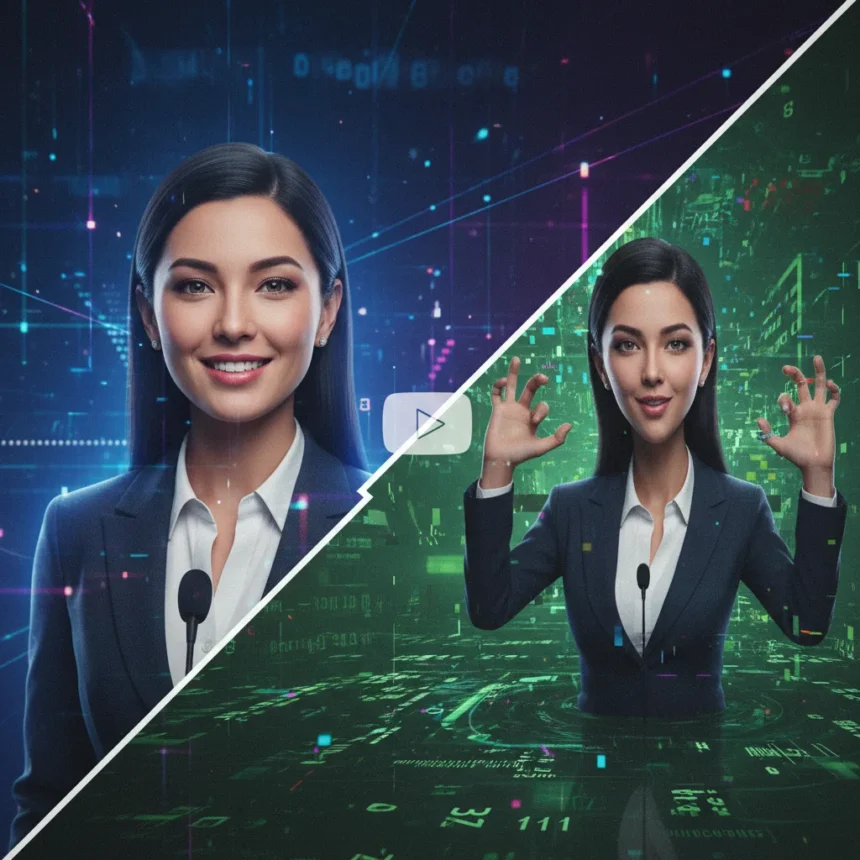
AI Avatar creation has arrived, and it’s faster than ever. HeyGen’s new Instant Avatar feature lets you generate a digital clone of yourself in under 15 minutes, complete with your voice, expressions, and mannerisms—then upload it straight to YouTube. The appeal is obvious: no more camera time, no more re-recording takes, no more lighting rigs. But as these tools proliferate, a harder question emerges: are they unlocking genuine efficiency for creators, or are they just accelerating the flood of low-effort AI slop?
Key Takeaways
- HeyGen’s Instant Avatar processes a 2-5 minute video into a cloned avatar in 10-15 minutes with identity verification
- Free plan available with no credit card required; paid enterprise options exist for advanced use
- Process involves uploading footage, recording consent video, inputting script, and generating the final video
- Competitors like InVideo AI 4.0 clone avatars from existing YouTube videos in under 10 minutes
- Videos can be translated into 175+ languages for global distribution
How AI Avatar Creation Works in HeyGen
HeyGen’s Instant Avatar system is straightforward: upload a short video of yourself, verify your identity, and the platform generates a digital double. The process requires 2-5 minutes of footage, ideally well-lit and face-forward with minimal gestures. You then record a consent video to confirm you’re authorizing the clone, a critical step to prevent deepfake abuse. Within 10-15 minutes, HeyGen’s servers process the footage and return an avatar ready to use.
Once the avatar exists, creating videos is trivial. You type your script into HeyGen’s editor, adjust voice tone and pacing, and generate a talking-head video. If you dislike the result, you edit the script and regenerate instantly. The entire workflow eliminates the friction of filming—no wardrobe changes, no bad hair days, no need to be physically present when your audience watches.
HeyGen’s Avatar 3.0 codifies this into seven steps: account creation, avatar generation (motion or video-based), avatar selection, script input and editing, video submission, platform review, and deployment for marketing or training use. The system supports 175+ languages, meaning a creator can generate the same video in Mandarin, Spanish, and Arabic without re-recording. For global channels, that’s a genuine time multiplier.



The Speed Advantage: HeyGen vs. Alternatives
HeyGen isn’t alone. InVideo AI 4.0 offers a faster alternative: it can clone your avatar from existing YouTube videos or generate one from scratch in under 10 minutes, with free access for basic videos. Google’s Veo 3, paired with ElevenLabs voice cloning, produces lifelike video clones with professional voice overs. ElevenLabs itself provides custom realistic avatars with voice cloning and image generation. The market is crowded, and speed is the differentiator.
HeyGen positions itself as the most realistic option, and the motion-based avatar approach—using actual video footage of your gestures—does produce more natural movement than photo-based alternatives. But this advantage matters only if viewers care about realism. For tutorial channels, explainer videos, or corporate training content, a slightly stilted avatar might be acceptable. For personality-driven channels, the uncanny valley becomes a problem.



The AI Slop Problem: Efficiency or Laziness?
Here’s where the article’s core tension emerges. AI Avatar creation is efficient—undeniably so. A creator who publishes three videos per week can now generate them in hours instead of days. Businesses can localize training content instantly. But efficiency without intention produces noise. The same tools that help a legitimate creator scale also enable someone to pump out dozens of low-effort talking-head videos with zero creative input beyond a script.
YouTube’s algorithm doesn’t distinguish between a thoughtfully produced AI avatar video and a lazily generated one. Both look similar, both rank if the script is SEO-optimized, and both waste viewers’ time if the content is hollow. The risk is that AI Avatar tools become the video equivalent of spinning articles—technically functional, algorithmically invisible to quality filters, and ultimately degrading platform experience for everyone.
The consent verification step is a guardrail against deepfakes, but it doesn’t solve the quality problem. A verified AI clone of yourself can still deliver worthless content. The tool democratizes video production; it doesn’t democratize creativity or insight.
When AI Avatar Creation Actually Makes Sense
Not every use case is slop. AI Avatar creation shines in specific scenarios: corporate training videos that need to be updated monthly, explainer content where personality is secondary to information, multilingual educational material, and accessibility-focused channels where a consistent, predictable avatar removes barriers. A software company explaining a new feature doesn’t need cinema-quality production—it needs clarity and speed. An avatar delivers both.



For individual creators, the calculus is different. If your channel is built on personality—comedy, commentary, vlogging—an AI clone undermines your brand. Audiences follow people, not avatars. But if you’re a subject-matter expert who finds on-camera work draining, or if you’re publishing tutorials where your face is irrelevant, the tool solves a real problem.
Is AI Avatar Creation Free?
Yes, HeyGen offers a free plan with no credit card required, processing your avatar in 10-15 minutes. InVideo AI 4.0 is completely free for basic videos. The catch is that free tiers typically include watermarks, limited video length, or restricted features. For serious creators, paid tiers exist, though the research brief does not specify exact pricing. Enterprise models are available for businesses.
Can you translate AI Avatar videos into other languages?
HeyGen supports translation into 175+ languages, allowing you to generate the same video in multiple languages without re-recording. InVideo AI 4.0 also enables avatar cloning from existing YouTube videos, which simplifies localization. This is genuinely useful for global channels, though translation quality depends on the underlying script and voice synthesis.
What’s the difference between HeyGen and InVideo AI for avatar creation?
HeyGen’s Instant Avatar processes your own video footage into a motion-based clone over 10-15 minutes, prioritizing realism. InVideo AI 4.0 can extract an avatar from your existing YouTube videos or generate one from scratch in under 10 minutes, prioritizing speed. HeyGen is better for creators who want a lifelike clone; InVideo AI is better for those who want quick results without uploading new footage.
AI Avatar creation is not inherently good or bad—it’s a tool that amplifies intent. Use it to scale thoughtful content, and it’s a multiplier. Use it to avoid effort, and it’s just another way to flood the internet with noise. The real question isn’t whether the technology is ready. It is. The question is whether creators and platforms are ready to distinguish between efficiency and laziness, and so far, the incentives suggest they’re not.
Edited by the All Things Geek team.
Source: T3