







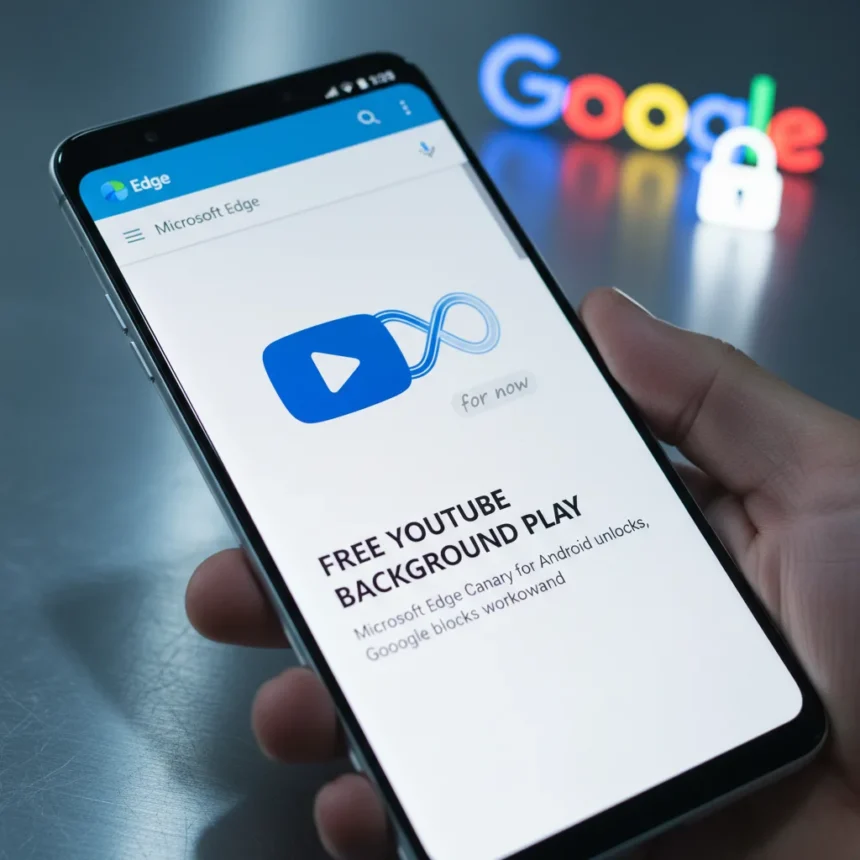
YouTube background playback on Microsoft Edge for Android is a feature that lets you play videos with the screen locked or while switching apps—without paying for YouTube Premium. Microsoft Edge Canary for Android (version 141) introduced an experimental flag that enables this capability, but Google has since enforced server-side blocks to protect its $13.99 monthly Premium subscription.
Key Takeaways
- Microsoft Edge Canary for Android enables free YouTube background playback via an experimental flag
- Feature works for music, podcasts, and videos when screen is locked or apps are switched
- Google blocked the workaround on third-party browsers including Edge, Brave, Vivaldi, and Samsung Internet
- YouTube Premium costs $13.99 monthly for official background play access
- Add-ons like YouTube Enhanced Media Controls offer limited workarounds for Edge mobile
How YouTube background playback works in Microsoft Edge Canary
The YouTube background playback feature in Edge Canary functions by enabling a browser-level flag that permits media to continue playing when the app moves to the background. Users can activate this by downloading Microsoft Edge Canary from the Google Play Store, navigating to edge://flags, searching for “Video Background Play,” and toggling the setting to “Enabled”. After restarting the browser and enabling “Background video playback” in Site Settings, YouTube videos play audio in the background when the screen locks or users switch to other apps.
Testing confirmed the feature works reliably for music, podcasts, and video content, though auto-play for the next video in a queue does not function. The experimental nature of the flag means occasional bugs may surface, but core background playback operates as intended for most use cases.
Why Google is shutting down YouTube background playback on third-party browsers
Google moved quickly to block YouTube background playback across all third-party browsers after the Edge Canary workaround gained attention. A Google spokesperson stated: “Background playback is a feature intended to be exclusive for YouTube Premium members. While some non-Premium users may have previously been able to access this through mobile web browsers in certain scenarios, we have updated the experience to ensure consistency across all our platforms”. This server-side enforcement affects not only Microsoft Edge but also Brave, Vivaldi, Samsung Internet, and other non-official YouTube clients.



The move protects YouTube Premium’s core value proposition. At $13.99 monthly, background playback is one of the subscription’s primary selling points, and allowing free access via browser workarounds undermines revenue. Google’s enforcement is comprehensive—blocking happens at the server level, meaning no client-side flag or extension can permanently circumvent it.
What alternatives exist for free YouTube background playback
Since Google has blocked the native Edge Canary flag, users seeking free background playback have limited options. Browser extensions like “YouTube Enhanced Media Controls” and “Background Unlock” exist for Edge mobile, though their long-term viability depends on whether Google continues blocking them. Firefox users reported a temporary workaround by switching their user-agent to Android VR, though this is neither officially supported nor guaranteed to persist.



The reality is that YouTube Premium remains the only reliable, officially supported method for background playback on mobile. At $13.99 monthly, it is a premium feature Google actively defends. Workarounds may emerge periodically, but Google’s server-side enforcement means they will likely be short-lived.
Should you switch from Chrome to Microsoft Edge for YouTube?
While the YouTube background playback feature was compelling, Google’s swift blocking makes it an unreliable reason to switch browsers. Microsoft Edge does offer other advantages—better battery efficiency on Android, tighter Windows integration if you use a PC, and a cleaner interface—but YouTube background play is no longer one of them. If background playback is essential, YouTube Premium is the only dependable option across all browsers and the official YouTube app.
Can I still enable YouTube background playback on Microsoft Edge Canary?
The feature flag still exists in Edge Canary, but Google’s server-side blocks prevent it from functioning on YouTube itself. You can enable the flag, but YouTube will not honor the request, so background playback will not work.
Does YouTube background playback work on other browsers?
Google has blocked YouTube background playback on all third-party browsers, including Brave, Vivaldi, Samsung Internet, and Microsoft Edge. The official YouTube app and YouTube Premium are the only ways to guarantee background playback functionality on Android.


Microsoft Edge’s free YouTube background playback was a genuine loophole—brief, clever, and exactly the kind of feature that could have made a compelling case for switching browsers. But Google’s enforcement reminds us that platform owners control the rules. If you want reliable background playback, YouTube Premium is the only path forward. Edge remains a solid browser for other reasons, but this particular feature is no longer a differentiator.
Edited by the All Things Geek team.
Source: Windows Central




