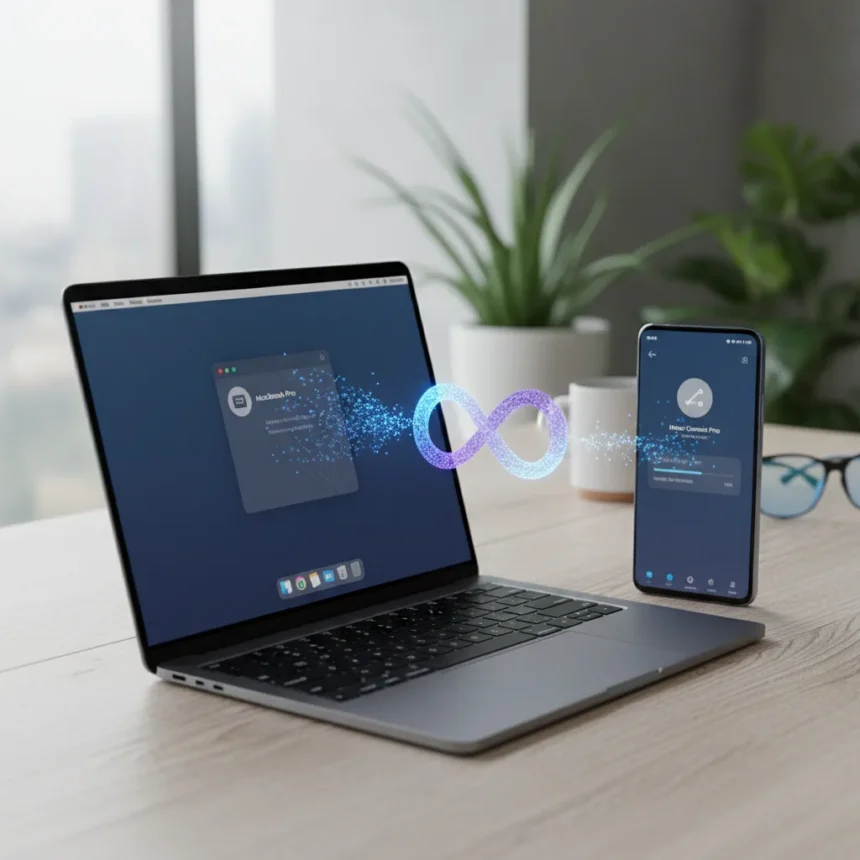
Honor Connect file sharing finally solves the Android-to-Apple transfer problem that has plagued cross-ecosystem users for years. The free app, now available on the Apple App Store, lets you move images, videos, files, and notes directly from Honor Android devices to Mac and iOS without burning through your data plan or relying on cloud middlemen.
Key Takeaways
- Honor Connect is free on Apple App Store and requires no subscription or data usage for transfers.
- Supports native iOS sharing panel access—no need to open a separate app on iPhone.
- Easy Hotspot feature connects iPhone to Honor phone’s hotspot with a single tap.
- Auto SMS code recognition copies verification codes from shared messages with one tap.
- Mac transfers work via Honor Super Workstation (free App Store install) using Wi-Fi Direct.
What Honor Connect Actually Does
Honor Connect file sharing operates on two fronts: iOS-to-Honor and Honor-to-Mac transfers. On the iPhone side, the app integrates directly into the native sharing panel, meaning you select an image or file, tap Share, and Honor Connect appears as an option without launching a separate application. This is the kind of friction-free integration that Apple users expect but rarely get from Android manufacturers.
The real breakthrough is that transfers are lossless and completely data-free. Unlike AirDrop or cloud services such as Google Drive, which require active internet or consume your data allowance, Honor Connect uses local Bluetooth and Wi-Fi Direct—the same underlying technology Honor Share employs for Android-to-Android transfers. For users who regularly juggle both ecosystems, this eliminates the awkward workaround of emailing files to yourself or uploading to a third-party service.
Honor Connect Features Worth Knowing
Beyond basic file transfers, Honor Connect includes several conveniences that address real friction points. Easy Hotspot is exactly what it sounds like: a single tap on your iPhone connects it to your Honor phone’s hotspot without digging through settings. Notification sharing history lets you review what you’ve sent over the past three days, useful if you can’t remember whether you actually shared that photo or just meant to.


The SMS verification code feature is surprisingly thoughtful. When someone shares a message containing a verification code from your Honor phone, Honor Connect auto-recognizes the code and lets you copy it with one tap. It sounds minor until you’re trying to log into something on your Mac and would otherwise need to dig through your phone’s messages. The app also optimizes how shared messages appear in your iPhone Notification Center, preventing the visual clutter that usually follows cross-device sharing.
How to Set Up Honor Connect on Mac
Mac transfers require a companion app called Honor Super Workstation, available free from the Apple App Store. Install it on your Mac, enable Honor Share in your Honor phone’s Control Center, and make sure both devices sit on the same Wi-Fi network. From there, select a file on your phone, tap Share, choose Honor Share, and drag the file into the Super Workstation window on your Mac. No USB cable needed, no proprietary software, no data charges.



This approach differs sharply from Android File Transfer, Google’s official tool for Mac, which requires a USB connection and forces your phone into MTP (Media Transfer Protocol) mode. Honor Connect’s Wi-Fi Direct method is faster for wireless transfers and doesn’t tie up your phone’s charging port. If you prefer the traditional wired route, Android File Transfer still works fine, but Honor Connect removes the need for it entirely.
The April Patch Context
Honor Connect arrives as part of a larger April security update rolling to the Magic 8 Pro, alongside photography enhancements and other refinements. The update also extends to other Honor devices like the Magic V5 (MagicOS 9.0.1.126), signaling that Honor Connect is becoming a cornerstone of the brand’s cross-ecosystem strategy rather than a one-off feature. MagicBook Pro 14 owners in markets like Malaysia are also gaining access, pointing toward Honor’s broader push to make its devices work smoothly across Windows, Android, and Apple platforms.
The timing matters. Apple users considering Honor phones often cite ecosystem fragmentation as a dealbreaker—the inability to share files smoothly with a Mac or iPad without jumping through hoops. By bundling Honor Connect into a major system update rather than burying it in a minor patch, Honor is signaling that cross-platform compatibility is a priority, not an afterthought.
Is Honor Connect Actually Better Than Alternatives?
For Honor-to-Mac workflows specifically, yes. Android File Transfer works but demands a cable and manual file navigation. Cloud services like Google Drive work everywhere but consume data and introduce lag. Bluetooth file sharing apps like AirDroid offer wireless transfers but require subscriptions for full functionality. Honor Connect is free, local, and native—you can’t beat that combination. The trade-off is that it only works with Honor devices on the Android side, so if you’re mixing Honor phones with other Android brands, you’ll still need a fallback method.



For iPhone-to-Honor transfers, Honor Connect competes with AirDrop’s convenience but without the Apple ecosystem lock-in. AirDrop is faster and more polished, but it only works between Apple devices. Honor Connect works between any Apple device and any Honor device, which is genuinely useful for the shrinking number of people who still value platform flexibility.
FAQ
Is Honor Connect free to download?
Yes. Honor Connect is available free on the Apple App Store with no subscription required. File transfers themselves consume no data because they use local Bluetooth and Wi-Fi Direct rather than internet connectivity.
Do I need Honor Super Workstation for iOS file sharing?
No. Honor Connect on iOS integrates into the native sharing panel, so you can share files directly from Photos, Notes, or Files without installing additional software. Honor Super Workstation is only required for Mac transfers.
Can I use Honor Connect with non-Honor Android phones?
No. Honor Connect is designed specifically for Honor Android devices paired with Apple devices. If you own a different Android brand, you’ll need to use Android File Transfer, Google Drive, or another cross-platform solution.
Honor Connect file sharing represents a rare moment of genuine ecosystem bridging in mobile tech. It doesn’t pretend Android and iOS are the same—it simply removes the artificial friction between them. For Honor users tired of email workarounds and cloud uploads, the April patch finally delivers the seamless cross-platform experience that should have been standard years ago.
Edited by the All Things Geek team.
Source: Android Central