






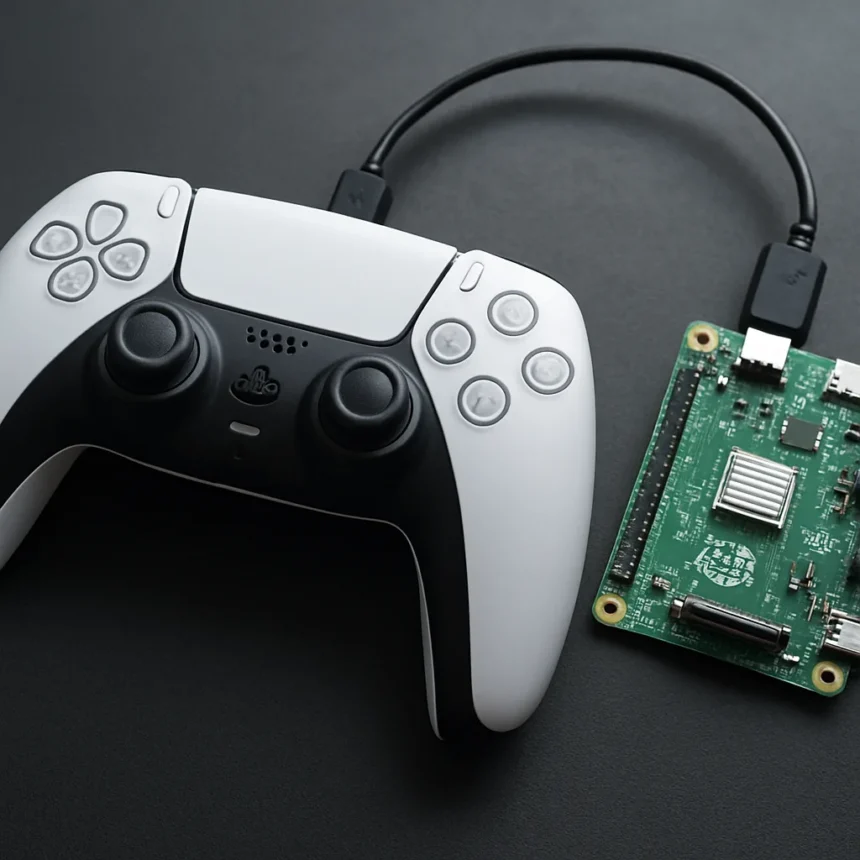
A PS5 controller PC wireless hack using a Raspberry Pi solves one of the most frustrating problems for PC gamers: Sony’s DualSense controller refuses to play nicely with Windows over Bluetooth. The solution is cheap, accessible, and requires nothing more than a Raspberry Pi and basic technical know-how.
Key Takeaways
- Raspberry Pi acts as a Bluetooth bridge to enable proper PS5 controller PC wireless connectivity.
- Native Windows Bluetooth support for DualSense drops haptic feedback, gyro controls, and adaptive triggers.
- Raspberry Pi hardware costs between $5 and $20 USD, making this a budget-friendly alternative to commercial adapters.
- The hack avoids wired USB connections while providing full feature support that native drivers cannot deliver.
- DualSense controllers cost $50–$70 USD and have been available globally since PS5 launch in November 2020.
Why PS5 Controller PC Wireless Matters for Gamers
PC gamers have long complained that Sony’s DualSense controller works poorly over Bluetooth on Windows machines. Native support strips away the features that make the PS5 controller special: haptic feedback becomes unresponsive, gyro aiming stops working, and adaptive triggers—the pressure-sensitive buttons that make PS5 games feel immersive—vanish entirely. Wired USB connection solves the feature problem but defeats the purpose of owning a wireless controller. This is where the Raspberry Pi hack enters the picture.
The Raspberry Pi acts as a Bluetooth intermediary between your PC and the DualSense controller. Instead of your PC trying to communicate directly with the controller over Bluetooth (and failing to preserve advanced features), the Pi translates the wireless signal, passes it to your PC over a stable connection, and ensures all DualSense capabilities remain intact. It is a workaround born from necessity, addressing a gap that Sony has shown little interest in closing for the PC market.
How the Raspberry Pi Hack Compares to Other Solutions
PC gamers have limited options for wireless DualSense use. Native Windows Bluetooth support is the obvious choice—it is free and built-in—but it cripples the controller’s feature set. Wired USB connection via a standard cable restores full functionality but eliminates wireless convenience. Third-party adapters like the 8BitDo Wireless USB Adapter or Brook Wingman offer wireless DualSense support with full features, but they cost more than the Raspberry Pi hardware itself and require purchasing additional equipment.
The Raspberry Pi hack sits in a sweet spot: it costs significantly less than commercial adapters, uses hardware that is widely available and affordable (typically $5–$20 USD depending on the Pi model), and delivers the wireless experience with all DualSense features intact. For budget-conscious gamers or those who already own a Raspberry Pi for other projects, this solution is hard to beat. The trade-off is technical complexity—setting up the Pi requires some familiarity with Linux and Bluetooth configuration, making it less suitable for casual users who prefer plug-and-play solutions.
What You Need to Build the PS5 Controller PC Wireless Setup
The core requirement is a Raspberry Pi with Bluetooth capability. A Raspberry Pi Zero W or Pico with Bluetooth support will work, and both fall within the $5–$20 price range. You will also need a Sony DualSense controller, available globally since the PS5 launch in November 2020, typically priced between $50 and $70 USD. The Pi connects to your PC via USB or network connection, and the DualSense pairs with the Pi over Bluetooth. Your PC then communicates with the Pi as if it were the controller directly, receiving all the haptic, gyro, and adaptive trigger data that native Bluetooth support would otherwise discard.



The exact setup process varies depending on your Raspberry Pi model and PC operating system, but the general approach involves configuring the Pi’s Bluetooth stack to act as an HID (Human Interface Device) proxy. This is not a plug-and-play solution—you will need to be comfortable working in a terminal, configuring Bluetooth services, and troubleshooting connectivity issues if they arise. For experienced tinkerers or developers, this is straightforward. For newcomers to Raspberry Pi projects, expect a learning curve.
The Real Appeal: Affordable Wireless Gaming Without Compromise
What makes the PS5 controller PC wireless hack genuinely clever is that it sidesteps the false choice between wireless convenience and feature completeness. You get both. The Raspberry Pi becomes invisible in your setup—you pair your DualSense with it once, and thereafter your controller simply works on your PC with full haptic, gyro, and trigger support, wirelessly, without the frustration of native Bluetooth limitations.
For the cost of a Raspberry Pi—a device that can serve dozens of other projects—you solve a problem that has plagued PC gamers since the DualSense launched. Commercial adapters cost more and do less. Native Bluetooth support costs nothing but strips away half the controller’s appeal. This hack represents the kind of grassroots engineering that emerges when manufacturers ignore a clear user need. It is not the solution Sony should have shipped, but it is the solution PC gamers deserve.
Is the Raspberry Pi hack difficult to set up?
The setup requires Linux terminal knowledge and familiarity with Bluetooth configuration. If you have experience with Raspberry Pi projects or Linux systems, the process is manageable. If you are new to these tools, expect to spend time learning or following detailed guides step-by-step. It is not a beginner-friendly plug-and-play solution.



Can I use any Raspberry Pi model for this hack?
Any Raspberry Pi with built-in Bluetooth support will work. The Raspberry Pi Zero W and Pico models are popular choices due to their low cost and compact size. Older Pi models without Bluetooth will require a separate Bluetooth adapter, adding cost and complexity.
Will this work with games that expect Xbox controller input?
The Raspberry Pi can be configured to emulate different controller types depending on the software used. Whether it presents itself as a DualSense, Xbox controller, or generic gamepad depends on your setup. Most modern games support multiple controller types, so compatibility is generally not an issue.
The Raspberry Pi hack for PS5 controller PC wireless connectivity represents a practical, affordable solution to a problem that should never have existed. Sony’s refusal to provide proper DualSense support on Windows created a vacuum, and the PC gaming community filled it with ingenuity. For gamers willing to invest a few hours in setup, the payoff is wireless gaming with full feature support—at a fraction of the cost of commercial alternatives. It is not the most elegant solution, but it works, and in the world of gaming hardware, that counts for everything.
This article was written with AI assistance and editorially reviewed.
Source: TechRadar