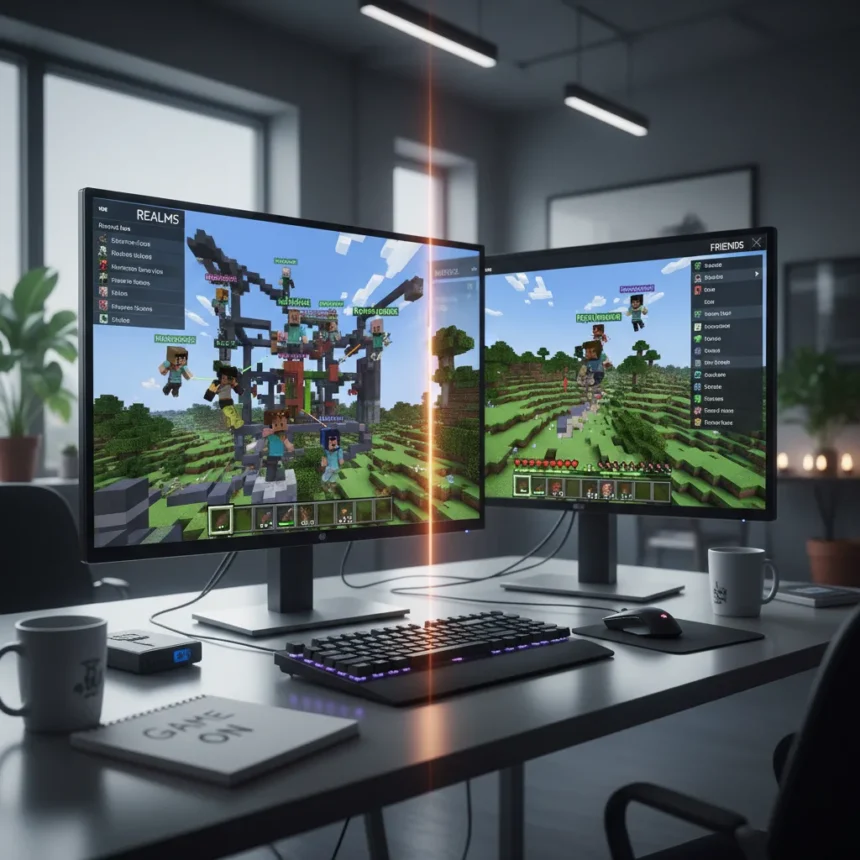
Minecraft Java Edition just got two major multiplayer features that fundamentally reshape how players connect and manage servers. The latest snapshot introduces flexible world join permissions and an enhanced multiplayer menu, finally bringing Java Edition on par with Bedrock Edition’s capabilities after nearly a decade of community requests.
Key Takeaways
- Minecraft Java Edition now matches Bedrock Edition’s multiplayer permission system with granular access controls.
- New Friends tab in multiplayer menu simplifies server discovery and joining through Microsoft account integration.
- Features are available immediately in the latest snapshot via the Minecraft Launcher for testing.
- Community feedback votes for these features exceeded 100,000 on Minecraft’s official feedback site.
- Full release expected in Minecraft 1.21 update, currently targeted for mid-2024.
Minecraft Java Edition multiplayer finally gets Bedrock’s proven system
The gap between Java and Bedrock Edition’s multiplayer options is closing. Minecraft Java Edition now includes flexible world join permissions that let server owners set granular access controls—exactly what Bedrock players have had since the Better Together Update in 2018. Server administrators can now choose between open worlds (anyone joins), invite-only access (requires an invite code), or whitelist-only servers (named players only). This eliminates the old workaround of relying on third-party plugins and mods to manage who can access a world.
The new system works through an in-game menu where admins generate and share invite links for temporary access, and can adjust player permissions using commands like `/permission set`. This architectural shift matters because it moves permission management into vanilla Minecraft itself, rather than forcing players to run separate server software or mod loaders just to control access. For casual players hosting worlds for friends, this is transformative.
The new multiplayer menu brings social features Java players have wanted
Beyond permissions, Java Edition now includes a redesigned multiplayer menu with a dedicated Friends tab. The feature pulls from your Microsoft account’s friends list, showing which friends are online and what servers they’re playing on. Instead of manually typing server IP addresses or hunting through bookmarks, players can now discover and join servers directly through the menu, mirroring the social discovery experience Bedrock players have enjoyed for years.


This Friends tab integration solves a real friction point in Java Edition’s multiplayer experience. For years, Java players had to remember or copy-paste server addresses, while Bedrock players could browse friends and servers in a unified interface. The new menu closes that gap. Server discovery becomes social rather than technical—you see what your friends are playing and join with one click.
How to enable and use the new Minecraft Java Edition multiplayer features
Both features are currently available in the latest snapshot, which requires a few setup steps. Open the Minecraft Launcher, switch to the Snapshots dropdown, and create a new installation for the current snapshot version. Launch the game and navigate to the Experiments menu to toggle on both Flexible World Permissions and the New Multiplayer Menu.



For server owners, the process is straightforward. In your world settings or server.properties file, set your permission level to your preferred mode: Open, Invite-Only, or Whitelist. From there, you can generate invite links directly in-game and share them with players you want to grant access. The system is designed to work without external tools, though modders using Fabric and Forge APIs may eventually extend these features further through custom mods and plugins.
To join servers as a regular player, launch the game, select Multiplayer from the main menu, and use the Friends tab to see online friends and their servers. You can also join directly via server address or by using an invite link someone shares with you. The interface handles both methods smoothly.
Why this matters for Java Edition’s future
These changes represent more than incremental updates—they signal Mojang’s commitment to closing the feature gap between Java and Bedrock. Since the Better Together Update, Bedrock has maintained an advantage in cross-platform play and social features, pushing some players toward the console and mobile versions. Java Edition’s appeal has always been its modding ecosystem and PC-centric design, but the multiplayer experience lagged behind Bedrock’s polish.
The community has been asking for these features for years. Feedback votes on Minecraft’s official feedback site exceeded 100,000 for both permission systems and social multiplayer menus. By rolling them into vanilla Java Edition, Mojang removes a significant reason for players to switch to Bedrock. Java players can now run invite-only servers without relying on third-party software, and they can discover friends’ servers through an integrated social menu—two things that were impossible before.


When will these features be available in the full release?
The features are currently live in the latest snapshot for testing. Mojang has confirmed they will be included in Minecraft 1.21, the next major update, which is currently targeted for mid-2024. Snapshots allow players to test new features early and provide feedback before the official release, so if you want to try these multiplayer improvements now, the snapshot is your only option.
Can modders extend these new Minecraft Java Edition multiplayer features?
Yes, potentially. The new permission system and multiplayer menu are built on APIs that mod loaders like Fabric and Forge can hook into. This means third-party developers may create mods that extend the permission system with more granular controls, or add features to the multiplayer menu that Mojang doesn’t include by default. However, this depends on whether Fabric and Forge developers choose to support these specific APIs—compatibility is not guaranteed at launch.
How does this compare to Bedrock Edition’s multiplayer?
Bedrock Edition has had these features for six years, giving it a significant multiplayer experience advantage. However, Java Edition’s new features functionally match Bedrock’s permission system and social menu. The remaining difference is cross-platform play—Bedrock lets you play with friends on Windows, console, and mobile, while Java Edition remains PC-only without third-party tools. For vanilla multiplayer on PC, Java Edition is now competitive with Bedrock.
Minecraft Java Edition multiplayer just caught up to a standard Bedrock players have enjoyed for years. These features won’t reshape the game, but they remove friction that has frustrated Java players for a decade. If you’ve been hosting worlds for friends or managing a small server, the new permission system and social menu will make the experience noticeably smoother. For Bedrock players considering a switch to Java, these additions remove one of the strongest reasons to stay on console or mobile.
Where to Buy
Xbox Game Pass…Xbox Game Pass Ultimate – 1 Month Membership – Xbox, Windows, Cloud Gaming Devices [Digital Code] | Xbox Game Pass…Xbox Game Pass Ultimate – 3 Month Membership – Xbox, Windows, Cloud Gaming Devices [Digital Code]
Edited by the All Things Geek team.
Source: Windows Central