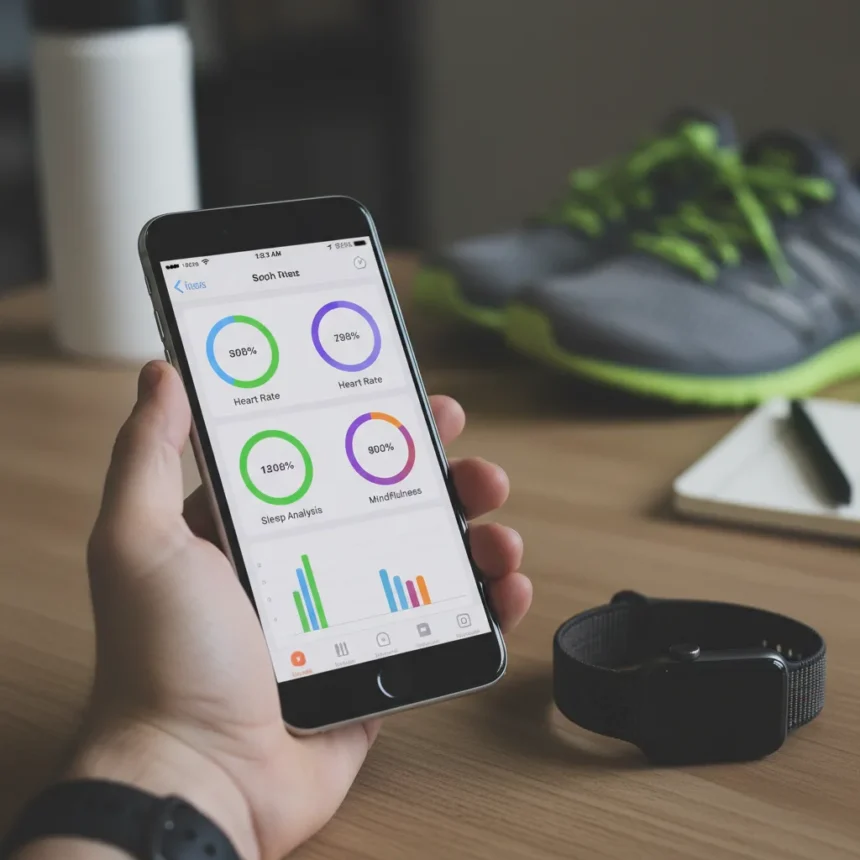
The iPhone Health app is Apple’s most powerful yet persistently underutilized health tracking tool, transforming raw Apple Watch data into actionable insights that the watch’s small screen simply cannot deliver. Most Apple Watch users glance at activity rings and heart rate notifications on their wrist, never realizing that a far more sophisticated analysis tool sits dormant on their iPhone. The Health app itself is a free, pre-installed application on iOS 17 and later, compatible with Apple Watch Series 3 and newer, available worldwide—yet countless users treat it as window dressing rather than the encyclopedia of encrypted health data it actually is.
Key Takeaways
- The iPhone Health app aggregates encrypted fitness, sleep, heart, and activity data synced from your Apple Watch across all your Apple devices.
- The Trends tab reveals 90-day, 6-month, and 12-month patterns in metrics like cardio fitness, resting heart rate, and walking steadiness.
- The Browse tab organizes detailed breakdowns by category—Heart (AFib history, ECG results), Sleep (stages and consistency), Activity (ring history and workouts).
- Data can be exported in XML or CSV format to share with healthcare providers or third-party apps.
- The Health app integrates third-party sources like MyFitnessPal, creating a unified health dashboard without leaving iOS.
Why the iPhone Health App Outperforms Your Watch Display
Your Apple Watch shows you today’s step count and current heart rate. The iPhone Health app shows you whether your cardio fitness has improved over six months, whether your resting heart rate is trending downward, and whether your walking gait has become more stable—data patterns that matter far more than any single data point. The watch’s real-time metrics serve a purpose, but they lack historical context. The Health app provides that context in clean, visual charts and summaries that transform disconnected numbers into meaningful trends. This distinction matters because fitness and health are about trajectory, not snapshots.
The Summary tab greets you with a daily overview: steps, exercise minutes, sleep duration, and heart rate all in one place. Scroll down and you’ll see categories like Body Measurements, Mindfulness, and Workouts—everything your Apple Watch has tracked, organized by type. But the real revelation comes in the Trends tab. Select any metric—Cardio Fitness, Resting Heart Rate, Walking Asymmetry—and the app displays your progress across three time windows: 90 days, 6 months, and 12 months. You see arrows indicating improvement or decline. You see whether a recent change is an anomaly or a genuine shift in your baseline. This is the view that actually drives behavior change, not a glance at your wrist.
Navigating the Browse Tab for Deep Health Insights
The Browse tab is where the Health app reveals its true depth. Open it and you’ll find categories organized by body system: Heart, Sleep, Activity, Body Measurements, Mindfulness, and more. Each category contains layers of data that most users never explore. In the Heart section, you’ll find your AFib history, ECG results if your Apple Watch has taken any, and notifications of irregular rhythms—data that some users have never realized their phone was storing. The Sleep category shows not just total sleep duration but sleep stages (REM, Core, Deep) and a consistency score tracking whether your sleep patterns are stable or erratic. The Activity section displays your complete ring history, every workout you’ve logged, and the ability to drill down into individual exercise sessions.


This level of detail matters because it answers questions your watch cannot. Is your sleep quality degrading? Are you hitting your activity goals consistently or sporadically? Has your resting heart rate changed in ways that might indicate overtraining or illness? The Health app’s Browse tab is built to answer these questions with data visualizations that make patterns visible at a glance.
Exporting Data and Integrating Third-Party Sources
The Health app’s utility extends beyond visualization. Open your Profile icon, select Export All Health Data, and choose between XML or CSV formats—a feature designed specifically for sharing with healthcare providers or researchers. This capability transforms the Health app from a personal dashboard into a medical record, encrypted and portable. Your doctor can import this data directly into their own systems, eliminating the need to manually log health metrics during appointments.



The Sources tab allows you to connect third-party apps and devices. Link MyFitnessPal for nutrition tracking, connect a Bluetooth scale for weight data, or manually enter metrics that your Apple Watch doesn’t capture. The Health app becomes a unified hub, pulling data from multiple sources into one encrypted location. This ecosystem approach differs from Fitbit and Garmin apps, which often operate in isolation from other fitness platforms. Apple’s Health app prioritizes seamless iOS integration and privacy, though it lacks some specialized metrics that Garmin devices track, like Body Battery energy levels. For Apple users, however, this unified approach is a significant advantage—you’re not juggling separate apps for sleep, activity, and heart health.
Privacy and Accessibility Across Your Apple Devices
All Health app data is encrypted and synced across your iPhone, iPad, and Mac via iCloud, meaning your health information is accessible from any Apple device while remaining protected by Apple’s privacy standards. You control which apps can access which data—a granular permission system that puts you in charge. Unlike wearables from other manufacturers that might require cloud accounts or third-party servers, Apple’s Health app keeps your data within the Apple ecosystem, encrypted at rest and in transit.
The Health app is available on all modern iPhones paired with an Apple Watch Series 3 or later. Setup requires only that your devices are synced via the same Apple ID. There’s no subscription, no premium tier, no hidden costs. The app comes pre-installed; you simply need to open it and begin exploring the data your watch has already been collecting.
Is the iPhone Health app worth checking if I’ve never used it?
Absolutely. If you own an Apple Watch, you’ve been generating health data for months or years that the Health app is already organizing and analyzing. Spending 15 minutes exploring the Trends and Browse tabs will likely reveal patterns—in sleep, activity, or heart health—that you never knew existed. For Apple Watch users who have never opened the Health app, the discovery is often striking.



Can I share my Health app data with my doctor?
Yes. Use the Export All Health Data feature to download your complete health history in XML or CSV format, then share the file directly with your healthcare provider. Some healthcare systems can import this data into their patient portals, though compatibility varies by institution.
Does the Health app work without an Apple Watch?
The Health app functions on any iPhone, but without an Apple Watch, you’ll need to manually enter data or connect third-party devices and apps to populate it. The true power of the Health app emerges when paired with an Apple Watch, which automatically syncs comprehensive fitness and health metrics throughout the day.
The iPhone Health app is not flashy. It doesn’t buzz your wrist or demand your attention. It simply collects, encrypts, and organizes the health data your Apple Watch generates, then presents it in ways that reveal meaningful patterns. For anyone who has worn an Apple Watch without ever opening the Health app, that oversight is worth correcting today.
Edited by the All Things Geek team.
Source: Tom's Guide