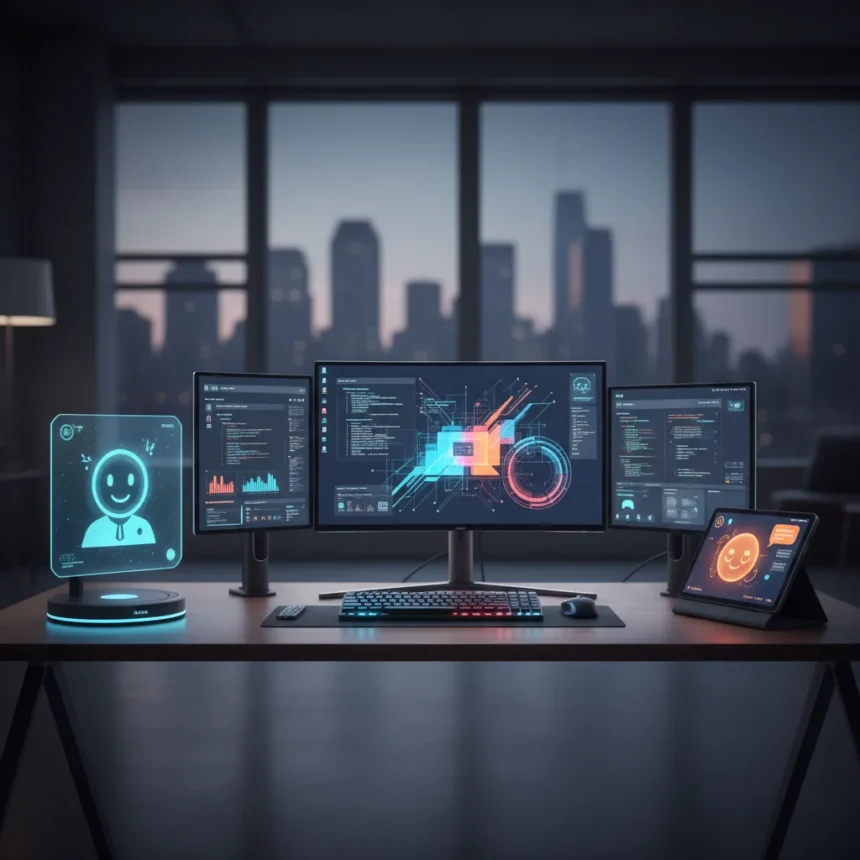
A multi-display desk setup has long meant stacking physical monitors side by side, but one experiment challenges that assumption by adding Alexa and Gemini alongside traditional screens. Starting with three monitors, the author pushed the concept to five total displays—proving that screenmaxxing doesn’t require five physical panels.
Key Takeaways
- A multi-display desk setup evolved from three monitors to five displays by incorporating AI assistants.
- Not all displays in the expanded setup are traditional monitors.
- The experiment demonstrates that workspace optimization extends beyond physical screen count.
- AI assistants function as interactive displays in a productivity-focused environment.
- No desk setup is truly final—configurations remain iterative and temporary.
Why screenmaxxing goes beyond physical monitors
The traditional multi-display desk setup prioritizes monitor quantity and size, but the real opportunity lies in diversifying what you consider a display. By integrating Alexa and Gemini into a workspace already running three monitors, the author discovered that a fifth display doesn’t need a bezel or a power cable running to a graphics card. Instead, it can be a voice-activated interface or an AI conversation window—something that serves the same core function: presenting information and accepting input.
This shift reframes the entire conversation around desk optimization. Most productivity guides focus on monitor resolution, refresh rates, and physical arrangement. Yet adding Alexa and Gemini to a three-monitor setup addresses a different problem: cognitive load and context switching. Traditional monitors display static information. AI assistants respond dynamically, making them displays that talk back.
The challenge of five displays in one workspace
Scaling from three to five displays introduces practical friction that most setups never encounter. Power consumption climbs. Cable management becomes chaotic. The desk itself may not have physical space for additional panels. But the author’s approach sidesteps these constraints by treating Alexa and Gemini as displays without the hardware footprint. A smart speaker occupies minimal desk real estate. A Gemini window runs on existing monitors or a separate device already in the workspace.



The real trade-off is cognitive, not physical. Five displays—whether traditional or AI-powered—demand attention management. Your eyes can focus on only one screen at a time. Your brain can process only one input stream. The experiment implicitly asks whether adding more displays actually increases productivity or simply increases distraction. The answer depends entirely on workflow and discipline.
Multi-display desk setup vs. traditional single-monitor work
A single-monitor setup forces serialization: open one app, close it, open another. A multi-display desk setup enables parallelization: reference documentation on one screen while coding on another, check email on a third. But the jump from three to five displays yields diminishing returns. The first additional monitor delivers massive productivity gains. The fifth one? It depends on whether you have a genuine use case for a fifth information stream or whether you’re simply chasing the novelty of screenmaxxing.



The author’s hybrid approach—physical monitors plus AI assistants—suggests a middle path. Instead of adding a fourth or fifth physical monitor, add an AI assistant that consolidates multiple functions. Chat with Gemini for research, ask Alexa to control smart home devices or set reminders, keep traditional monitors for focused work. This configuration acknowledges a hard truth: more displays don’t automatically mean better productivity. Smarter displays do.
Will your desk setup ever be final?
The author’s observation that no desk setup is final reflects a deeper reality about workspace optimization. Technology evolves. Work patterns shift. What felt like the perfect configuration six months ago may feel cramped or chaotic today. Screenmaxxing—pushing to five displays—is an experiment, not a destination. The setup will eventually be torn down, reconfigured, or abandoned entirely.
This iterative mindset matters because it prevents the sunk-cost fallacy. You don’t need to justify a five-display setup forever. You can build it, test it, learn from it, and tear it down without guilt. The real value isn’t in the final configuration—it’s in the process of discovering what actually works for your specific workflow.
Is a five-display setup practical for most users?
No. Most people benefit far more from a well-organized two or three-display setup than from attempting to manage five. Five displays suit niche workflows: financial traders monitoring multiple markets, video editors grading footage across reference monitors, or developers debugging complex systems across multiple code windows. For general knowledge work, five displays introduce cognitive overhead that outweighs any productivity gain.


Can AI assistants really function as displays?
Yes, but with caveats. Alexa and Gemini display information and accept input, meeting the technical definition of a display. However, they excel at specific tasks—voice commands, conversational queries, smart home control—rather than sustained visual reference work. They supplement traditional monitors rather than replace them. Treating them as part of a multi-display desk setup works only if your workflow includes tasks where voice interaction or conversational AI genuinely saves time compared to keyboard input.
Should you attempt to screenmaxx your desk?
Only if you have a specific workflow problem that additional displays solve. Screenmaxxing for its own sake wastes desk space, electricity, and attention. But if you find yourself constantly alt-tabbing between apps, struggling to reference documentation while working, or wishing you could monitor multiple information streams simultaneously, a multi-display desk setup—whether built from traditional monitors or hybrid approaches like the author’s—can deliver real gains. Start with three. Add a fourth only if you genuinely need it. And if you do reach five displays, make sure at least some of them are AI assistants that reduce friction rather than monitors that simply multiply it.
Where to Buy
Geekom A9 Max: | Amazon Echo Show 8 (4th gen):
Edited by the All Things Geek team.
Source: Tom's Guide