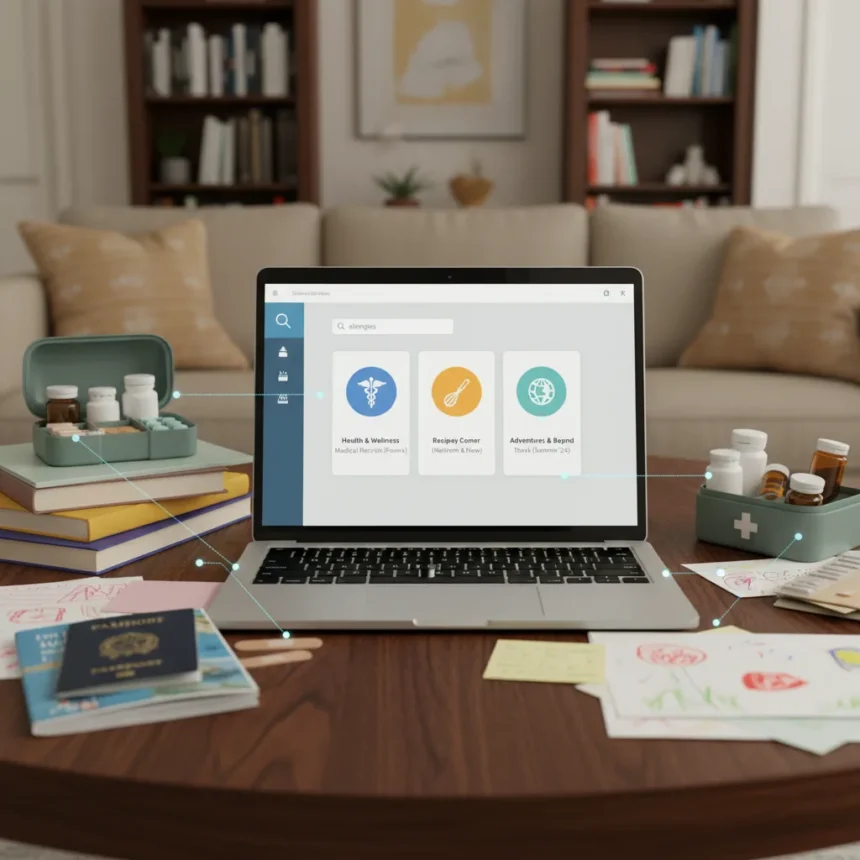
NotebookLM family wiki is a practical application of Google’s note-taking AI tool that transforms scattered household documents into a single, searchable knowledge base. Instead of hunting through email, paper files, and bookmarks for recipes, medical records, travel plans, and home information, users upload these documents into NotebookLM and ask the system to find what they need in seconds.
Key Takeaways
- NotebookLM lets you upload medical records, recipes, travel plans, and household documents into one searchable system
- A family wiki eliminates the need to hunt through scattered files, paper records, and bookmarks for everyday household information
- The NotebookLM family wiki approach centralizes practical life admin that typically lives across multiple apps and storage locations
- This use case shows AI knowledge tools extending beyond work and study into everyday personal and family operations
- Building a NotebookLM family wiki requires loading varied document types and using the search function to retrieve household information on demand
Why Household Organization Needs NotebookLM Family Wiki
Running a household involves juggling information scattered across dozens of places: medical histories in doctor’s offices, recipes bookmarked across browsers, travel itineraries in email threads, home maintenance schedules in notebooks, insurance documents in filing cabinets. A NotebookLM family wiki consolidates all of this into one system where a simple search replaces the mental effort of remembering where something lives. Instead of asking “where did I save that recipe?” or “what was our pediatrician’s recommended dosage?”, you ask NotebookLM and get an answer instantly. This transforms household management from a memory game into a straightforward lookup.
The appeal of a NotebookLM family wiki lies in its simplicity. You do not need to organize documents into folders, tag them manually, or maintain a complex filing system. Upload the documents, ask questions, and let the AI surface the information you need. For families managing multiple people’s medical needs, dietary preferences, travel logistics, and home upkeep, this centralization becomes genuinely useful rather than just convenient.
What Goes Into Your NotebookLM Family Wiki
A NotebookLM family wiki works best when it contains the documents that define everyday household operations. Medical records form the foundation: prescription lists, allergy information, vaccination records, and doctor’s notes that you need to reference quickly during appointments or emergencies. Recipes—both family favorites and dietary-specific meals—live alongside grocery lists and meal-planning notes. Travel information gets uploaded too: hotel confirmations, flight itineraries, car rental details, and destination guides that family members need to access before trips.



Home documents round out the system: maintenance schedules for appliances, warranty information for electronics, insurance policy details, utility account information, and property-related records. The specific documents you include depend on your household’s needs, but the principle remains the same: anything you reference regularly enough that you get frustrated hunting for it belongs in the NotebookLM family wiki. Unlike traditional note-taking apps that require you to decide where something belongs, NotebookLM treats all uploaded documents as a single searchable pool, making retrieval faster and less dependent on perfect organization.
NotebookLM Family Wiki vs. Traditional Household Organization
Traditional household organization relies on scattered solutions: Google Drive for documents, Apple Notes for recipes, email for confirmations, filing cabinets for paper records, and browser bookmarks for reference materials. Each system requires you to remember not just the information you need, but also where you stored it. A NotebookLM family wiki eliminates this cognitive overhead by treating all household information as one unified database. You do not need to remember whether the allergy list is in Notes, Drive, or a printed sheet in the kitchen drawer—you ask NotebookLM and it finds the answer.



This approach also solves a common family problem: information silos. When your spouse stores documents differently than you do, or your teenager saves things in unexpected places, finding information becomes a household negotiation. A NotebookLM family wiki becomes the single source of truth that everyone uses the same way, regardless of how information was originally organized. The system handles the complexity, leaving family members free to focus on the information itself rather than the storage mechanism.
Building Your First NotebookLM Family Wiki
Starting a NotebookLM family wiki requires uploading your household documents into the system and then testing the search functionality. Begin with categories that matter most to your household: medical information, recipes, and travel plans are natural starting points because you reference them frequently and they have clear practical value. Scan paper documents if needed, export digital records from various services, and upload everything into NotebookLM. The system accepts multiple file formats, making it flexible enough to handle whatever documents you have.
Once documents are uploaded, the real benefit emerges when you start asking questions. Instead of browsing through a folder of recipes to find something dairy-free, you ask NotebookLM for dairy-free recipes and it surfaces relevant options. Instead of searching email for your child’s vaccination dates, you ask for that information and get an instant answer. This query-based approach to household information feels natural because it mirrors how you actually think about the information—by what you need, not by where you stored it.
Is a NotebookLM Family Wiki right for your household?
A NotebookLM family wiki works best for households that currently maintain scattered documents across multiple systems and experience friction finding information. If you spend time hunting for recipes, medical records, or travel details, the consolidation offers genuine value. Families with multiple members who need access to shared information—parents coordinating childcare, multigenerational households managing elder care, or partners handling household logistics—benefit most from a single searchable source. If your household currently maintains organized systems and rarely struggles to find information, the setup effort may not justify the benefit.


The investment required is modest: uploading documents takes an afternoon, and the learning curve is shallow because NotebookLM’s search interface is straightforward. For households drowning in scattered household admin, a NotebookLM family wiki transforms how you access the information that actually runs your day-to-day life, replacing frustration with instant answers.
Edited by the All Things Geek team.
Source: Tom's Guide