





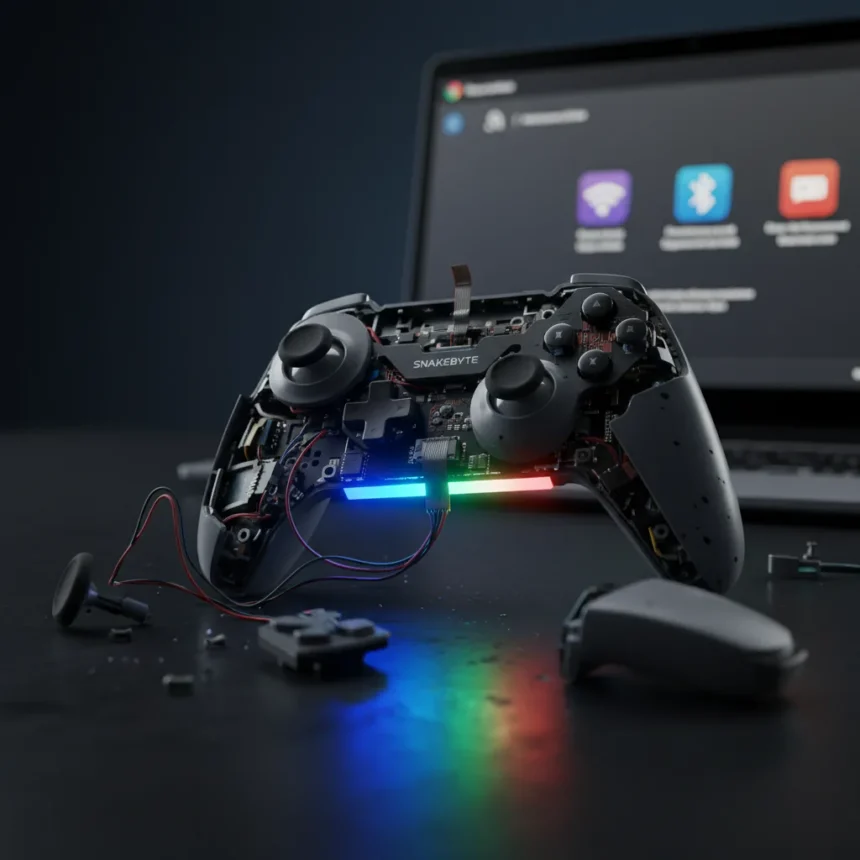
The Snakebyte Gamepad RGB S2 is a third-party Nintendo Switch 2 controller made by Snakebyte, priced at around $20, positioned as a budget alternative to Nintendo’s official $40 controller option. After reviewing this device, it is difficult to recommend it to anyone, regardless of budget constraints. The controller’s wireless reliability issues, input lag problems, and tedious pairing process undermine whatever value its Hall effect thumbsticks and RGB lighting might offer.
Key Takeaways
- The Snakebyte Gamepad RGB S2 costs $20, half the price of Nintendo’s official $40 Switch 2 controller.
- Input lag and random wireless disconnections plague the controller during gameplay.
- The pairing process is long-winded and frustrating compared to official alternatives.
- Hall effect thumbsticks and RGB lighting cannot compensate for connectivity problems.
- The controller runs its own firmware, offering independence from Switch 2 system updates.
Snakebyte Gamepad RGB S2 Wireless Problems Ruin the Experience
The core issue with the Snakebyte Gamepad RGB S2 is that it simply cannot maintain a stable wireless connection. Random disconnections interrupt gameplay without warning, forcing you to re-pair and restart whatever you were playing. This is not a minor inconvenience—it is a fundamental failure of a wireless controller’s primary job. For a device that costs only $20, this might seem forgivable, but Nintendo’s official controller handles wireless connectivity without drama at twice the price.
Input lag compounds the problem. Every button press feels slightly delayed compared to what you expect from a modern controller. In fast-paced games, this lag becomes immediately noticeable and frustrating. Combined with the disconnection issues, the Snakebyte Gamepad RGB S2 becomes actively unpleasant to use rather than merely mediocre.
Pairing the Snakebyte Gamepad RGB S2 Is Unnecessarily Complicated
Getting the controller connected in the first place requires patience you probably do not have. The pairing process is long-winded, involving multiple steps and a Bluetooth dongle that adds another piece of hardware to your setup. Nintendo’s official controller pairs almost instantly and works smoothly. The Snakebyte controller makes you work for the privilege of using it, and the payoff—a $20 price tag—does not justify the friction.


This is particularly frustrating when you compare it to the plug-and-play simplicity of Nintendo’s own solution. If you are buying a controller to save money, you expect that savings to come with some reasonable trade-off. Instead, you get a product that requires more setup effort while delivering worse performance.
Hall Effect Sticks Cannot Save the Snakebyte Gamepad RGB S2
The controller does include Hall effect thumbsticks, which are genuinely valuable for durability and drift resistance. RGB lighting adds visual appeal for players who care about aesthetics. These features sound promising on paper. In practice, they do not matter when the controller disconnects mid-game or when input lag ruins your timing.



The Snakebyte Gamepad RGB S2 also runs its own firmware, which is actually a smart design choice. Third-party docks and accessories on Switch 2 have faced compatibility issues after system firmware updates, so having a controller with independent firmware logic is reassuring. That said, this single advantage cannot overcome the fundamental wireless and performance failures that make the controller unreliable.
Is the Budget Really Worth the Frustration?
At $20, the Snakebyte Gamepad RGB S2 positions itself as an affordable alternative to Nintendo’s $40 official controller. That $20 price difference is tempting if you are building a multi-controller setup or gaming on a tight budget. But the controller feels like a budget version in all the wrong ways. It cuts corners on wireless stability and responsiveness, leaving you with a product that costs less but delivers significantly less value.
Nintendo’s official controller, while more expensive, simply works. It pairs instantly, maintains a solid connection, and has no noticeable input lag. You pay more, but you get reliability. The Snakebyte controller tries to undercut that pricing by stripping away the fundamentals, and the result is a device that frustrates more than it saves you money.
Should You Buy the Snakebyte Gamepad RGB S2?
No. Even if you are budget-conscious, this controller will cost you more in frustration than it saves in dollars. The input lag, disconnections, and pairing headaches make it one of the worst controllers available for Switch 2, let alone at its price point. If you need a second controller, spend the extra $20 on Nintendo’s official option and avoid the headache entirely.


What makes the Snakebyte Gamepad RGB S2 different from Nintendo’s official controller?
The Snakebyte controller costs half as much ($20 vs $40) and includes Hall effect sticks and RGB lighting. However, it suffers from input lag, random disconnections, and a tedious pairing process. Nintendo’s official controller offers superior wireless reliability and responsiveness, making the price difference worth the investment.
Does the Snakebyte Gamepad RGB S2 support HD Rumble 2?
No, the controller does not support HD Rumble 2, Nintendo’s advanced haptic feedback technology on Switch 2. This removes another layer of immersion and compatibility with newer games designed around that feature.
Why does the Snakebyte Gamepad RGB S2 need a Bluetooth dongle?
The controller requires a Bluetooth dongle to connect to the Switch 2. This adds setup complexity and an extra piece of hardware you must keep track of, unlike Nintendo’s official controller which integrates smoothly with the console’s built-in wireless system.
The Snakebyte Gamepad RGB S2 is a cautionary tale about false economy in gaming accessories. A lower price tag means nothing if the product fails at its core function. Wireless connectivity and responsive input are not luxuries—they are baseline requirements for any controller worth buying. This one misses the mark on both counts, making it easy to skip despite its attractive price.
Where to Buy
Edited by the All Things Geek team.
Source: TechRadar




