





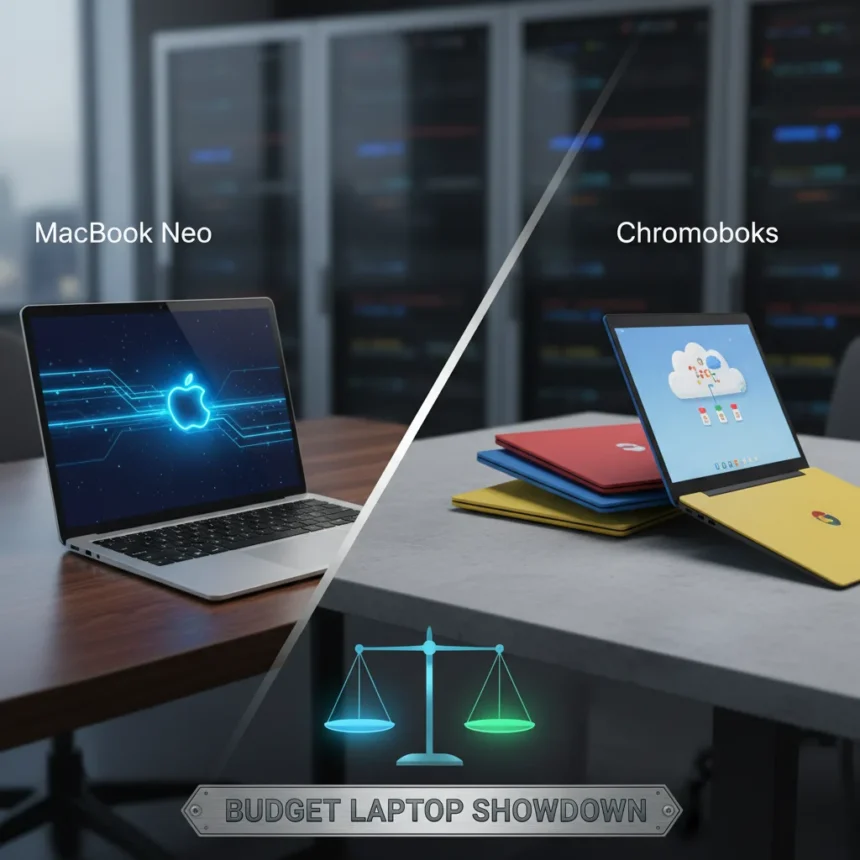
MacBook Neo vs. Chromebooks represents the central tension in affordable computing today: Apple’s entry into the budget segment against the established simplicity of Chrome OS devices. Both categories promise value, but they serve fundamentally different user philosophies and workflows. Understanding which aligns with your actual needs—not marketing promises—is the only way to avoid buyer regret.
Key Takeaways
- MacBook Neo targets users who need macOS apps and Apple ecosystem integration at a lower price point.
- Chromebooks excel for cloud-first workflows, web browsing, and users invested in Google services.
- MacBook Neo vs. Chromebooks decision depends on software requirements, not just raw performance.
- Both categories offer viable budget options, but their use cases rarely overlap completely.
- Ecosystem lock-in matters more than specs when choosing between these platforms.
What Makes MacBook Neo vs. Chromebooks Different
The MacBook Neo vs. Chromebooks comparison is not really about processing power or screen size. It is about operating system philosophy and software availability. MacBook Neo runs macOS, giving you access to the entire Mac app ecosystem, professional software like Final Cut Pro and Logic Pro, and the ability to run Windows through virtualization if needed. Chromebooks run Chrome OS, which means you are working primarily through a web browser and Google’s suite of web apps. One is a full operating system; the other is a browser-centric environment. That distinction alone determines whether each device works for you.
MacBook Neo targets professionals who have already invested in macOS tools or who need software that simply does not exist on Chrome OS. Chromebooks target students, casual users, and anyone whose workflow lives in Google Workspace, Microsoft 365 online, or other web-based tools. Neither is objectively better—they are built for different people.
Performance and Real-World Use
When comparing MacBook Neo vs. Chromebooks on performance, the conversation shifts depending on what you actually do. MacBook Neo runs Apple Silicon, which handles video editing, photo processing, and compilation tasks that Chromebooks cannot touch. If your workflow involves creative software or development tools, MacBook Neo has no real competitor in the budget space. Chromebooks, by contrast, are optimized for web browsing and cloud applications. Open 20 browser tabs, stream video, and switch between Google Docs and Sheets—Chromebooks handle this smoothly because that is what they are built for. Push them beyond web apps and cloud storage, and they hit a wall.


The performance gap matters only if you need the performance. Someone writing in Google Docs and managing a Trello board will see no meaningful difference between a high-end Chromebook and a MacBook Neo. Someone editing video will find Chromebooks unusable. This is where honest self-assessment beats benchmark scores.
Ecosystem and Long-Term Value
MacBook Neo vs. Chromebooks also hinges on ecosystem lock-in—a factor that influences total cost of ownership more than most people realize. If you own an iPhone, iPad, and Apple Watch, MacBook Neo integrates smoothly: handoff between devices, AirDrop file sharing, iCloud sync, and unified backup. If you are already paying for iCloud storage and Apple One, adding a MacBook Neo extends that investment. Conversely, if your digital life centers on Google—Gmail, Google Drive, Google Photos, Android phone—a Chromebook is the natural choice. It syncs instantly, shares credentials across all your devices, and costs less upfront.



Neither ecosystem is objectively superior, but switching between them is expensive and disruptive. Choose based on where you are already invested, not on the device alone. A Chromebook in a Microsoft-first household or a MacBook Neo for a Google-first user creates friction that no performance gain can overcome.
Budget Reality: Price and Value Proposition
MacBook Neo vs. Chromebooks pricing tells a revealing story. Chromebooks start at genuinely low prices and remain affordable across the range. MacBook Neo costs more upfront but holds resale value better and typically lasts longer before feeling slow. If you need a laptop for exactly one year, Chromebook wins on cost. If you plan to keep it for five years, MacBook Neo may actually be cheaper per year of use. Budget is not just about the sticker price—it is about how long the device remains useful for your specific needs.
For students using Google Classroom and web-based tools, Chromebooks are the obvious choice. For creative professionals or anyone running specialized software, the MacBook Neo investment pays dividends over time. Neither is universally the better value; context determines everything.
Can You Switch Between Them?
Technically, yes. Practically, it is painful. Moving from Chromebook to MacBook Neo means learning macOS, installing new apps, and potentially paying for software you used free on Chrome OS. Moving from MacBook Neo to Chromebook means abandoning your Mac app library and relearning workflows in web versions of tools you already own. The switching cost is high enough that choosing wrong initially creates lasting frustration.



FAQ
Should I buy a MacBook Neo or a Chromebook for school?
If your school uses Google Classroom, Google Drive, and web-based tools exclusively, a Chromebook is the sensible choice—it is cheaper and does everything you need. If your school requires specific software (video editing, CAD, coding environments beyond web IDEs), MacBook Neo is necessary. Check your school’s software requirements before deciding.
Can I run Windows on a MacBook Neo?
MacBook Neo cannot run Windows natively, but you can use virtualization software or cloud-based Windows environments. This adds complexity and cost, making it an imperfect solution for Windows-only software. If you need Windows regularly, a Windows laptop may be more practical than a MacBook Neo with workarounds.
Is a Chromebook suitable for photo and video editing?
Chromebooks can handle basic web-based editing tools like Pixlr or Canva, but they are not suitable for professional photo or video work. MacBook Neo with Final Cut Pro or Adobe Creative Cloud is the budget alternative to expensive Windows workstations for creative professionals.
The MacBook Neo vs. Chromebooks decision is not about finding the objectively best laptop—it is about matching the device to your actual workflow, ecosystem, and long-term plans. Spend time honestly assessing what software you need, where your files live, and what you will be doing five years from now. The right choice becomes obvious once you stop comparing specs and start comparing your life.
Edited by the All Things Geek team.
Source: Tom's Guide




