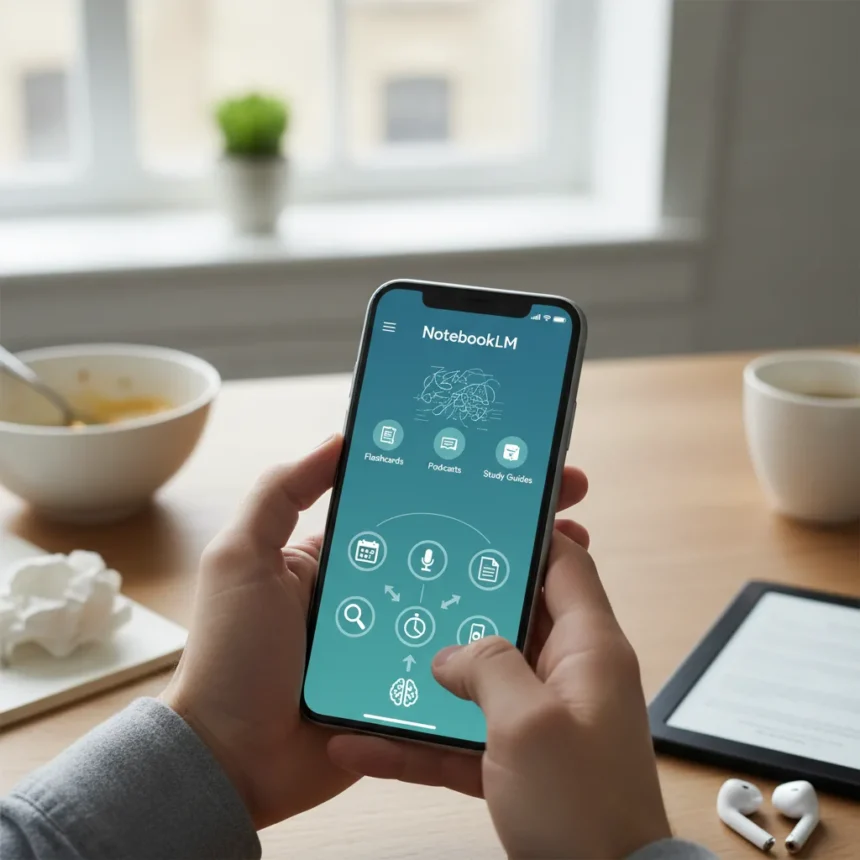
NotebookLM mobile app is Google’s experimental AI note-taking assistant powered by Gemini models, available now on Android, iOS, and web. One week of daily testing revealed it can replace seven manual tasks that normally consume hours—from summarizing dense documents to prepping meetings to turning messy notes into professional slide decks.
Key Takeaways
- NotebookLM generates 30 flashcards from complex documents in seconds, eliminating rereading.
- Quiz feature creates 10-question tests with trick questions to boost retention.
- Audio overviews pair two AI hosts discussing your notes conversationally in podcast style.
- Slide deck generation transforms scattered thoughts into themed presentations automatically.
- Free to use across web, Android, and iOS with recent updates adding quizzes and flashcards.
Task 1: Understand Complex Documents Without Rereading
NotebookLM mobile app eliminates the need to reread long, chaotic research documents by generating summaries, key takeaways, and retention tools instantly. Upload a 40-page PDF or messy research note, and the app produces flashcards (30 in seconds), quizzes with trick questions, and study guides tailored to your material. The quiz feature wasn’t flawless—some questions lacked relevance—but most proved surprisingly accurate, making it feel like the app had absorbed your thinking.
This workflow compresses what would normally take hours of manual review into minutes. Rather than highlighting passages and scribbling summaries, you receive structured study materials ready to use immediately. The flashcard output is particularly useful for professionals who need to absorb research quickly before meetings or presentations.
Task 2: Prep for Meetings in Minutes Instead of Hours
NotebookLM mobile app transforms meeting prep from a time-consuming slog into a five-minute task. Upload notes, reports, or background documents, and the app generates study guides, flashcard sets, key term lists, and practice questions designed to refresh your knowledge fast. This is especially valuable when you’re walking to a meeting or sitting in traffic—the mobile app lets you study on the move rather than at a desk.



The app stays grounded in your source material, citing specific sections rather than hallucinating context like general chatbots do. This accuracy matters when you’re preparing for high-stakes discussions where wrong information could undermine your credibility.
Task 3: Convert Notes Into Multimedia Without Manual Editing
NotebookLM mobile app excels at transforming scattered notes into polished outputs that would normally require hours of manual work. The audio overview feature generates a podcast-style conversation between two AI hosts discussing your material, complete with questions and real-time answers. Users reported listening to family recaps in the car and being surprised by how the app shaped mundane schedules into engaging narratives.



Slide deck generation is equally impressive—dump messy thoughts into the app, and it automatically defines the narrative structure, groups content by theme, adds titles, and organizes visuals. Content creators can pair these outputs with teleprompter tools to produce video scripts without rewriting notes from scratch. The app doesn’t replace human creativity, but it accelerates the mechanical parts of content production that consume disproportionate time.
Why NotebookLM Mobile App Outperforms General AI Chatbots
While ChatGPT and other general-purpose AI tools can summarize documents and organize tasks, NotebookLM mobile app offers capabilities specifically designed for note-to-action workflows. The difference lies in retention testing (flashcards and quizzes), multimedia conversion (podcasts, videos, scripts), and source grounding—the app cites your original material rather than generating plausible-sounding but potentially inaccurate information.
NotebookLM also maintains project-specific notebooks, so you can return to the same materials repeatedly without reloading them each time. This ecosystem approach means the app learns your sources and builds on them over time, unlike one-off chatbot sessions that start fresh each conversation.
Real Limitations Worth Knowing
NotebookLM mobile app is not a replacement for human therapists, coaches, or original creative thinking. The quiz feature occasionally produces irrelevant questions, and the app works best as a workflow accelerator rather than a standalone solution. Time-savings claims come from one week of subjective testing rather than quantified metrics—the actual minutes saved per task will vary based on document complexity and your starting knowledge level.


The app also requires you to provide quality source material. Garbage in, garbage out applies here—if your notes are incoherent, the outputs will reflect that limitation. Think of NotebookLM mobile app as a force multiplier for organized thinking, not a solution for chaotic workflows.
Is NotebookLM mobile app free to use?
Yes, NotebookLM is free to use across all platforms—web, Android, and iOS. There are no subscription tiers or paywalls blocking core features like flashcards, quizzes, audio overviews, or slide deck generation.
Can NotebookLM mobile app replace ChatGPT for productivity?
NotebookLM mobile app excels at note-to-multimedia conversion and retention testing, while ChatGPT handles broader task organization and brainstorming better. Use NotebookLM when you need to process existing documents or notes; use ChatGPT when you need to generate new ideas or organize abstract tasks.
What file types does NotebookLM mobile app accept?
The app handles PDFs, long-form text, notes, schedules, and journal entries. It’s designed for messy, real-world source material rather than perfectly formatted documents.
NotebookLM mobile app won’t replace your entire workflow, but it will eliminate the most tedious parts—rereading notes, manually creating flashcards, and reformatting materials for different contexts. For professionals drowning in documents and students grinding through study materials, it’s a genuine time-saver worth testing immediately.
Edited by the All Things Geek team.
Source: Tom's Guide