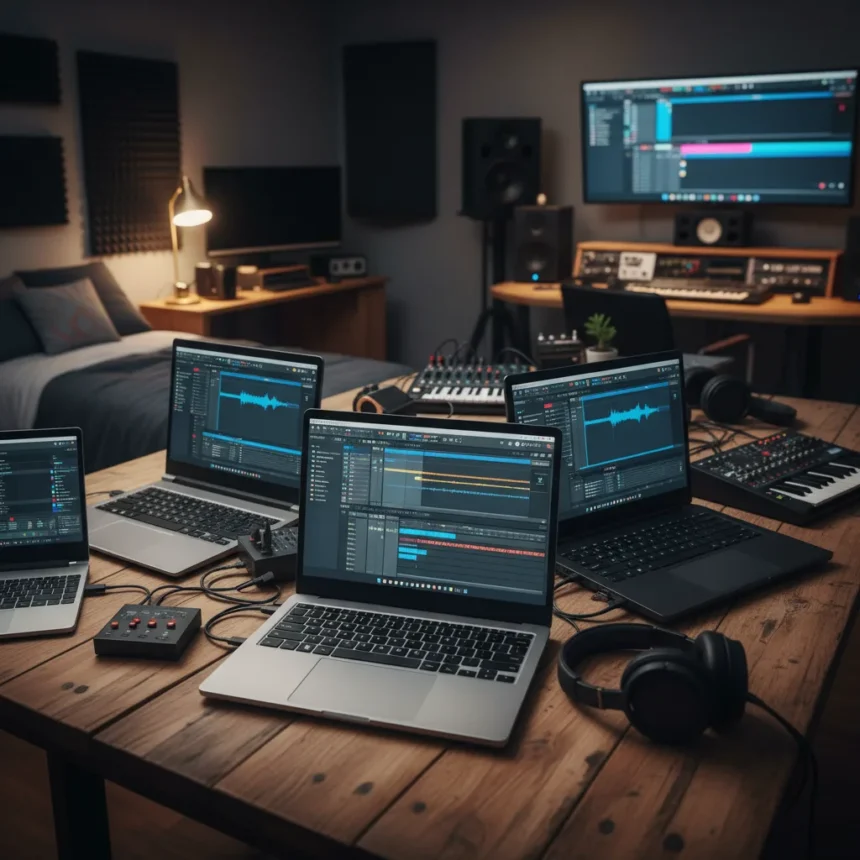
The best laptops for music production need to handle demanding digital audio workstations, sustain high track counts without stuttering, and integrate smoothly with audio interfaces—yet many producers sacrifice portability for power or vice versa. Whether you’re recording beats in a bedroom or mixing in a professional studio, the laptop you choose directly impacts your creative output and workflow speed.
Key Takeaways
- Music production laptops must prioritize CPU performance for running multiple DAW plugins and virtual instruments simultaneously.
- MacBooks are frequently recommended for sound producers, though upgrade timing affects value and compatibility.
- Portability matters for bedroom producers who need flexibility; studio professionals may prioritize raw processing power.
- Audio interface compatibility and RAM capacity are critical specs beyond processor speed alone.
- Waiting for newer models like M5 MacBooks requires balancing immediate production needs against future-proofing.
What Makes a Laptop Suitable for Music Production
A music production laptop must excel at multitasking under load. Running a modern DAW like Ableton Live, Logic Pro, or FL Studio alongside multiple synthesizers, effects plugins, and recording tracks demands consistent CPU headroom. The machine needs enough RAM to buffer audio streams without dropouts, fast storage to load sample libraries instantly, and a thermal design that doesn’t throttle performance during long mixing sessions.
Beyond raw specs, connectivity matters enormously. Your laptop must reliably interface with audio equipment—USB audio interfaces, MIDI controllers, and studio monitors—without introducing latency or driver conflicts. This is where ecosystem choice becomes consequential. MacBooks for sound producers have earned favor partly because of stable audio driver support and integration with professional audio software, though this advantage isn’t universal.
MacBooks versus alternatives for music production
MacBooks, particularly the Pro line, dominate music production discussions for a reason: they offer consistent performance, excellent build quality, and strong compatibility with industry-standard DAWs. However, the choice between upgrading now or waiting for newer releases like M5 MacBooks introduces a strategic tension. Current-generation MacBooks deliver immediate capability and proven stability, while waiting for next-generation chips promises incremental performance gains but delays your production start date.


The decision hinges on your timeline. A bedroom producer recording their first EP needs a machine now. A studio professional with existing equipment investments might justify waiting for architectural improvements that reduce plugin latency or enable more simultaneous tracks. Neither choice is objectively correct—context determines value.
Balancing bedroom and professional studio needs
Bedroom producers prioritize portability and affordability without sacrificing too much processing power. They need laptops that handle 30-50 track projects, run moderate plugin counts, and fit in a backpack for writing sessions elsewhere. Studio professionals, by contrast, often keep their laptops stationary and demand maximum CPU cores, high RAM capacity, and zero thermal compromises.



The best laptops for music production for each tier differ accordingly. A bedroom producer might optimize for a 13-inch or 14-inch screen with solid multi-core performance. A studio professional might select a 16-inch model with maximum RAM and aggressive cooling, treating it as a workstation rather than a portable device. Your physical setup—whether you move between locations or maintain a fixed studio—should drive your hardware choice more than brand loyalty.
Specs that actually matter for DAW performance
Processor cores and clock speed determine how many simultaneous plugins and virtual instruments you can run before hitting CPU walls. RAM capacity—16GB minimum, 32GB recommended for serious production—prevents audio dropouts when your DAW loads large sample libraries or runs CPU-intensive reverbs. Storage speed affects how quickly you can load projects and stream samples from disk during recording sessions.
Audio latency, while partly determined by interface quality, also depends on your laptop’s ability to process audio buffers quickly. A machine with lower latency lets you record and monitor without delay, which is crucial for timing-sensitive instruments like drums and bass. Thermal design matters too—a laptop that throttles under sustained load will gradually lose performance during marathon mixing sessions, degrading your work quality over time.
Frequently asked questions
Can you use a budget laptop for music production?
Budget laptops can run basic DAWs and handle smaller projects with modest plugin counts, but they typically lack the sustained performance and RAM capacity needed for professional-grade work. You’ll hit performance ceilings quickly with complex arrangements. Investing in at least mid-range hardware prevents frustration and rework later.



How much RAM do I need for music production?
Sixteen gigabytes is the practical minimum for serious music production work. If you work with large orchestral libraries, heavy effects chains, or high track counts, 32GB provides comfortable headroom and future-proofing without excessive cost.
Should I prioritize CPU or GPU when choosing a laptop for music production?
CPU performance dominates music production workloads. Most DAWs and plugins rely on processor cores, not graphics acceleration. GPU matters less unless you’re also doing video editing or 3D work alongside music production.
The best laptops for music production ultimately reflect your specific workflow, budget, and whether you value portability or maximum performance. Rather than chasing the newest release, identify your actual production needs—track count, plugin complexity, and physical setup—then match hardware to those requirements. A well-chosen laptop becomes invisible to your creative process, letting you focus on the music instead of wrestling with system limitations.
Where to Buy
View at Amazon | View at Amazon
Edited by the All Things Geek team.
Source: Creativebloq