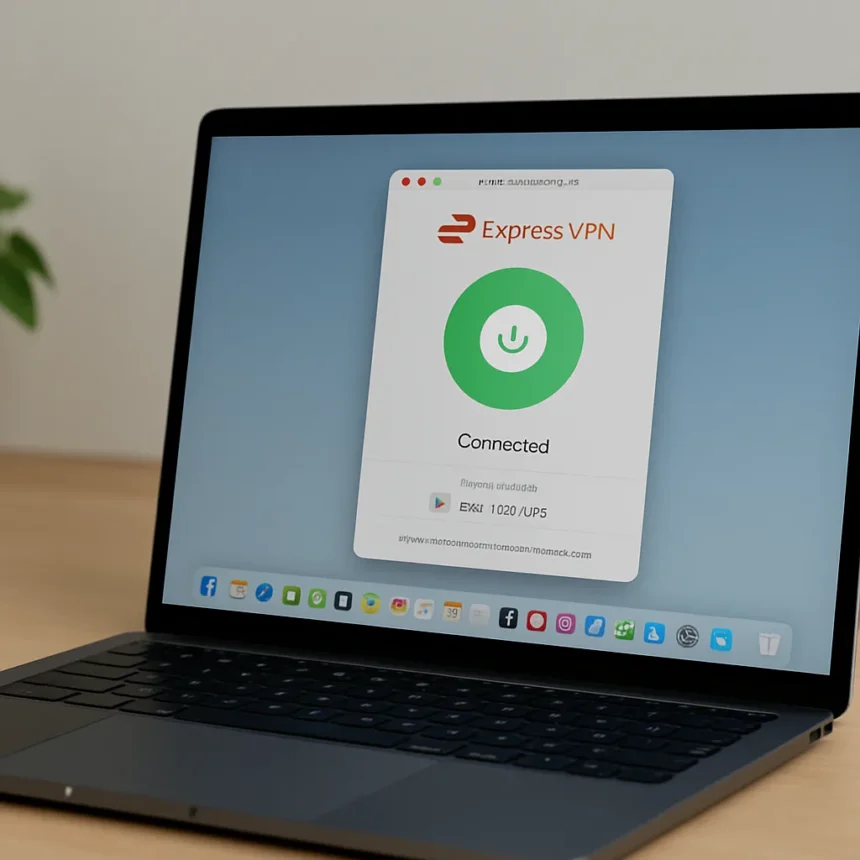
ExpressVPN for Mac is a VPN application made by ExpressVPN, compatible with macOS 11 (Big Sur) and above, available for download worldwide across all MacBook, MacBook Air, MacBook Pro, iMac, iMac Pro, Mac Pro, and Mac mini models. With the MacBook Neo arriving as Apple’s latest hardware, the question of which VPN to pair with it has a clear answer — and it is not a complicated one.
Why ExpressVPN for Mac Stands Apart From the Competition
Most VPNs struggle with Apple’s closed-source infrastructure. Where rival services hit walls trying to support the full range of Mac hardware, ExpressVPN runs natively across every current Mac model, including Apple silicon from M1 onwards. That is not a small thing. The Mac ecosystem is notoriously difficult for third-party software to navigate cleanly, and the fact that ExpressVPN handles it without requiring users to fiddle with manual configurations is a genuine advantage.
For the MacBook Neo specifically, native Apple silicon support means the app is optimised for the same chip architecture powering the machine, rather than running in emulation. The app also operates in the background without demanding attention, and a dark mode option helps preserve battery life — a detail that matters on a portable device. Compared to manually configuring OpenVPN Connect, which remains the fallback for older macOS versions like 10.15 and below, the native app experience is dramatically smoother.
ExpressVPN for Mac: Features That Actually Matter
Post-quantum encryption is the headline technical feature here. ExpressVPN has implemented it across both the Lightway and WireGuard protocols, which means the app is built to resist the kind of decryption threats that future quantum computing could pose. This is forward-looking protection, not marketing fluff, and it is the sort of feature most casual Mac users would never think to ask for but will quietly benefit from.


Split tunneling lets you choose which apps route through the VPN and which connect directly — useful if you want to stream local content while keeping sensitive browsing protected. There is also a built-in speed test, so you can confirm your connection is performing before you rely on it for anything important. On the protocol side, Mac users can select Automatic or lightweight UDP, with ExpressVPN’s live chat support confirming there are no functional differences between the Mac and Windows versions of the app.
One compatibility note worth flagging: ExpressVPN has a known conflict with Norton 360 on Mac that can block internet browsing. If you are running Norton 360 alongside ExpressVPN, check ExpressVPN’s support documentation before assuming the VPN is at fault.



The March 2026 Deadline Every Mac User Needs to Know
There is a hard deadline approaching that affects anyone running an older version of the ExpressVPN Mac app. Legacy apps prior to version 11.70.90675 will lose connectivity on March 31, 2026, when ExpressVPN retires the security certificates those versions depend on. From the same date, non-Aircove routers will also cease to connect — users will need either an Aircove router or the current app installed on a compatible device.
If you have been running ExpressVPN on a Mac for a while without updating, now is the time to check your version. The update is straightforward, but the deadline is firm. New MacBook Neo owners starting fresh will not face this issue, but anyone migrating from an older setup should verify their app version before March 2026.
Which ExpressVPN Plan Should MacBook Neo Owners Choose?
ExpressVPN currently offers three plan tiers. The Basic plan supports 10 simultaneous connections. The Advanced plan extends that to 12 and adds tracker blocking and an eSIM. The Pro plan supports 14 connections and includes a dedicated IP address along with unlimited email aliases. For most individual MacBook Neo owners, Basic or Advanced will cover everyday needs. The dedicated IP in the Pro tier is worth considering if you regularly access services that flag shared VPN addresses.
Is ExpressVPN easy to set up on a new MacBook?
Yes. Setup involves downloading the app, selecting a protocol (Automatic is the default and works well for most users), and connecting. There are no Mac-specific configuration steps that differ from other platforms, and the interface is designed for users without technical backgrounds.



What macOS versions does ExpressVPN support?
ExpressVPN’s Mac app supports macOS 11 (Big Sur) through macOS 26 (Tahoe), covering Monterey, Ventura, Sonoma, and Sequoia in between. Users on macOS 10.15 or older need to use a manual OpenVPN setup rather than the native app.
Does ExpressVPN work on Apple silicon Macs?
ExpressVPN includes native Apple silicon support, meaning it runs optimally on M1 and later chips without requiring Rosetta emulation. This applies to all current MacBook Air, MacBook Pro, Mac mini, iMac, and Mac Pro models built on Apple silicon.
ExpressVPN for Mac earns its reputation not through hype but through the practical details: broad hardware compatibility where rivals fall short, post-quantum encryption that most users will never need to think about, and an update deadline that rewards staying current. For MacBook Neo owners looking for a VPN that works without configuration headaches, it is the most sensible starting point on the market right now.
Edited by the All Things Geek team.
Source: Tom's Guide