Xbox expansion cards PC storage is no longer exclusive to consoles. A Reddit user’s testing revealed that Seagate’s official Xbox Series X|S storage expansion cards work on desktop PCs when paired with an inexpensive CFexpress adapter, delivering speeds fast enough to run games and applications directly from the expanded drive.
Key Takeaways
- Xbox expansion cards use standard CFexpress Type-B connectors, making them compatible with PC adapters despite proprietary Xbox firmware.
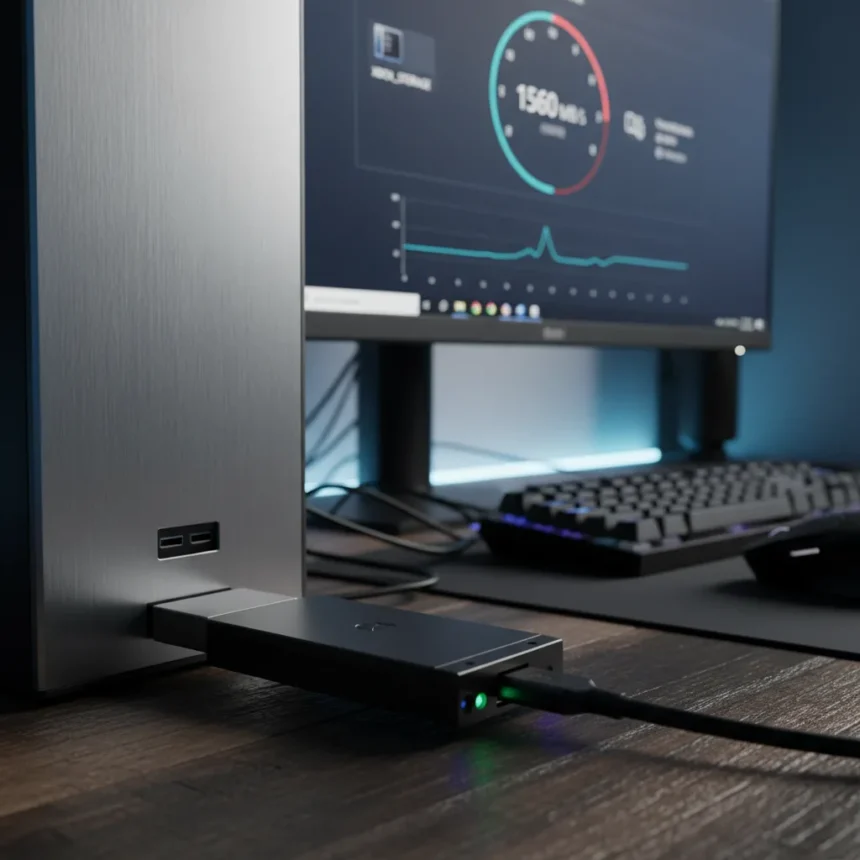
- A $16 Sintech PCIe CFexpress reader enables PC use, achieving up to 1,560 MB/s write speeds in real-world testing.
- Formatting the card for PC erases Xbox compatibility permanently—this is a one-way conversion.
- Performance is 2x faster than SATA SSDs but slower than modern M.2 NVMe drives on most systems.
- Requires a spare PCIe slot on desktop; USB 3.2 adapters available for laptops, though with reduced speeds.
What Xbox expansion cards PC compatibility actually means
The Xbox Series X|S storage expansion card is engineered as a CFexpress Type-B device—the same standard used in professional cameras and high-end recording equipment. This architectural decision, made in collaboration between Seagate and Xbox, means the card’s physical connector and form factor are not proprietary. What is proprietary is the firmware and the Xbox Velocity Architecture integration that allows the card to match the console’s internal SSD performance. On a PC, you lose that optimization layer but retain the underlying storage hardware.
Reddit user u/Dramatic-Shape5574 tested this theory by installing a 920GB Xbox expansion card into a $16 Sintech Low Profile PCI-e 4X CFexpress reader and inserting it into a spare PCIe slot on a desktop motherboard. The card registered as standard storage in Windows, no drivers required. Sequential write speeds topped out at 1,570 MB/s, with read speeds around 1,117 MB/s—substantially faster than SATA SSDs but trailing behind latest M.2 NVMe drives that commonly exceed 3,000 MB/s.
How to set up Xbox expansion cards PC storage
The setup process is straightforward but irreversible. First, you need a CFexpress Type-B adapter—the Sintech model tested costs around $16 on Amazon. Insert the Xbox expansion card into the adapter’s slot, then install the adapter into an available PCIe x4 or x16 slot on your motherboard. Boot your PC; Windows will detect the card as an unknown storage device. Format the drive using Windows Disk Management, selecting NTFS or another standard file system. This formatting step is critical: it erases any Xbox-specific data and permanently breaks console compatibility.



Once formatted, the drive behaves like any internal SSD. You can install games, applications, or use it for file storage. The 920GB of usable capacity (from a 1TB card) is substantial enough for a modest game library. For laptop users without spare PCIe slots, external USB 3.2 10Gb/s CFexpress adapters exist, though they sacrifice speed due to the USB interface bottleneck.
Performance vs. other PC storage options
The Xbox expansion card’s 1,560 MB/s write speed positions it as a middle-tier performer. It is roughly twice as fast as SATA SSDs, which typically max out around 550 MB/s, making it suitable for gaming workloads where sustained read speeds matter. However, it trails behind mainstream M.2 NVMe SSDs that deliver 3,500+ MB/s on PCIe 4.0 systems. For most users, the speed difference is imperceptible in day-to-day gaming—load times improve marginally over SATA but plateau compared to faster NVMe drives.



The real advantage lies in repurposing hardware you may already own. If you upgraded your Xbox Series X storage and no longer need the old expansion card, converting it to PC storage is far cheaper than buying a dedicated SSD. A 1TB NVMe SSD typically costs $80–120, whereas the adapter-plus-existing-card route costs only the $16 adapter.
Official stance and compatibility caveats
Seagate and Xbox maintain that expansion cards work exclusively with Xbox Series X|S for optimized performance. The official documentation explicitly states the cards will not function on PC or older Xbox models. This is technically accurate—they do not function optimally on PC due to the absence of Xbox Velocity Architecture. However, the underlying hardware remains compatible through standard CFexpress interfaces, which is why the adapter workaround succeeds.
The critical caveat: formatting the card for PC use is permanent. Once you wipe it in Windows Disk Management, you cannot simply reinsert it into your Xbox and expect it to work. The Xbox firmware and file system architecture are incompatible with standard NTFS or exFAT formatting. This makes the decision to repurpose a card a one-time commitment.
Is Xbox expansion cards PC worth it?
The answer depends on your situation. If you own an unused Xbox expansion card and need additional PC storage, the $16 adapter investment is a no-brainer. Performance is adequate for gaming and general file storage, and you are recycling hardware that would otherwise sit in a drawer. If you are considering buying an Xbox expansion card specifically to use on PC, skip it—a dedicated NVMe SSD offers better performance for similar or lower cost.



Can I use any CFexpress adapter with Xbox expansion cards?
Most CFexpress Type-B adapters should work, but quality and speed vary. The Sintech Low Profile model tested achieved 1,560 MB/s, while other reviews report lower speeds around 738 MB/s read and 308 MB/s write, suggesting adapter quality or PC PCIe configuration differences. Stick with adapters that explicitly support PCIe Gen 4 and have positive reviews mentioning high-speed performance.
Will formatting the card break my Xbox compatibility permanently?
Yes. Once you format the card in Windows, the Xbox file system is erased and replaced with standard NTFS or exFAT. The Xbox will not recognize it. This is not reversible through standard means, so treat the formatting step as a permanent conversion from console to PC storage.
What capacities are available for Xbox expansion cards?
The most common capacity is 1TB, available at retailers like Best Buy. Seagate and Xbox may offer other capacities, but 1TB is the standard option widely stocked. Check Xbox.com or major electronics retailers for current availability.
The Xbox expansion card-to-PC adapter hack is a clever example of hardware repurposing that defies official ecosystem boundaries. For gamers with spare cards and empty PCIe slots, it is a cost-effective way to expand PC storage without sacrificing performance. Just remember: formatting is final, and you are trading Xbox compatibility for a second life on PC.
Where to Buy
PCIe to CFexpress adapter | M.2 to CFexpress adapters | 500 GB Xbox Expansion Card for $99 | 1 TB Xbox Expansion Card for $189.99 | 1 TB Xbox Expansion Card for $149.99
Edited by the All Things Geek team.
Source: Tom's Hardware