





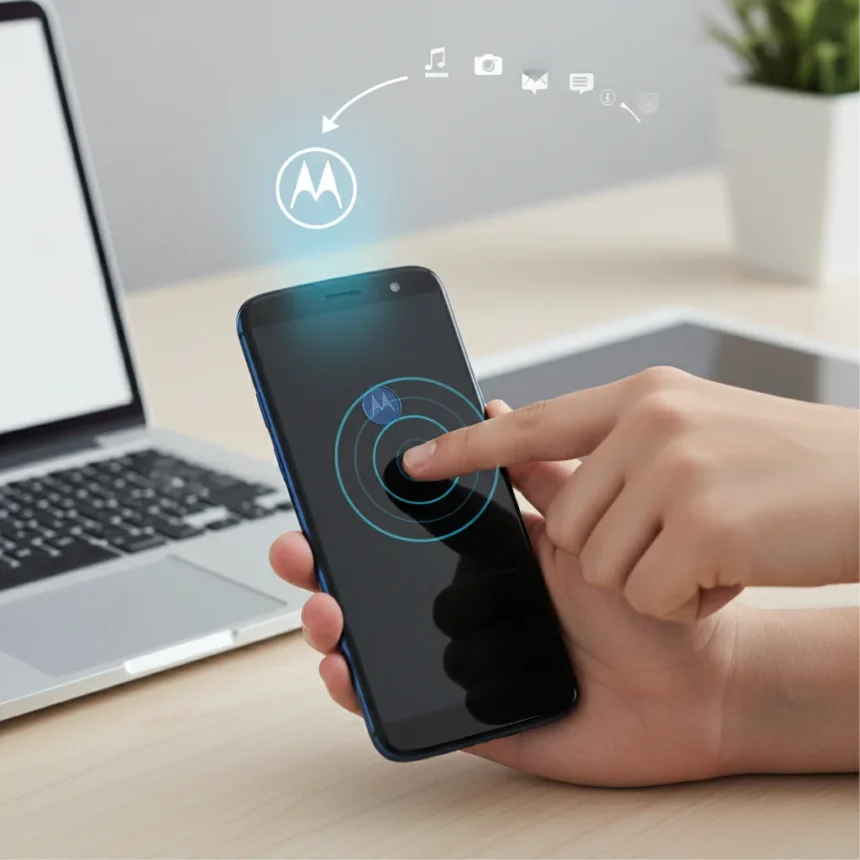
Motorola Quick Launch is a gesture-driven feature that opens apps and triggers actions by interacting with the back of your phone instead of the screen—a hands-free shortcut built into Motorola’s software ecosystem. The feature sits within Motorola’s broader gestures settings, letting users customize which apps or actions launch when they perform specific back-of-phone interactions. For users tired of hunting through home screens or app drawers, Quick Launch cuts straight to the apps that matter most.
Key Takeaways
- Motorola Quick Launch lets you launch apps by gesturing on the phone’s back, not the screen.
- The feature is configurable—you assign apps or actions to specific back-of-phone gestures.
- Quick Launch lives in Motorola’s gestures settings and is part of the company’s software differentiation.
- The feature reduces screen touches, speeding up access to frequently used apps.
- Motorola positions gesture controls as a core advantage over standard Android navigation.
What Is Motorola Quick Launch?
Motorola Quick Launch is a gesture-based shortcut system that activates apps or actions when you interact with the back of your Motorola phone rather than the display. Unlike traditional Android navigation—which requires unlocking the screen, finding an app icon, or opening the app drawer—Quick Launch collapses that workflow into a single gesture. The feature is built into Motorola’s gestures ecosystem, accessed through the phone’s settings menu, and designed to be customized to your most-used apps and actions.
The appeal is straightforward: fewer touches, faster access. If you launch the same app dozens of times a day, Quick Launch eliminates the friction of navigating the home screen or app drawer every time. This is particularly useful for power users who want muscle-memory shortcuts or anyone juggling multiple tasks and wanting to switch contexts instantly without looking at the display.
How to Find and Enable Motorola Quick Launch
Motorola Quick Launch is located within the Motorola gestures settings on compatible phones. To enable it, you navigate to your phone’s Settings menu, locate the gestures section (often labeled under Motorola-specific customizations), and toggle Quick Launch on. Once enabled, the feature becomes available for configuration—you assign specific apps or actions to the back-of-phone gestures you’ll use to trigger them.


The setup process is designed to be intuitive, allowing users to choose which apps or actions they want Quick Launch to open. This customization is key to the feature’s utility—there is no one-size-fits-all configuration. A photographer might assign the camera to one gesture, while a commuter might assign a transit app to another. Motorola’s approach treats Quick Launch as a personal shortcut system, not a preset feature you are stuck with out of the box.
Why Motorola Quick Launch Matters in the Android Landscape
Android’s default navigation relies on the home screen, app drawer, and search—all screen-based interactions that require you to look at and touch your display. Motorola Quick Launch sidesteps this entirely. By moving the interaction to the phone’s back, the feature offers a genuinely different way to use your phone, one that works even when your screen is off or locked.



This differentiation is central to Motorola’s strategy in a crowded Android market. While Samsung, Google, and others compete on specs and camera hardware, Motorola emphasizes software conveniences—features that make daily phone use faster and more intuitive. Quick Launch is one piece of that puzzle, alongside Motorola’s broader gestures ecosystem. The feature acknowledges a real pain point: most Android users have the same apps they reach for repeatedly, and the standard interface forces them to repeat the same navigation steps every single time.
Compared to standard Android phones, which require you to unlock, locate, and tap an app, Motorola Quick Launch collapses that into a back-of-phone gesture. For users who value speed and efficiency, this is a meaningful advantage—not groundbreaking, but genuinely useful for daily workflows.
Customization and Flexibility
The power of Motorola Quick Launch lies in its customization. You are not locked into a preset list of actions; instead, you configure the feature to match your usage patterns. This flexibility means the feature scales from casual users (who might assign just one or two apps) to power users (who might create a full gesture vocabulary for their most-used functions).
The ability to assign custom actions—not just apps but also system functions or shortcuts—extends Quick Launch beyond simple app launching. If Motorola’s implementation includes action triggers, users could theoretically set up gestures for things like toggling Wi-Fi, opening a specific contact, or launching a voice assistant. This versatility is what transforms Quick Launch from a novelty into a genuine productivity tool.



Is Motorola Quick Launch Worth Using?
For users who open the same apps repeatedly throughout the day, Motorola Quick Launch is worth enabling and configuring. The feature costs nothing—it is built into Motorola phones—and the setup is straightforward. The real value emerges over time as muscle memory kicks in and you stop thinking about the gesture and just do it. A photographer reaching for the camera, a social media manager launching Twitter, a driver opening maps—these workflows become frictionless.
The feature is less useful if you use a wide variety of apps sporadically or if you prefer traditional home screen organization. Quick Launch shines when you have a clear set of go-to apps and you want instant access. It is also worth noting that the feature only works on compatible Motorola phones; if you switch to a different Android brand, you lose this functionality, so it should not be your sole reason to choose Motorola.
FAQ
Can I assign multiple apps to Motorola Quick Launch?
Yes, Motorola Quick Launch is configurable, allowing you to assign different apps or actions to different back-of-phone gestures. The exact number of assignable gestures depends on your phone model and Motorola’s implementation, but the feature is designed for multiple custom shortcuts rather than a single app.
Does Motorola Quick Launch work when the screen is locked?
The research brief does not specify whether Quick Launch activates on a locked screen or requires the phone to be unlocked. This detail should be verified in your phone’s settings or Motorola’s official documentation for your specific model.
Is Motorola Quick Launch available on all Motorola phones?
The feature is part of Motorola’s gestures ecosystem, but the research brief does not specify which exact Motorola models support it. Compatibility may vary by device and software version, so check your phone’s settings to confirm availability.
Motorola Quick Launch represents a thoughtful approach to mobile efficiency—a small feature that, for the right user, saves dozens of taps and screen unlocks every day. In an era of increasingly complex phones and bloated app ecosystems, a shortcut system that lets you skip the navigation entirely is genuinely valuable. If you use a Motorola phone and find yourself launching the same apps repeatedly, enabling and configuring Quick Launch is a no-brainer productivity win.
Where to Buy
Motorola Moto G Stylus 2026 | Motorola Razr 2026 | Check Amazon
Edited by the All Things Geek team.
Source: Android Central




