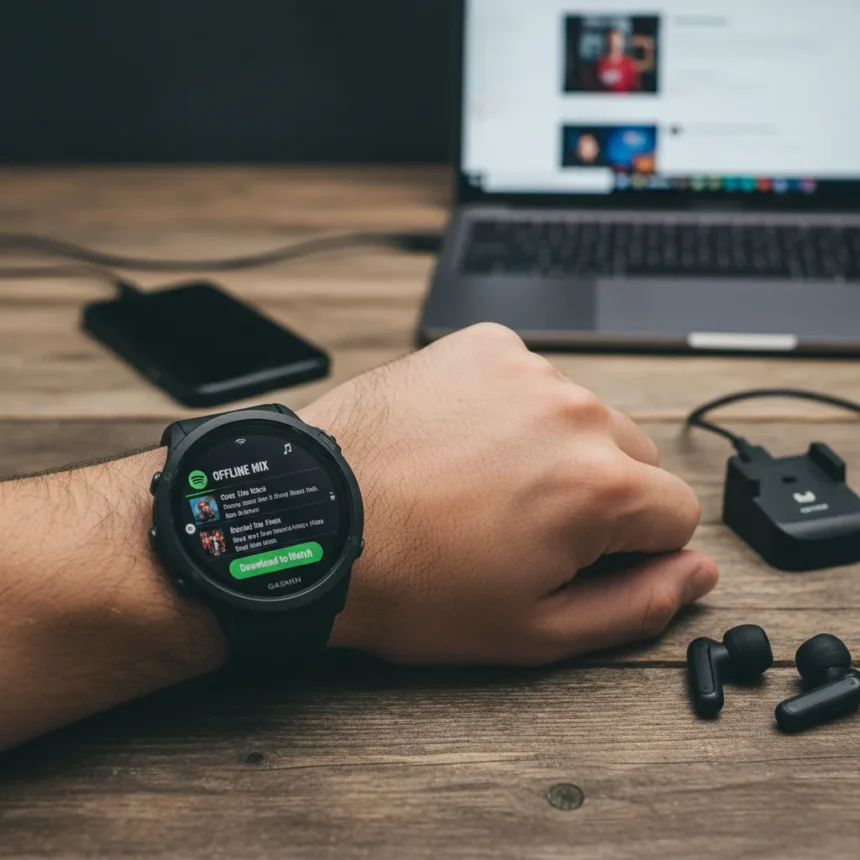
Spotify offline listening on Garmin watches with LTE connectivity lets you stream your favorite playlists without relying on your phone or internet connection. Garmin watches equipped with LTE and Spotify Premium can download playlists directly to the watch for offline streaming. This feature eliminates the need to carry your phone during workouts or outdoor activities while still enjoying uninterrupted music.
Key Takeaways
- Garmin LTE watches can download Spotify playlists directly for offline playback
- You need Spotify Premium and the Garmin Connect IQ app to enable this feature
- The setup process involves connecting your Spotify account through Garmin Connect IQ
- Downloaded playlists sync automatically once configured
- Offline listening works independently of your phone’s connectivity
Requirements for Spotify offline listening Garmin watches
Before you can download Spotify music to your Garmin watch, you need specific hardware and software. Your watch must have LTE connectivity built in, and you must hold an active Spotify Premium subscription. Without Premium, offline downloads are not available on any device, including Garmin watches. The Garmin Connect IQ app serves as the bridge between your Spotify account and your watch, so you’ll need to install and configure it on your phone.
Check your Garmin watch model to confirm LTE support. Not all Garmin watches include cellular connectivity, so verify your device specifications before attempting to download playlists. If your watch lacks LTE, it cannot store Spotify music for offline playback, though you can still stream over Wi-Fi or your phone’s Bluetooth connection.
How to connect Spotify to your Garmin watch
The connection process uses the Garmin Connect IQ app to link your Spotify account to your watch. Open the Garmin Connect IQ app on your phone and navigate to the Spotify integration section. Sign in with your Spotify Premium credentials when prompted. Once authenticated, the app establishes a secure connection between your Spotify account and your Garmin device.


After connecting your account, your watch recognizes Spotify as an available music source. The integration happens automatically once you complete the authentication steps in Connect IQ. This connection allows your watch to access your Spotify library and download playlists directly to local storage.
Downloading playlists for offline playback
Once Spotify is connected through Garmin Connect IQ, you can select playlists to download directly to your watch. Navigate to your Spotify library within the watch’s music app and choose which playlists you want available offline. The watch downloads these playlists to its internal storage, allowing you to listen without an active internet connection or phone pairing.



Downloaded playlists remain on your watch until you manually delete them or run out of storage space. Garmin watches have limited storage compared to phones, so prioritize your most-played playlists to maximize available space. The offline playlists sync automatically once your watch reconnects to the internet, ensuring you have the latest versions of your selections.
Why offline Spotify on Garmin matters for fitness
Running, cycling, or swimming without carrying your phone becomes practical when your watch has offline music. Spotify offline listening on Garmin watches eliminates the distraction of phone notifications and the weight of carrying a device during exercise. You maintain continuous music playback even in areas with poor cellular coverage, making workouts uninterrupted regardless of your location.
For users who prefer leaving their phones at home during outdoor activities, this feature transforms the Garmin watch into a complete entertainment device. Long-distance runners and cyclists particularly benefit from having music available without the dependency on phone connectivity or Bluetooth streaming.
Storage limitations and playlist management
Garmin watches have finite storage capacity, which limits how many playlists you can download simultaneously. Unlike smartphones that offer hundreds of gigabytes, most Garmin devices provide only a few gigabytes of total storage. You’ll need to manage your downloaded playlists carefully, deleting older selections to make room for new ones.



Plan your downloads based on your workout schedule and music preferences. If you run five times weekly, download playlists you’ll actually use during those sessions rather than storing every playlist from your Spotify library. This strategic approach maximizes the utility of your watch’s limited storage while keeping your most important music accessible offline.
Can I use Spotify offline listening without Spotify Premium?
No. Spotify offline listening requires an active Spotify Premium subscription on any device, including Garmin watches. Free Spotify accounts cannot download music for offline playback. This is a Premium-exclusive feature, and your subscription must remain active for offline playlists to function.
Does my Garmin watch need an active LTE connection to download playlists?
Your Garmin watch requires LTE capability to download Spotify playlists, but the actual download can occur over Wi-Fi or while connected to your phone. Once downloaded, the playlists play offline without any connection. However, periodic syncing of playlist updates requires connectivity, whether through LTE, Wi-Fi, or Bluetooth pairing with your phone.
What happens to downloaded playlists when I update my watch software?
Downloaded playlists typically remain on your watch after software updates, but it’s wise to back up your downloaded content by re-syncing through Garmin Connect IQ after any major update. The safest approach is to reconnect your Spotify account and re-download your preferred playlists after updating watch firmware to ensure everything functions correctly.
Spotify offline listening on Garmin watches transforms your smartwatch into a standalone music device, perfect for workouts and outdoor activities where carrying your phone isn’t practical. With Spotify Premium and an LTE-equipped Garmin watch, you gain the freedom to enjoy uninterrupted music anywhere, anytime—no phone required.
Edited by the All Things Geek team.
Source: Tom's Guide