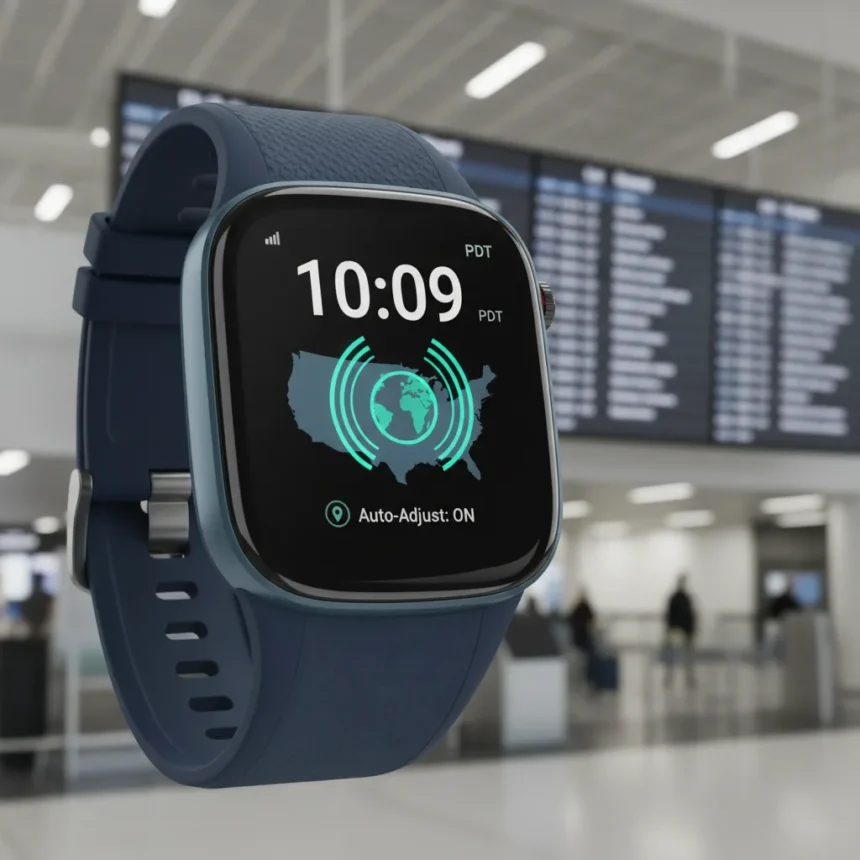
Wear OS 6.1 time zone handling just got smarter. Google’s latest update to its smartwatch operating system introduces automatic time zone adjustment based on physical location, eliminating the manual fiddling that has plagued Wear OS users traveling between regions. This feature works even when your watch has no network connection, making it genuinely useful for frequent travelers and anyone who crosses time zones regularly.
Key Takeaways
- Wear OS 6.1 automatically sets time zones based on physical location without requiring network connectivity
- Users can control the feature through Settings > Date & Time > Use location
- Google released Wear OS 6.1 based on Android 16 QPR2
- The update does not introduce behavior changes for app developers
- The feature helps device time stay accurate as users travel between regions
What Wear OS 6.1 Actually Solves
For years, smartwatch owners have complained about manual time zone adjustments. Previous versions of Wear OS required users to manually update their time zone settings when traveling, or rely on a network connection to sync with their phone. Wear OS 6.1 time zone functionality changes this by using your watch’s location data to detect when you’ve crossed into a new time zone and adjusting automatically. The system is straightforward: your watch determines its physical location and applies the corresponding time zone without prompting you to do anything. This is the kind of feature that should have existed years ago, but better late than never.
The location-based approach means your watch stays accurate even in scenarios where phone sync is unreliable—like during flights, in areas with poor connectivity, or when your phone is powered off. For business travelers, digital nomads, and anyone who moves between regions regularly, this removes a minor but persistent annoyance from daily use.
How to Enable Wear OS 6.1 Time Zone Auto-Adjustment
Enabling automatic time zone adjustment on Wear OS 6.1 is simple. Navigate to Settings > Date & Time on your smartwatch, then toggle on Use location. Once activated, your watch will monitor your physical position and adjust the time zone automatically as you travel. You maintain full control—if you prefer manual adjustment, you can leave the feature disabled. This flexibility matters because some users may want to keep their watch on a specific time zone for work or personal reasons, even while physically elsewhere.


The feature respects user preferences. If you disable it, your watch behaves exactly as before, requiring manual time zone changes. Google designed this as an opt-in convenience, not a forced behavior change, which is the right approach for a feature that affects something as fundamental as displayed time.
Wear OS 6.1 vs. Previous Versions
Earlier Wear OS versions lacked location-based time zone adjustment entirely. Users had to rely on their phone’s connectivity to sync time zone changes, or manually update their watch settings in the Date & Time menu. This created friction, especially for people who traveled frequently or worked across multiple time zones. Wear OS 6.1 time zone handling eliminates this friction by making the watch itself capable of determining the correct time zone without external dependencies.



The update is built on Android 16 QPR2 and represents a thoughtful quality-of-life improvement rather than a headline feature. Google’s approach here—solving a real user pain point rather than adding flashy capabilities—is exactly what mature operating systems should do.
Will This Feature Roll Out Immediately?
Wear OS 6.1 was announced based on Android 16 QPR2, but it was not immediately available on any watches at the time of announcement. Rollout timing depends on individual smartwatch manufacturers and their update schedules. If you own a Google Pixel Watch or another Wear OS device, check your system settings periodically for the update. Availability will expand over the coming weeks and months as manufacturers push the update to their devices.
Does Wear OS 6.1 change anything for app developers?
No. Wear OS 6.1 does not introduce behavior changes for application developers. The time zone feature is a system-level function that apps do not need to modify their code to support. Developers can rely on the watch’s system time being accurate without any special handling.
Can you disable Wear OS 6.1 time zone auto-adjustment?
Yes. The feature is controlled through Settings > Date & Time > Use location, so you can toggle it off anytime. If you prefer manual time zone management or need your watch locked to a specific time zone regardless of location, simply disable the setting.



Wear OS 6.1 time zone handling is a perfect example of how incremental software improvements matter. Google listened to years of user frustration and delivered a solution that works reliably, even without network connectivity. It is not revolutionary, but it is exactly the kind of thoughtful refinement that makes everyday technology less annoying. If you travel frequently or work across time zones, this update alone is reason enough to keep your Wear OS device current.
Where to Buy
Edited by the All Things Geek team.
Source: Android Central