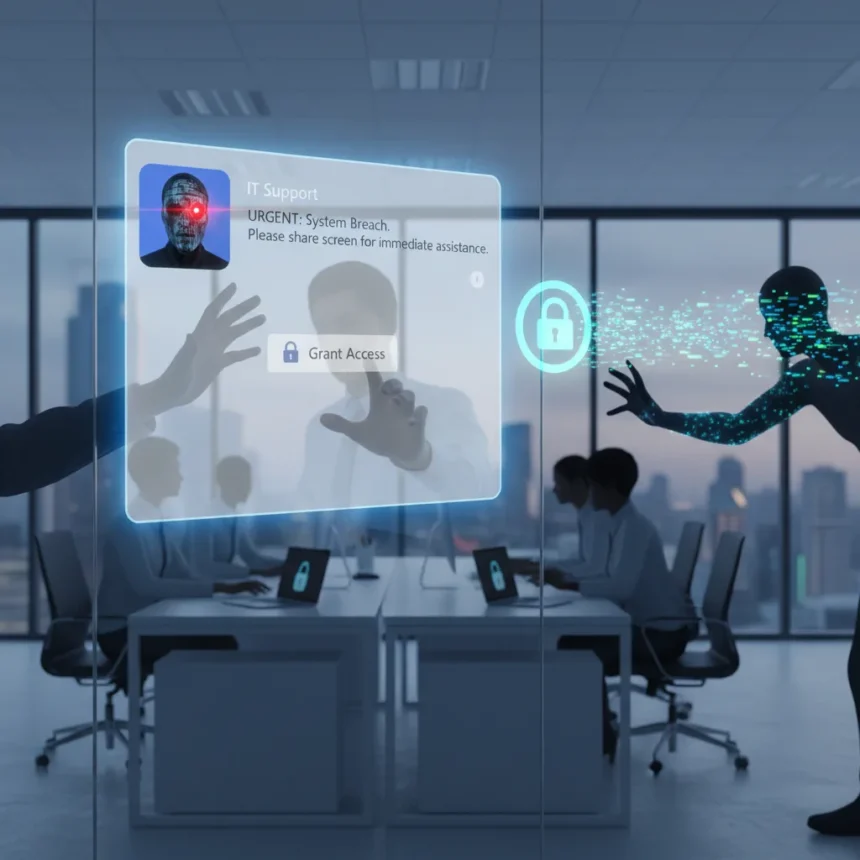
A Microsoft Teams helpdesk scam has emerged as a sophisticated attack vector exploiting the trust employees place in internal IT support. Google security experts flagged the scheme as an “interesting evolution in tactics” after Microsoft issued a public warning about the scam exploding across American workplaces. Rather than using traditional phishing links or malicious attachments, attackers now create external Microsoft accounts, abuse Teams’ cross-tenant collaboration features, and impersonate helpdesk staff to gain remote access to corporate networks.
Key Takeaways
- Hackers create external Microsoft accounts and use Teams cross-tenant chat to message victims as fake IT support staff.
- Attackers claim a fabricated problem exists and convince victims to grant remote control via Quick Assist.
- Once access is granted, attackers install tools like Rclone and move laterally across enterprise networks using native administrative protocols.
- The scam blends into routine IT activity, making detection difficult and enabling large-scale data exfiltration to cloud storage.
- Microsoft and Google security experts confirm this represents a tactical shift from traditional email-based phishing approaches.
How the Microsoft Teams helpdesk scam actually works
The attack unfolds in six deliberate steps designed to exploit workplace familiarity with IT support processes. A hacker first establishes a Microsoft account entirely outside the victim’s organization, then uses Teams’ external collaboration feature—the same tool legitimate vendors and partners use daily—to initiate a chat with an employee. The attacker poses as an IT helpdesk representative and claims a technical problem requires immediate attention. This initial contact reads as routine internal communication because it arrives through Teams, the same platform employees use for all workplace chat.
When the victim engages, the attacker requests a voice or video call to “diagnose” the fabricated issue. During this call, the attacker convinces the employee to open Windows Quick Assist, Microsoft’s legitimate remote support tool. The victim grants remote control, believing they are helping an internal IT technician fix a real problem. From this moment, the attacker has a foothold inside the corporate network. The sophistication lies not in technical complexity but in psychological manipulation—the attacker weaponizes tools and processes employees already trust.
Why detection fails and data walks out the door
Once remote access is established, the attacker leverages Microsoft’s own native administrative protocols and trusted tools to move laterally across the enterprise. According to Microsoft’s security advisory, “attackers can leverage trusted tools and native administrative protocols to move laterally across the enterprise and stage sensitive data for exfiltration—often blending into routine IT support activity throughout the intrusion lifecycle”. The attacker may install remote management software like Rclone to automate data exfiltration to cloud storage accounts they control. Because the attack uses legitimate Microsoft applications and standard IT procedures, security teams struggle to distinguish malicious activity from normal operations.


This is the core advantage of the Microsoft Teams helpdesk scam over traditional phishing. Email-based attacks rely on users clicking suspicious links or opening dangerous attachments—actions that leave forensic traces. A Teams chat from an external account impersonating IT support blends smoothly into the noise of daily workplace communication. The attacker’s actions—remote access sessions, file transfers, administrative commands—mirror exactly what a real IT technician would do. Security monitoring tools flag unusual behavior, but when that behavior is wrapped in legitimate Microsoft tools and processes, false positives overwhelm genuine alerts.
Related scams show Teams is becoming the attack platform of choice
The Microsoft Teams helpdesk scam is not an isolated incident but part of a broader trend of attackers exploiting Teams as an attack surface. Check Point researchers documented a related campaign using Teams guest invitations paired with fake billing alerts, such as messages claiming “Subscription Auto-Pay Notice… Amount 629.98 USD,” to trick users into calling fake support numbers. That campaign alone targeted over 12,000 malicious emails to more than 6,000 users. Sophos observed similar tactics a year earlier, with threat actors posing as tech support via Teams. The Scattered Spider threat group has impersonated workers on Teams and Slack to conduct account takeovers by requesting MFA resets or password changes. Even after successful breaches, groups like Octo Tempest have used Teams for extortion messages following MFA compromise.



These overlapping campaigns reveal why Teams has become attackers’ preferred social engineering platform. Unlike email, which organizations scrutinize heavily, Teams messages feel internal. Unlike external calls, which employees may dismiss, Teams chats and calls integrate into daily work. The platform’s legitimacy becomes its vulnerability.
What organizations and employees should do right now
The immediate defense is skepticism toward unexpected IT support requests, even on Teams. Employees should never grant remote access to anyone who initiates contact first, regardless of how legitimate the request appears. Instead, employees should hang up, independently verify the support request by calling the IT department’s known phone number, and only then grant access if the request is confirmed. Organizations should restrict Quick Assist usage to pre-approved IT staff and disable external Teams collaboration for users who do not require vendor or partner communication. Security teams should monitor for unusual Quick Assist sessions, especially those initiated by external accounts, and flag lateral movement patterns that deviate from normal IT activity.
The Microsoft Teams helpdesk scam succeeds because it exploits the gap between technical security controls and human judgment. No firewall or endpoint detection system can distinguish between a legitimate IT technician and a skilled social engineer if both are using the same tools and processes. The defense is organizational culture: training employees to verify support requests through independent channels, limiting remote access permissions, and treating unexpected IT contact as a potential threat rather than a routine service request.
Is the Microsoft Teams helpdesk scam spreading globally or just in the US?
Microsoft’s warning specifically references the scam “exploding across American workplaces,” but the research brief does not provide geographic statistics beyond the US or confirm whether the attack is spreading internationally. Organizations worldwide should assume the tactics are portable—the attack requires only a Microsoft account and Teams access, both available globally. Defenders in any country should implement the same verification and access control measures.



How does this Microsoft Teams helpdesk scam differ from traditional phishing?
Traditional phishing relies on email links, attachments, or urgent subject lines to trick users into compromising credentials or downloading malware. The Microsoft Teams helpdesk scam bypasses these mechanisms entirely by using legitimate internal communication channels and real Microsoft tools. Instead of asking users to click a suspicious link, the attacker asks users to grant remote access through a tool they recognize and trust. This eliminates the cognitive friction that makes email phishing detectable.
Can Quick Assist be disabled to prevent this attack?
Organizations can restrict Quick Assist usage through administrative policies, though the research brief does not detail specific configuration steps. The key principle is limiting remote access to pre-approved support staff and disabling it for external users. However, complete disabling may not be practical for organizations that rely on Quick Assist for legitimate support workflows. The defense is layered: restrict who can initiate sessions, monitor for unusual activity, and train employees to verify requests independently.
The Microsoft Teams helpdesk scam represents a tactical shift in how attackers exploit workplace trust. Rather than attacking the technology, they attack the process—the routine, familiar interaction between employee and IT support that has become so normalized it escapes scrutiny. The defense is not a new tool but a change in mindset: treating unexpected IT contact as suspicious until independently verified, regardless of how legitimate it appears on Teams.
Edited by the All Things Geek team.
Source: TechRadar