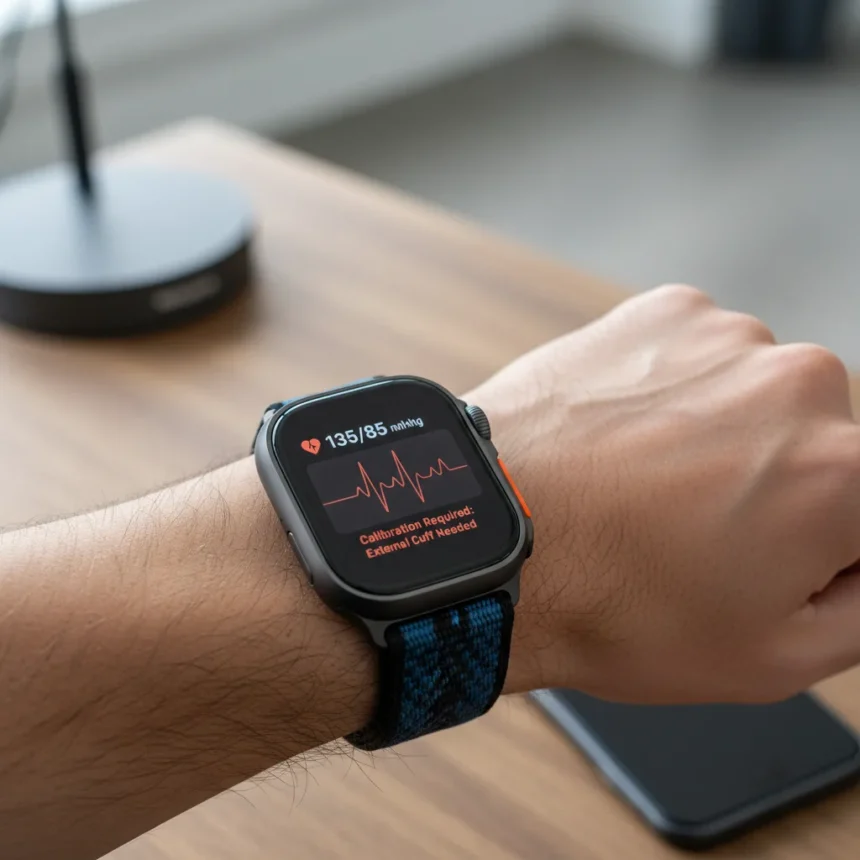
Apple Watch Ultra 4 blood pressure alerts are rumored to arrive as a new heart health feature, but early reports suggest the capability comes with a meaningful trade-off that potential buyers should understand before upgrading.
Key Takeaways
- Apple Watch Ultra 4 is tipped to gain blood pressure alert functionality focused on hypertension detection.
- The feature analyzes optical heart sensor data over extended periods rather than providing direct blood pressure readings.
- The reported limitation means not all users with hypertension will receive notifications from the system.
- Blood pressure alerts are designed to flag trends, not diagnose or treat medical conditions.
- The feature would require compatible iPhone and latest software versions to function.
What Apple Watch Ultra 4 Blood Pressure Alerts Actually Do
The rumored Apple Watch Ultra 4 blood pressure alerts would not measure blood pressure directly like a traditional cuff device. Instead, the system would analyze patterns detected by the watch’s optical heart sensor and review data collected over 30-day periods to identify consistent signs of elevated blood pressure. This approach differs fundamentally from clinical blood pressure measurement, which requires direct arterial pressure readings. The distinction matters because it sets realistic expectations about what the feature can and cannot accomplish for users concerned about cardiovascular health.
Apple’s existing health documentation clarifies that hypertension notifications are designed to alert users to potential trends, not to diagnose, treat, or manage high blood pressure conditions. This is a critical limitation that separates the watch from medical-grade devices. The feature functions as an early warning system, nudging users to consult healthcare professionals rather than replacing clinical assessment.
The Catch: Not Everyone Gets Alerts
The most significant limitation of the rumored Apple Watch Ultra 4 blood pressure alerts is that the system does not guarantee notifications for all users with hypertension. Even if someone consistently exhibits signs of elevated blood pressure, the algorithm may not trigger an alert. This unpredictability stems from the complexity of detecting hypertension trends from wearable sensor data, which varies between individuals based on fitness level, activity patterns, and physiological factors. A user might have legitimate hypertension yet never receive a notification, creating a false sense of security.


This limitation reflects a broader reality in wearable health monitoring: smartwatches excel at detecting patterns in large populations but struggle with individual accuracy. The feature trades precision for accessibility, aiming to catch trends in users who might otherwise ignore cardiovascular warning signs rather than serving as a reliable diagnostic tool for everyone.
Apple Watch Ultra 4 vs. Older Models and Alternatives
If the blood pressure alert feature arrives on Apple Watch Ultra 4, it would not be exclusive to that model. Apple’s support documentation indicates that hypertension notifications require an Apple Watch Series 9 or later or Apple Watch Ultra 2 or later, paired with iPhone 11 or later running the latest watchOS and iOS versions, with Wrist Detection enabled. This means existing Ultra 2 owners would gain access to the same functionality through software updates, making the feature a platform-wide capability rather than a Ultra 4-exclusive advantage. Compared to dedicated blood pressure monitors or medical-grade wearables, the Apple Watch approach prioritizes convenience and ecosystem integration over clinical accuracy, positioning it as a lifestyle tool rather than a medical device.



Should You Upgrade for Blood Pressure Alerts?
The rumored blood pressure alert feature alone does not justify upgrading to Apple Watch Ultra 4 if you own a compatible older model. If the feature rolls out to Series 9 or Ultra 2 devices through software updates, you would gain the same capability without purchasing new hardware. For new buyers considering their first Apple Watch, the blood pressure alerts add value as part of a broader health monitoring ecosystem, but they should not be the primary purchase driver given the limitations around alert reliability and the feature’s non-diagnostic nature. The watch remains strongest at tracking workout metrics, sleep patterns, and general activity—blood pressure alerts are a supplementary feature, not a core selling point.
Will Apple Watch Ultra 4 blood pressure alerts work with my iPhone?
Apple Watch Ultra 4 blood pressure alerts require iPhone 11 or later running the latest iOS version. If your iPhone is older than iPhone 11, the feature will not function. Check your device compatibility before assuming the blood pressure alerts will work with your current setup.
Can Apple Watch Ultra 4 blood pressure alerts replace a traditional blood pressure monitor?
No. Apple Watch Ultra 4 blood pressure alerts are designed to flag potential trends, not diagnose or treat hypertension. They should complement, not replace, clinical blood pressure monitoring. If you have a hypertension diagnosis, continue using your doctor’s recommended measurement methods and consult a healthcare professional before relying solely on wearable alerts.
How often does Apple Watch Ultra 4 check for blood pressure trends?
The rumored system analyzes data collected over 30-day periods to detect consistent signs of elevated blood pressure. This extended timeframe means the watch monitors your heart rate patterns continuously but only generates alerts when it identifies sustained trends, not sudden spikes or individual readings.



The Apple Watch Ultra 4 blood pressure alert feature represents a meaningful step forward in accessible health monitoring, but it is not a replacement for medical devices or professional diagnosis. The real value lies in nudging health-conscious users toward conversations with their doctors, not in providing definitive cardiovascular assessment. For buyers deciding whether to upgrade, focus on the watch’s overall fitness and integration strengths rather than betting on a feature that, even when it arrives, carries real limitations.
Where to Buy
Edited by the All Things Geek team.
Source: TechRadar