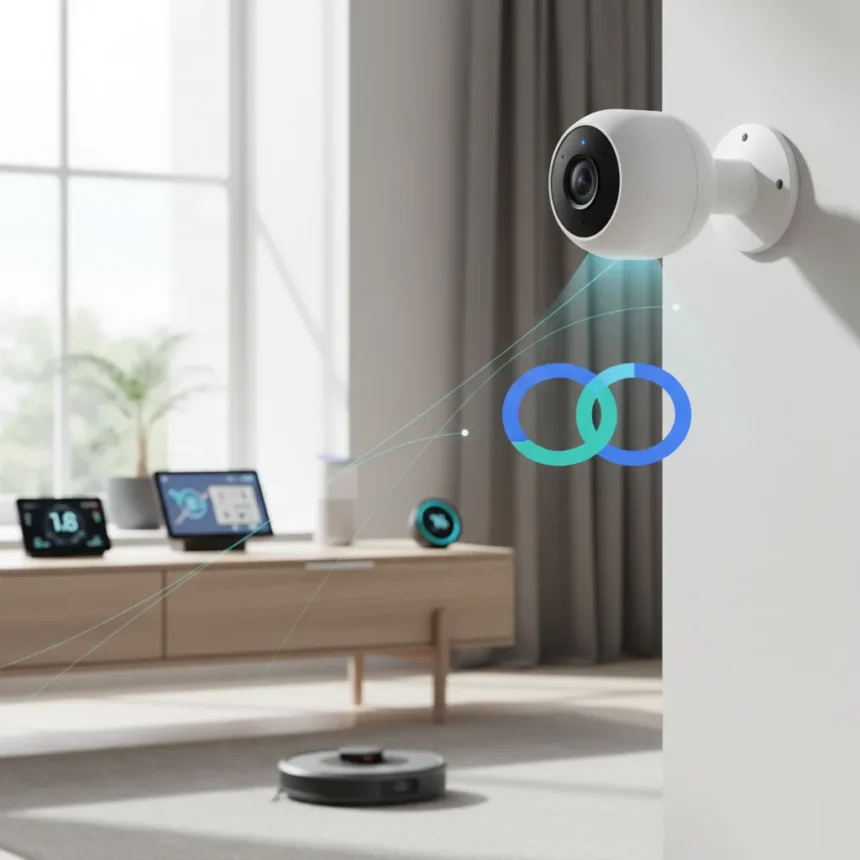
Google Gemini smart home cameras just became more than passive watchers. Nest security cameras can now trigger routines based on what they see, marking a significant shift in how Google Home handles automation. Instead of only displaying footage, cameras become active decision-makers that fire off actions when they detect specific conditions—like turning on a porch light when motion is spotted after dark.
Key Takeaways
- Nest cameras can now trigger smart home routines based on what they see in real time.
- Live Search feature lets Gemini answer questions about your home using camera feeds.
- Google improved routine targeting so commands affect only intended rooms and devices.
- Gemini Extension for Google Home is now widely available on iOS and Android.
- New automation structure uses Starters, Conditions, and Actions for clearer routine building.
How Google Gemini Smart Home Cameras Trigger Routines
The core update centers on what Google calls Live Search for Nest cameras. When you ask Gemini about your home’s status—”Is someone at the front door?” or “What’s happening in the backyard?”—the AI can now analyze the camera feed and answer using visual context. But the real power lies in automation. Routines can now use camera observations as a trigger. Google’s example illustrates this perfectly: “if my outdoor camera sees someone after dark, turn on the porch light and make an announcement”. The camera becomes the sensor, Gemini becomes the decision engine, and your smart home responds automatically.
This feature is exclusive to Google Home Premium Advanced subscribers. The implementation matters because it solves a real problem in smart home ecosystems: most automations rely on motion sensors, time-based triggers, or voice commands. Adding camera-based visual triggers opens possibilities that were previously unavailable. Your home can now react to what it literally sees, not just to when motion was detected or what time it is.
Google’s Improved Routine Targeting Fixes a Common Frustration
Before this update, Google Home users faced a persistent headache: commands often affected the wrong devices. Say “turn off the kitchen” and you might accidentally kill lights in adjacent rooms or smart plugs that were loosely grouped with that space. Google has redesigned how routines work to fix this. Routines now use three clear sections: Starters (what triggers the routine), Conditions (when it should run), and Actions (what happens). More importantly, Google improved device and location context so commands stay confined to their intended zone.


The redesign also makes routines available on a household basis, meaning anyone in your Google household can edit them without needing to swap accounts. This democratizes control—your partner or roommate can adjust automations without asking you to do it. Routine triggering is also more reliable after the update, addressing complaints about automations failing to fire when they should.
Gemini Extension Brings Conversational Control to Your Entire Smart Home
Beyond cameras, Google rolled out its Gemini Extension for Google Home more broadly across iOS and Android. This tool lets you control smart home devices using natural language rather than tapping through menus. Instead of hunting for the thermostat app, you can tell Gemini “set the living room to 72 degrees” and it handles the rest. The extension supports smart lights, switches, thermostats, vacuums, fans, and security products like smart locks.


For sensitive devices—like locks or cameras—Google directs users to the main Google Home app to enable controls and check status, adding a security gate. The extension can broadcast messages across your devices and trigger automations, turning Gemini into a true smart home command center. This is where Google’s approach diverges from older voice assistant ecosystems. Rather than issuing discrete commands, you’re having a conversation that can span multiple devices and actions in sequence.
How to Enable Gemini for Your Smart Home
Setting up the Gemini Extension requires a few steps. Open your Gemini app and tap your profile avatar in the top right corner. Select Extensions from the menu. Scroll down to Device Control and find Google Home in the list. Tap the toggle to enable it, then select “Connect Google Home.” You’ll authenticate with your Google account, and the extension will sync with your existing smart home setup. After that, you can control devices directly from the Gemini chat interface without opening the Home app separately.
The broader Home app itself has been redesigned with a more intuitive interface and personalized favorites for quicker access to your most-used devices. Camera streams display live whenever you open the app, giving you real-time visibility without extra taps. Google also expanded device support, rolling out compatibility for Nest X Yale Lock and Nest Wifi Pro.
What About Other Smart Home Systems?
Google’s camera-triggered automation approach fills a gap that traditional smart home systems address through separate motion sensors or time-based rules. Systems like Amazon Alexa and Apple Home offer routines and automations, but Google’s addition of visual AI reasoning from cameras is a step forward in making smart homes less reactive and more contextual. You’re not just triggering on motion—you’re triggering on what the motion is. That distinction matters for security, convenience, and reducing false alarms.



Is Live Search available for all Nest cameras?
Live Search for Nest cameras is limited to Google Home Premium Advanced subscribers. The feature works with Nest security cameras but availability may vary by region and subscription tier. Check your Home app settings to confirm whether Live Search is enabled for your account.
Can I create camera-triggered routines without a subscription?
The research brief does not specify whether basic camera-triggered routines require Premium Advanced or if that subscription is only needed for Live Search queries. The safest approach is to check your Google Home app—the routine builder will show you what’s available with your current subscription tier.
Do I need to replace my existing cameras to use this feature?
You need a Nest camera to use camera-triggered routines. If you have third-party cameras from other manufacturers, they won’t integrate with this feature. Google’s ecosystem is Nest-specific for now, though the Gemini Extension supports a broader range of smart home device types across other brands.
Google’s update represents a meaningful evolution in smart home automation. Cameras stop being passive security tools and start becoming active participants in your home’s decision-making. Combined with improved routine targeting and the conversational Gemini interface, Google Home is becoming harder to ignore for people serious about automation. The catch? Premium Advanced subscription gates the most interesting features, which limits adoption. For those willing to pay, though, the convenience and security potential are real.
Where to Buy
68 Amazon customer reviews | No price information
Edited by the All Things Geek team.
Source: T3