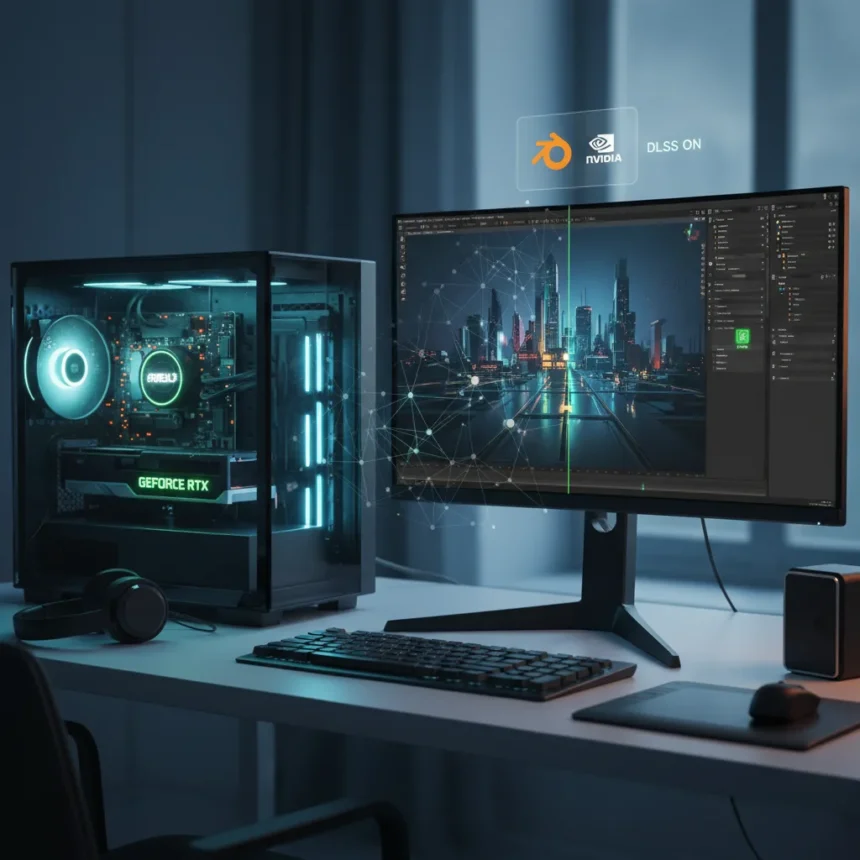
Nvidia DLSS in Blender represents a significant shift for 3D production pipelines, bringing AI-powered upscaling technology directly into one of the world’s most widely used open-source 3D software platforms. The integration could fundamentally change how artists approach lighting and lookdev work, two critical stages in any 3D production where visual precision and iteration speed determine final quality.
Key Takeaways
- Nvidia DLSS is now arriving in Blender, expanding beyond gaming and into professional 3D workflows.
- The technology could be transformative for 3D lighting and lookdev tasks specifically.
- DLSS uses AI upscaling to improve performance without sacrificing visual quality.
- This integration bridges professional 3D software with real-time rendering acceleration.
- Artists working in lighting-heavy pipelines may see significant workflow improvements.
What Nvidia DLSS in Blender Actually Changes
Nvidia DLSS in Blender isn’t just a performance boost—it’s a fundamental rethink of how real-time rendering can serve professional 3D work. By bringing AI-powered upscaling into Blender’s ecosystem, the integration addresses a longstanding tension in 3D production: the need for high visual fidelity clashing against the reality of computational limits. Lighting and lookdev workflows are particularly affected by this tension, since artists need to see accurate material behavior and light interaction in real time while iterating rapidly.
The arrival of Nvidia DLSS in Blender signals that professional 3D software is increasingly adopting technologies proven in gaming and interactive media. This isn’t a one-way street—the demands of professional visualization often exceed those of real-time games, so Blender’s adoption of DLSS could push Nvidia to refine the technology for use cases beyond entertainment.
Why Lighting and Lookdev Matter Most
Lighting and lookdev represent two of the most time-intensive stages in any 3D project, yet they’re also where artists make the largest number of iterative decisions. A single material tweak or light adjustment can take minutes to render and evaluate. Nvidia DLSS in Blender addresses this bottleneck directly—by accelerating viewport performance without requiring artists to sacrifice visual accuracy, the technology lets lookdev artists see results faster and make more informed creative decisions in less time.


Lookdev specifically—the process of developing and finalizing how materials, textures, and lighting interact—demands constant visual feedback. Artists need to see how a surface responds to different light angles, how subsurface scattering behaves, how reflections and refractions stack. Every second spent waiting for a viewport to update is a second not spent creating. Nvidia DLSS in Blender removes friction from this workflow, potentially unlocking faster iteration cycles across entire production teams.
How This Compares to Existing Blender Rendering Options
Blender already supports multiple rendering engines—Cycles for photorealistic offline rendering and Eevee for real-time viewport performance. The arrival of Nvidia DLSS in Blender doesn’t replace either engine; instead, it enhances how they perform, particularly in real-time contexts where lookdev artists are actively working. Eevee has always been the viewport workhorse for rapid iteration, but Nvidia DLSS in Blender extends that capability by allowing artists to work at higher quality settings without the performance penalty.



The distinction matters. Offline rendering engines like Cycles are designed for final output quality—they can take hours or days per frame. Real-time engines like Eevee prioritize speed, sometimes at the cost of physical accuracy. Nvidia DLSS in Blender sits between them, using AI to bridge that gap. For lighting and lookdev work, where artists are making dozens of adjustments per session, this middle ground is often exactly what’s needed.
The Bigger Picture for 3D Production
Nvidia DLSS in Blender isn’t an isolated feature—it’s part of a broader industry trend toward AI-assisted acceleration in creative software. As professional 3D tools increasingly adopt real-time rendering capabilities, the bottleneck shifts from raw compute to artist efficiency. Nvidia DLSS addresses that shift directly. By making real-time rendering faster without requiring artists to learn new software or retool their pipelines, the integration removes barriers to adoption.
For studios already using Blender, the arrival of Nvidia DLSS in Blender is particularly significant. Blender’s open-source model and growing adoption in professional pipelines mean that performance improvements here benefit a large, diverse user base—from small freelance artists to large VFX studios. The technology democratizes access to acceleration that was previously limited to proprietary software or expensive hardware upgrades.
Will Nvidia DLSS in Blender Actually Speed Up Your Workflow?
The short answer: yes, particularly if you spend significant time in lighting and lookdev. Nvidia DLSS in Blender targets exactly the workflows where iteration speed matters most. However, the magnitude of improvement depends on your hardware, your current rendering settings, and the complexity of your scenes. Artists working on high-polygon models with complex materials will see the largest gains.



Does Nvidia DLSS in Blender work with all graphics cards?
Nvidia DLSS is an Nvidia-specific technology, so it requires Nvidia GPUs to function. Artists using AMD or Intel graphics will not have access to DLSS in Blender, though alternative acceleration technologies may become available over time.
Can you use Nvidia DLSS in Blender for final rendering?
Nvidia DLSS in Blender is optimized for real-time viewport work and lookdev tasks. While the technology could theoretically be applied to final rendering, it’s most effective in interactive contexts where speed and iteration matter more than absolute pixel-perfect accuracy.
The arrival of Nvidia DLSS in Blender marks a turning point for professional 3D production. By bringing proven gaming technology into a professional software platform, Nvidia and the Blender Foundation have created a tool that addresses real pain points in lighting and lookdev workflows. For artists already committed to Blender, this is a tangible reason to upgrade. For studios evaluating rendering pipelines, it’s a reminder that the line between real-time and offline rendering continues to blur.
Edited by the All Things Geek team.
Source: Creativebloq