





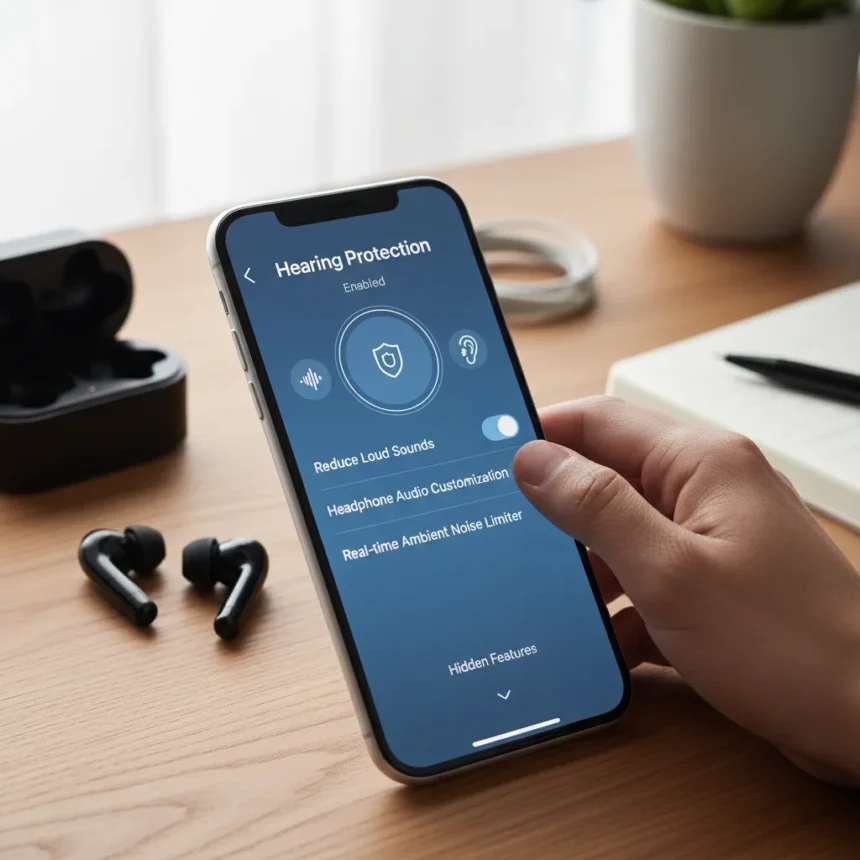
Smartphone hearing protection refers to built-in audio controls designed to limit exposure to dangerously loud sounds through headphones and speakers. Most iPhone and Android devices include volume limits and hearing protection alerts, yet the vast majority of users never activate them.
Key Takeaways
- Both iPhone and Android contain native hearing protection settings buried in system menus.
- Volume limits prevent headphones from exceeding safe audio thresholds automatically.
- Hearing protection alerts notify users when audio exposure reaches potentially harmful levels.
- These built-in tools work without requiring third-party apps or accessories.
- Enabling smartphone hearing protection takes minutes and requires no technical knowledge.
Why Smartphone Hearing Protection Matters Right Now
Hearing damage from prolonged headphone use is cumulative and irreversible. The World Health Organization estimates over a billion young people risk permanent hearing loss from unsafe listening practices. Your phone already contains defenses against this risk—they simply sit dormant in settings menus most people never explore.
The critical insight: smartphone hearing protection isn’t marketed as aggressively as privacy or security features, so it remains invisible to casual users. Yet it addresses a real health threat that grows more urgent as remote work, gaming, and streaming push audio consumption higher. Enabling these controls takes mere minutes and costs nothing.
How to Enable Hearing Protection on iPhone
iPhone embeds hearing protection controls within the Accessibility menu, a pattern Apple uses for health and wellness features. The process involves navigating to settings, locating audio controls, and toggling volume limits and alerts active. Once enabled, your iPhone will cap headphone output at a safe threshold and warn you if sustained listening approaches dangerous levels.


The advantage of iPhone‘s approach: it applies across all apps and audio sources simultaneously. Whether you’re streaming music, watching videos, or taking calls through headphones, the protection activates uniformly. This ecosystem-wide enforcement removes the burden of remembering to enable protection per app.
How to Enable Hearing Protection on Android
Android manufacturers implement smartphone hearing protection differently depending on the device maker and operating system version. The feature set typically resides in Sound settings or Accessibility options, though exact menu paths vary by manufacturer. Some Android devices offer volume limiters and notification alerts similar to iPhone, while others may include additional customization options.



This fragmentation reflects Android’s open architecture—manufacturers skin the operating system with their own interfaces. A Samsung Galaxy, Google Pixel, and OnePlus phone may all contain hearing protection tools, but you’ll navigate to them through slightly different menus. The underlying functionality remains consistent: capping maximum headphone volume and alerting users to sustained loud exposure.
What Happens When You Enable These Controls
Activating smartphone hearing protection immediately prevents audio from exceeding safe decibel levels through headphones. If you attempt to raise volume beyond the limit, your phone simply refuses—the slider stops moving or the volume button becomes unresponsive. This hard cap ensures you cannot accidentally expose yourself to harmful audio, even if you’re distracted or in a noisy environment.
The alert system works differently. Instead of blocking audio, it notifies you when your current listening session has reached a threshold associated with potential hearing damage. You retain the choice to continue listening, but you do so with full knowledge of the risk. This approach balances protection with user autonomy—it informs rather than restricts.
Smartphone Hearing Protection vs. Third-Party Alternatives
Standalone hearing protection apps exist, but they offer no advantage over native phone controls. Your device’s built-in tools integrate directly with the audio hardware, applying protection universally across all apps. Third-party apps typically operate within individual applications or require additional configuration. Since smartphone hearing protection comes pre-installed and requires no downloads, permissions, or account setup, the native approach wins on simplicity and reliability.



The ecosystem difference matters. iPhone users get consistent, unified protection across the entire device. Android users benefit from manufacturer-specific implementations that sometimes exceed Apple’s feature set, though at the cost of learning device-specific menus. Neither approach requires purchasing additional hardware or subscriptions.
Why These Settings Remain Hidden
Apple and Android manufacturers bury hearing protection in accessibility or sound menus rather than surfacing them prominently in Quick Settings or during setup. This design choice reflects several factors: the assumption that most users will never need these controls, the desire to avoid overwhelming new users with too many options, and the fact that hearing damage unfolds invisibly over months and years, creating less urgency than immediate battery or performance concerns.
The result is predictable—awareness remains low despite the genuine health benefit. A user searching for privacy settings will find them immediately. A user searching for hearing protection will likely give up after checking Sound settings and seeing nothing obvious. Tom’s Guide’s coverage highlights this gap: the tools exist, but discoverability fails.
How Often Should You Check These Settings?
Enable smartphone hearing protection once and the protection runs continuously without further action. However, you should revisit these settings if you upgrade your phone, switch devices, or if a major operating system update resets preferences. Some users also adjust volume limits seasonally—stricter limits during heavy headphone use periods, looser limits during times when they use headphones less frequently.
Can You Disable Hearing Protection if Needed?
Yes. Both iPhone and Android allow you to turn off hearing protection alerts and volume limits at any time through the same menus where you enabled them. Some users disable these controls temporarily for specific tasks (mixing audio, testing equipment) then re-enable them afterward. The flexibility exists, though the default should remain enabled for daily listening.
What About External Speakers and Car Audio?
Smartphone hearing protection typically applies only to audio routed through headphones or earbuds. External speakers and car audio systems usually bypass these controls, as they operate through different audio channels. If you frequently listen to music at high volumes through car speakers or Bluetooth speakers, the phone-level protections won’t help—you’ll need to manually manage volume or rely on the speaker’s own safety features.
The takeaway is straightforward: your phone already protects your hearing if you let it. These controls sit waiting in system settings, requiring nothing but a few taps to activate. Hearing damage accumulates silently and irreversibly, making prevention vastly preferable to treatment. Enabling smartphone hearing protection today costs nothing and takes minutes—a rational choice that most users never make simply because they don’t know the feature exists. Check your settings now.
Edited by the All Things Geek team.
Source: Tom's Guide




