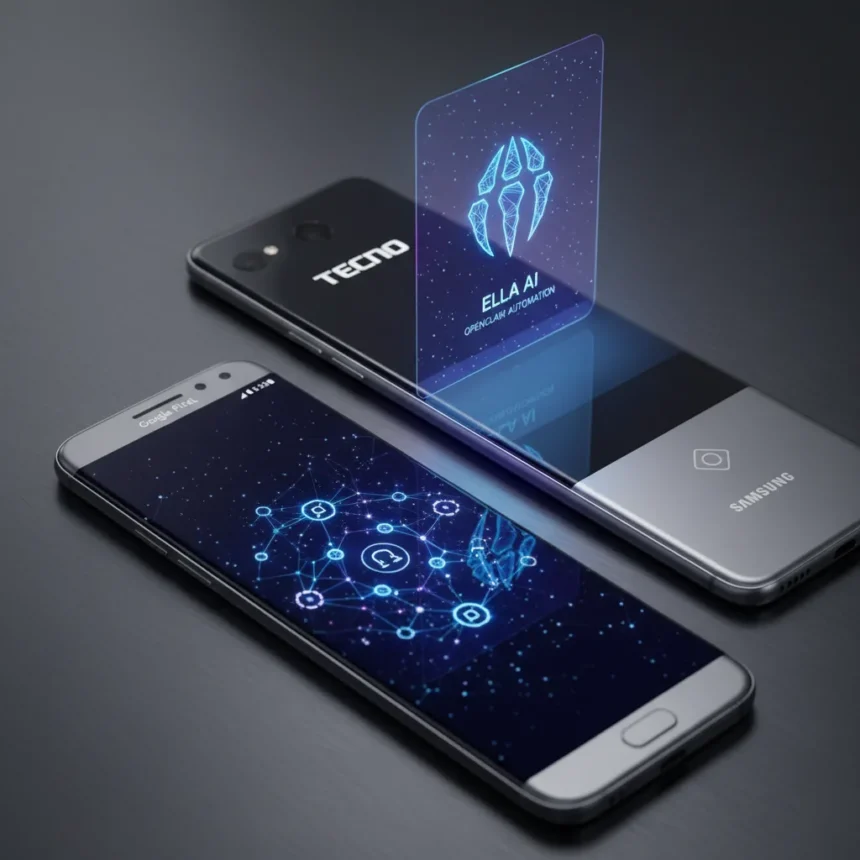
Tecno’s Ella AI assistant is getting a significant upgrade through integration with OpenClaw, an open-source agent framework designed to automate tasks directly on your phone. The resulting system, called EllaClaw, lets Tecno devices handle autonomous operations like scheduling events, managing files, and summarizing messages without requiring separate hardware or freezing your device’s resources.
Key Takeaways
- Tecno integrates OpenClaw into Ella AI to create EllaClaw for autonomous task automation on smartphones
- Three permission levels control what EllaClaw can do: basic background tasks, deeper cross-app integration, and full device access
- Features include event scheduling, file management, message prioritization, and multi-app workflows across SMS, Gallery, and Calendar
- Beta trial access opening soon for Tecno users; no exact launch date confirmed
- Directly competes with Google Pixel 10’s Magic Cue and Samsung’s Now Nudge automation features
How Tecno Ella AI Assistant Compares to Pixel and Samsung
Google’s Pixel 10 and Samsung’s Galaxy devices have been pushing AI automation forward, but both rely on dedicated processing or cloud integration. Tecno’s approach with EllaClaw is different: the system runs on-device within Ella itself, avoiding the overhead of separate hardware or constant cloud connectivity. This architectural choice mirrors Google Gemini’s agentic capabilities but sidesteps the infrastructure burden.
Pixel 10’s Magic Cue combines contextual app suggestions with information sharing across applications. Samsung’s Now Nudge prevents you from overlooking important items. EllaClaw aims to do both—and more—by automating entire workflows. The difference is execution: Tecno is embedding OpenClaw directly into its AI assistant rather than treating automation as a secondary feature bolted onto the OS.
What EllaClaw Can Actually Do
The system operates across three permission tiers. At the basic level, EllaClaw handles autonomous background tasks like scheduling calendar events and organizing files without your constant approval. The deeper tier grants cross-app information exchange—imagine your AI assistant pulling data from your messages, calendar, and photo gallery simultaneously to create a coherent workflow. This is where Tecno’s implementation gets genuinely useful, as it mirrors what Pixel 10 promises but with more granular control.


Practical automation examples include message summarization, multi-app integration across SMS and Calendar, and file management workflows. Instead of manually copying event details from a message into your calendar, EllaClaw handles the extraction and scheduling. File organization becomes automatic—sorting photos by date, archiving old documents, or flagging important attachments.
When Will Tecno Ella AI Assistant Beta Launch?
Tecno plans to open beta trial access soon, allowing users to request EllaClaw directly through their phones. The exact timeline remains unclear, though the company has indicated rollout is imminent. Beta access will be free for Tecno users, giving early adopters a chance to test the system before wider deployment.



This staged approach makes sense—AI automation on-device is complex, and Tecno needs real-world feedback before pushing the feature to its entire user base. The beta will likely reveal which automations users actually want versus which sound impressive in marketing materials.
Why On-Device Automation Matters
Embedding OpenClaw directly into Ella rather than running it on a separate server or cloud service solves a real problem: resource efficiency. Most AI agents demand dedicated processing power or constant internet connectivity, both of which drain battery and increase latency. By keeping automation local, Tecno avoids these penalties while maintaining privacy—your task data stays on your device.
This is where EllaClaw gains a meaningful edge over cloud-dependent competitors. Your automation runs at device speed, responds instantly, and requires no data transmission to external servers. For users concerned about privacy or living in areas with unreliable connectivity, this is a significant advantage.
Is Tecno Ella AI Assistant worth the wait?
If you’re already using a Tecno phone, EllaClaw is worth trying when beta access opens. The automation features target real friction points—calendar management, file organization, message handling—rather than gimmicky AI tricks. Whether it lives up to the hype depends on execution, which only beta testing will reveal.



How does EllaClaw compare to self-hosted OpenClaw setups?
OpenClaw itself is open-source and can run on your own hardware (Mac, Windows, Linux) or a VPS for 24/7 access. The difference with EllaClaw is convenience: Tecno handles the setup, integration, and maintenance. A self-hosted OpenClaw setup gives you more control but requires technical knowledge and ongoing management. Tecno’s version prioritizes accessibility for non-technical users.
What happens to my data with EllaClaw automation?
Since EllaClaw runs on your device rather than in the cloud, your task data, messages, and calendar events remain local. This is fundamentally different from cloud-based AI assistants that transmit your information to external servers. Tecno controls the permission system, so you can restrict what the AI can access—basic tasks only, or deeper cross-app integration.
Tecno’s integration of OpenClaw into Ella AI represents a pragmatic answer to the automation question. Rather than chasing cloud-dependent features like competitors, Tecno is building intelligence that lives on your phone. The beta launch will determine whether this approach actually delivers the seamless automation it promises, but the foundation is solid. For Tecno users, EllaClaw could be the reason to stick with the brand rather than switch to Pixel or Samsung.
Edited by the All Things Geek team.
Source: Android Central