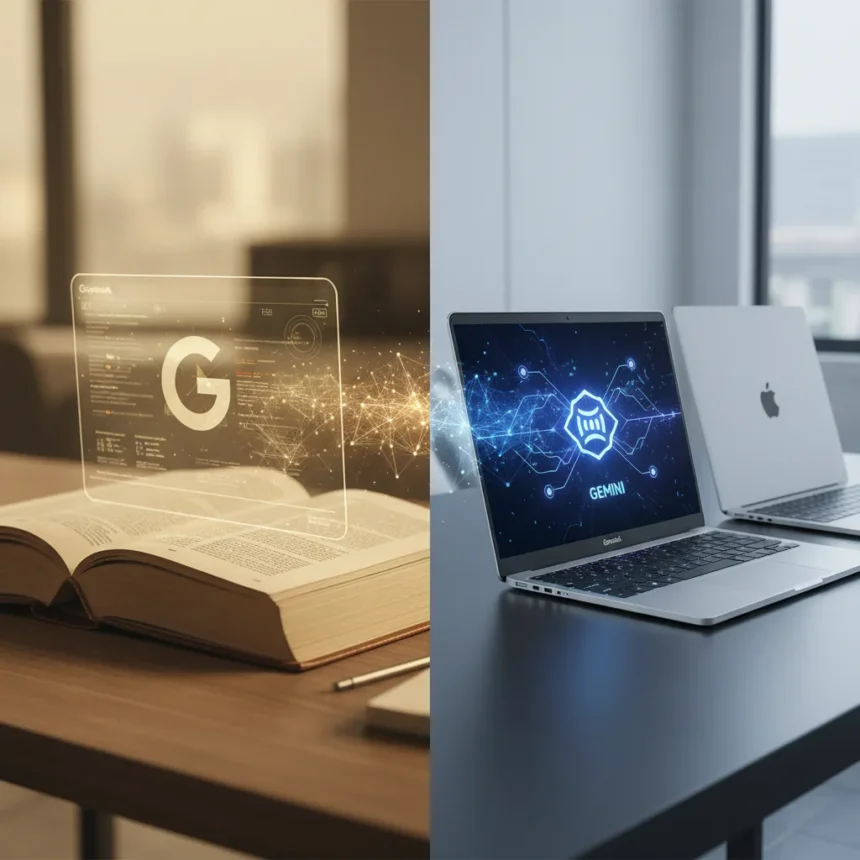
Googlebooks vs. Chromebooks represents Google’s most significant laptop pivot in years. Announced at the Android Show, Googlebooks are positioned as the next evolution of Chromebooks—a new category of premium, AI-first laptops built with Gemini at their core, designed for the Android and Google ecosystem. But calling them an evolution understates the shift. These are fundamentally different machines with different purposes, different hardware tiers, and a different vision of what a laptop should do.
Key Takeaways
- Googlebooks are premium AI laptops designed from the ground up for Gemini Intelligence, while Chromebooks are web-optimized machines running ChromeOS.
- Googlebooks feature Magic Pointer (cursor-based AI interactions), custom widgets via prompts, and direct Android app integration without emulation.
- Chromebooks focus on web access, offline functionality, and lower price points; they run ChromeOS, Android apps, Linux apps, and progressive web apps.
- Google is merging ChromeOS with Android for both Chromebooks and desktops, confirmed last summer with no specific timeline.
- Googlebooks directly challenge MacBook dominance in the premium segment with seamless Android phone integration, unlike iPhone mirroring on MacBooks.
What Are Googlebooks vs. Chromebooks?
Googlebooks are the first laptops designed from the ground up for Gemini Intelligence. They are premium devices built with high-end craftsmanship and materials, available in multiple shapes and sizes, and identifiable by a unique glowbar on the keyboard deck. They are manufactured by Acer, Asus, Dell, HP, and Lenovo. Chromebooks, by contrast, are a broader category of laptops, desktops, tablets, and all-in-one computers running ChromeOS. They are optimized primarily for web access and have traditionally occupied the budget-to-mid-market segment. Chromebooks run Android apps, Linux apps, and progressive web apps offline, using a Linux kernel and Chrome browser with an integrated media player.
The core distinction is architectural. Googlebooks are built around AI as a foundational layer—Gemini Intelligence sits underneath Android and powers every interaction. Chromebooks are built around the web and offline functionality. This is not a minor difference. It changes what these machines do, how they feel to use, and who they are designed for.
Googlebooks vs. Chromebooks: Feature Breakdown
Googlebooks introduce three standout features that do not exist on current Chromebooks. Magic Pointer, developed by Google’s Deepmind team, lets you point your cursor over a date in an email to set up a meeting, or visualize placing items in a living space. Wiggling the cursor makes it come alive. This is not a gimmick—it is a new interaction paradigm where the AI understands context without requiring you to open a separate app or type a command.



Create your Widget is another Googlebook exclusive. You can generate custom widgets via prompts, and Gemini will search the web or your Google apps to create personalized backgrounds or desktop content—travel info for an upcoming trip, for example. This transforms the desktop from a static workspace into a dynamic, AI-aware environment. Chromebooks do not offer this level of AI-driven personalization.
The third major difference is Android ecosystem integration. Googlebooks run phone apps directly on the laptop without downloads or emulated touchscreen controls. Compare this to MacBooks, which require iPhone mirroring and force emulated controls—a clunky workaround that Googlebooks eliminate entirely. Chromebooks can run Android apps, but they are not designed with the same seamless integration as Googlebooks. Quick Access on Googlebooks also lets you view, search, or insert phone files on your laptop—another feature that deepens Android phone-to-laptop continuity.



Hardware and Design Philosophy
Googlebooks are premium devices. Google has emphasized they will be built with premium craftsmanship and materials, coming in a variety of shapes and sizes. This is a deliberate positioning against budget Chromebooks and directly at MacBook buyers. The glowbar on the keyboard deck is a design signature that distinguishes Googlebooks from Chromebooks and other laptops.
Chromebooks have historically been value-oriented. The Samsung Chromebook 3, released in 2016, cost roughly $100 less than comparable alternatives and featured an Intel Celeron N3050 processor and 0.7-inch thickness. This price-to-performance ratio made Chromebooks attractive in education and enterprise, but it also established them as a budget category. Googlebooks are intentionally breaking that mold, competing in the premium segment where MacBooks dominate.
The Bigger Picture: ChromeOS Is Merging with Android
Here is the strategic bombshell: Google is scrapping ChromeOS in its current form. The company confirmed last summer that it is merging ChromeOS with Android for both Chromebooks and desktops, though no specific timeline has been announced. This is not a minor update. It is a fundamental reimagining of Google’s laptop OS strategy.
The new merged OS will combine the strengths of ChromeOS (web integration, offline capability, security) with Android’s broader app ecosystem and AI-first architecture. Googlebooks are the first devices built on this new philosophy. Chromebooks will eventually transition to this merged OS as well, but the timing and rollout remain unclear. This means Googlebooks vs. Chromebooks is not just a product comparison—it is a glimpse at where Google’s entire laptop strategy is headed.


Gemini Intelligence: The Real Differentiator
Gemini Intelligence is not a rebrand or a standalone app. It is an intelligence layer underneath Android that serves as a fundamental pillar across all Google devices, including Chrome. On Googlebooks, Gemini does more than chat. It summarizes articles, answers questions about web pages, books travel, fills forms using phone data, and auto-browse automates tasks like reserving parking or updating orders. This is proactive AI—it anticipates what you need and acts on it without requiring explicit commands.
Chromebooks do not have this level of AI integration. They can run Gemini as an app, but they are not architected around it the way Googlebooks are. This architectural difference is why Googlebooks are positioned as a new category rather than just a higher-end Chromebook.
Googlebooks vs. MacBooks: The Real Competition
Googlebooks are explicitly designed to challenge MacBook dominance in the premium laptop segment. The seamless Android phone integration on Googlebooks is a direct answer to the friction users experience with iPhone mirroring on MacBooks, which requires emulated touchscreen controls and lacks true app-level integration. If you live in the Android ecosystem, Googlebooks offer a tighter, more intuitive experience than MacBooks can provide.
That said, MacBooks have years of optimization, a mature ecosystem, and strong brand loyalty. Googlebooks are new, unproven in the market, and will need to demonstrate reliability and performance to convert MacBook users. The comparison is less about technical specs and more about ecosystem fit and AI-first design philosophy.
Should You Choose a Googlebook or Chromebook?
If you need a budget laptop for web browsing, email, and light productivity, a Chromebook remains the right choice. They are affordable, secure, and purpose-built for web-centric work. If you are an Android user who wants a premium laptop with deep AI integration and seamless phone connectivity, Googlebooks are the answer. If you are a MacBook user considering alternatives, Googlebooks offer a compelling Android-first vision—but you will be betting on a new product category with unproven longevity.
Will Googlebooks replace Chromebooks?
No. Googlebooks are leaning on AI for complex tasks and premium positioning, while Chromebooks will continue serving the budget and education markets. Both will eventually run the merged ChromeOS-Android OS, but they will target different user segments and price tiers. Think of it as Apple’s MacBook Air vs. MacBook Pro—same OS family, different audiences.
When will Googlebooks launch and how much will they cost?
Google has not announced specific launch dates or pricing for Googlebooks. The announcement came at the Android Show, but availability and regional rollout details remain unclear. Expect more information in coming months as manufacturing partners finalize designs.
Can Chromebooks run Gemini?
Yes, Chromebooks can run Gemini as an app and will eventually transition to the merged ChromeOS-Android OS that powers Googlebooks. However, they are not architected around Gemini Intelligence the way Googlebooks are, so the integration will be less seamless and less central to the user experience.
Googlebooks vs. Chromebooks is ultimately a story about Google’s vision for the future of laptops. Chromebooks democratized affordable computing and proved that web-centric machines had a place in the market. Googlebooks are Google’s answer to the premium segment—a bet that AI-first design, deep ecosystem integration, and proactive assistance matter more to high-end buyers than traditional specs. Whether that bet pays off depends on execution, pricing, and how quickly users embrace AI as a core part of their computing experience.
Edited by the All Things Geek team.
Source: Tom's Guide