




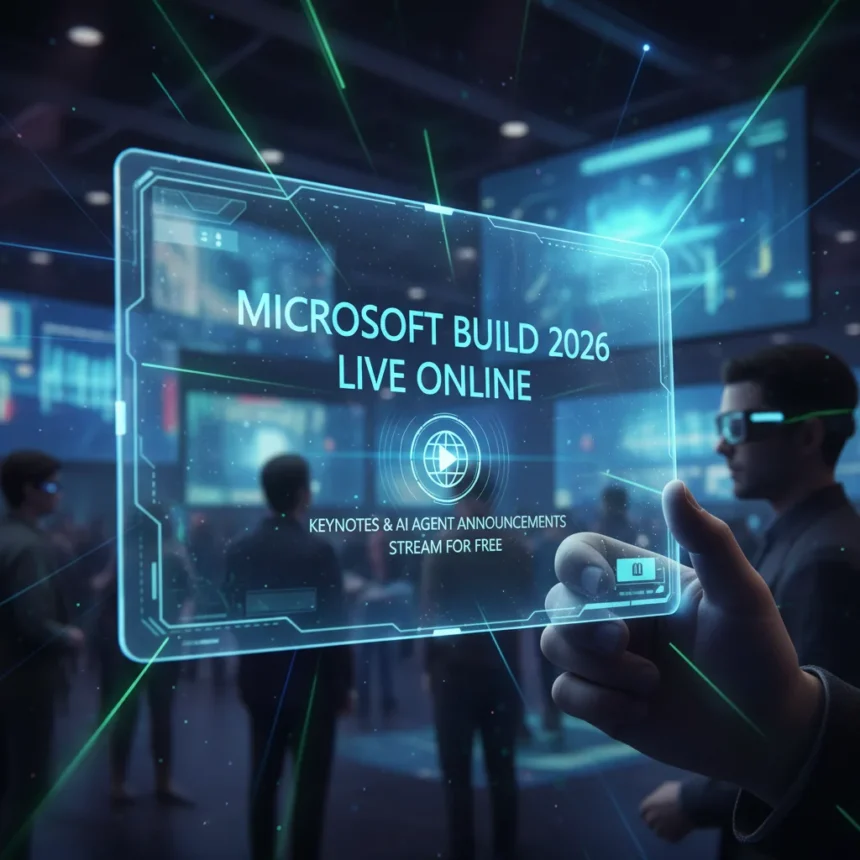
Microsoft Build 2026 is underway right now, and the company is expected to announce major updates to Windows 11, new AI agents, and deeper integration with NVIDIA hardware through RTX Spark. If you want to follow the keynote and dozens of technical sessions without traveling to the event, here’s what you need to know about accessing the conference online.
Key Takeaways
- Microsoft Build 2026 streams the keynote and multiple sessions online for free
- Some content is in-person only; check which sessions require on-site attendance
- Windows 11, AI agents, and NVIDIA RTX Spark are expected announcement topics
- The event covers Windows on Arm gaming news, including native Valorant and League of Legends support
- Microsoft is introducing new security and containment features for the agent era
What to Expect From Microsoft Build 2026
Microsoft Build 2026 is positioning itself as a platform moment for AI agents and Windows security. The company has been signaling a deep, full-stack collaboration with NVIDIA and a new wave of agent-based applications. This year’s event is expected to showcase how Copilot+ PCs will power these agents and how Windows will evolve to contain and secure them.
Beyond software, Microsoft has already announced significant gaming partnerships. Riot Games is bringing Valorant and League of Legends natively to Windows on Arm, while KRAFTON is bringing PUBG: Battlegrounds. These announcements suggest the Build keynote will emphasize Windows as a gaming and AI development platform, not just a productivity tool.
How to Watch Microsoft Build 2026 Online
The keynote and dozens of technical sessions stream online, making Microsoft Build 2026 accessible to developers and enthusiasts worldwide without attending in person. The event splits its content between free online access and in-person-only sessions, so you’ll need to check the official Build schedule to see which talks you can follow remotely.


To watch, visit the official Microsoft Build website and look for the live stream links. The keynote is typically the main draw, but the breakout sessions often contain deeper technical details about Windows internals, AI frameworks, and platform security—the areas Microsoft is emphasizing this year.
Free Online vs. In-Person Only Content
Not all Microsoft Build 2026 sessions are available online. While the keynote and major announcements stream for free, some hands-on labs and advanced technical workshops are restricted to attendees on-site. Before planning your viewing schedule, cross-reference the session list on the Build website to confirm which talks are streamed and which require in-person attendance.


If you’re focused on Windows 11 updates, AI agent announcements, and NVIDIA RTX Spark integration news, those topics are typically featured in the keynote and main sessions, which do stream online.
Why Microsoft Build 2026 Matters Right Now
This Build conference arrives at a critical moment for Microsoft’s platform strategy. The company is betting heavily on AI agents as the next computing paradigm, and Windows security is being redesigned to support them safely. Meanwhile, the push to bring AAA gaming titles natively to Windows on Arm represents a direct challenge to the traditional laptop gaming market.
For developers, this is where Microsoft will detail the APIs, security models, and hardware optimizations needed to build the next generation of Windows applications. For consumers, it’s a chance to see how Copilot+ PCs will actually work in practice, not just in marketing slides.
Can I Watch Microsoft Build 2026 on Demand?
Most Microsoft Build sessions are archived and made available on-demand after the event concludes. If you miss the live stream, check the official Build website or Microsoft’s developer channels a few days after the conference wraps. The keynote is almost always the first content to be archived.


What Hardware Is Microsoft Likely to Announce?
While Microsoft Build 2026 is primarily a software and platform conference, the company is expected to highlight Copilot+ PCs and their integration with NVIDIA RTX Spark technology. Specific hardware announcements may be limited, but expect deep dives into how Windows 11 will leverage AI acceleration and RTX features for agent workloads.
Is There a Cost to Attend Microsoft Build 2026 Online?
Streaming the keynote and most sessions online is free. If you want to attend in person, registration fees apply, but those costs are separate from online access. Check the official Build registration page for current pricing and regional availability if you’re considering the in-person experience.
Microsoft Build 2026 is shaping up to be a defining moment for Windows, AI agents, and gaming on Arm. The good news is you don’t need a plane ticket to see what’s coming—the keynote and most sessions stream free. Set a reminder, clear your calendar, and tune in to watch the company lay out its vision for the next era of computing.
Edited by the All Things Geek team.
Source: Windows Central