





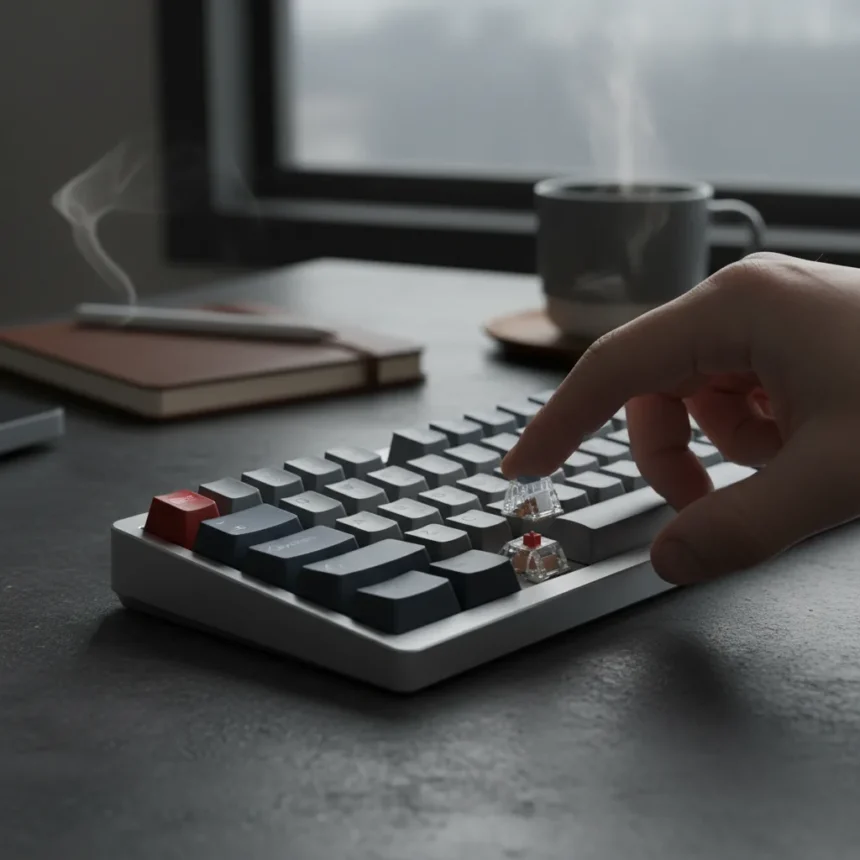
The Keychron K3 HE analog keyboard represents an interesting shift for the company—combining a small, portable form factor with the customization potential of Hall Effect switches. What makes this release noteworthy is not just the feature set, but how the keyboard’s tactile experience surprised even skeptical reviewers. The switches are surprisingly heavy, and that unexpected weight fundamentally changes how the board feels compared to what buyers might anticipate from a compact wireless keyboard.
Key Takeaways
- Keychron’s K3 HE uses Hall Effect analog switches in a compact, portable design
- The switches deliver unexpectedly heavy actuation, shifting the board’s feel profile
- Compact form factor prioritizes portability while retaining dedicated F-row and navigation keys
- Battery life reaches approximately one to two days with RGB lighting enabled
- Direct competitor K12 offers different switch style and greater compactness trade-off
What Makes the K3 HE Different From Keychron’s Existing Lineup
Keychron has built its reputation on offering feature-rich keyboards at reasonable price points, but the K3 HE marks a deliberate departure into analog territory. The K3 HE specifically targets users who want Hall Effect actuation—the kind of rapid, customizable input associated with premium gaming boards—without sacrificing the portability that defines Keychron’s compact segment. This is not a minor distinction. Hall Effect keyboards allow users to adjust actuation points and sensitivity profiles, capabilities that standard mechanical-only keyboards cannot match.
The existing Keychron K3 uses low-profile optical switches and serves a different audience. If you prioritize having a dedicated F-row and navigation keys in a small package, the standard K3 remains the better choice. However, if you want the flexibility of analog input curves and customizable actuation, the K3 HE steps into that gap. The K12, Keychron’s other compact option, takes a different approach—it uses standard-shaped switches and achieves maximum compactness by sacrificing the F-row entirely. That trade-off appeals to minimalists, but it alienates users who need full navigation access.
The Switch Weight Problem That Nobody Expected
Here is where the K3 HE’s design philosophy becomes genuinely interesting—and divisive. The reviewer’s headline captures the core surprise: the switches are surprisingly heavy. For a keyboard marketed as portable and relatively inexpensive, this weight creates friction between expectation and reality. Lightweight switches have become almost synonymous with compact keyboards, the assumption being that if you are carrying a board in a bag, you want minimal resistance when typing. The K3 HE flips that assumption.


Heavy switches are not inherently bad. Professional typists and writers often prefer higher actuation forces because they reduce accidental key presses during fast typing sessions. The problem emerges when that heaviness clashes with the keyboard’s identity as a portable, casual-use device. Someone buying a compact wireless keyboard for travel or coworking spaces might not expect—or want—the tactile demands of a heavier switch. This disconnect between the board’s form factor and its switch characteristics is the central tension that makes the K3 HE a harder sell than its feature list initially suggests.
Battery Life and Charging: Practical Considerations for Portable Use
A keyboard you cannot keep charged is a keyboard you cannot use. The K3 HE addresses this with rechargeable lithium-ion cells and fast charging support. Battery life reaches approximately one to two days with RGB lighting enabled, which is respectable for a wireless board but demands discipline from users who travel frequently. If you disable RGB, battery endurance likely extends further, though the research does not provide specific figures for that scenario.



The fast charging feature matters more than it might initially appear. A keyboard that takes eight hours to charge is impractical for business travelers or remote workers who swap between locations. Keychron’s decision to include rapid charging acknowledges this reality, even if the overall battery capacity keeps the keyboard tethered to a charger more often than larger, higher-capacity boards.
Does the K3 HE Deliver the Goods?
The K3 HE occupies an awkward middle ground. It packs genuine features—Hall Effect analog switches, a solid compact footprint, dedicated navigation keys, rechargeable battery, fast charging—into a single device. For power users who understand what analog switches offer and who actively want to customize actuation points, this keyboard makes sense. The feature density is genuinely impressive for a portable board.
However, the heavy switch actuation complicates the value proposition. Casual users shopping for a compact keyboard will likely find the switch weight exhausting during extended typing sessions. Professional typists might embrace the heavier feel, but they probably also want a larger, more substantial board for daily work. The K3 HE is trying to serve multiple audiences simultaneously, and that ambition creates compromises that no single buyer profile will find entirely satisfying.
Compared to the standard K3, which prioritizes low-profile switches and portability, the K3 HE sacrifices some of that ease of use in exchange for deeper customization. Compared to the K12, which maximizes compactness, the K3 HE adds back the F-row and navigation keys that some users genuinely need. Neither comparison is a clear win—each keyboard solves a different problem.



Who Should Actually Buy This Keyboard?
The K3 HE is best suited for users who already understand Hall Effect keyboards and actively want that functionality in a portable package. If you have used an analog keyboard before and appreciated the ability to fine-tune actuation, the K3 HE’s compact form factor becomes genuinely valuable. You are not compromising on core features to save space; you are choosing a smaller version of a keyboard type you already prefer.
Buyers seeking their first compact keyboard should probably start with the standard K3 or evaluate their actual portability needs before committing to the K3 HE. The heavy switches will feel unusual during the first week of use, and that adjustment period is frustrating when you are still deciding whether a compact keyboard is right for you at all.
Is the Keychron K3 HE worth buying over the standard K3?
Only if you specifically want Hall Effect analog customization. The standard K3 offers lower-profile switches, simpler operation, and a lighter typing feel that suits casual portable use. Choose the K3 HE if you are willing to invest time learning to adjust actuation curves and if that flexibility justifies the heavier switch weight.
How does the K3 HE compare to the Keychron K12?
The K12 prioritizes maximum compactness by removing the F-row and navigation keys entirely, while the K3 HE keeps those keys and adds Hall Effect flexibility. If you need dedicated navigation access or function keys, the K3 HE is the better choice. If you want the smallest possible footprint and are comfortable with a minimalist layout, the K12 wins.
Should I enable RGB lighting on the K3 HE to preserve battery life?
Disabling RGB will extend battery life beyond the one to two days you get with lighting on. If you are traveling or away from a charger for more than a day, turning off RGB is the practical choice. For desk use, RGB adds visual appeal without meaningful battery penalty.
The Keychron K3 HE is a genuinely interesting keyboard that refuses to fit neatly into existing categories. It is not quite a gaming board, not quite a workstation keyboard, and not quite the casual portable device its form factor suggests. That ambiguity is both its strength and its weakness. For the right buyer—someone who understands analog switches, values portability, and can tolerate heavier actuation—the K3 HE delivers genuine value. For everyone else, the standard K3 or K12 will likely prove more satisfying.
Edited by the All Things Geek team.
Source: TechRadar