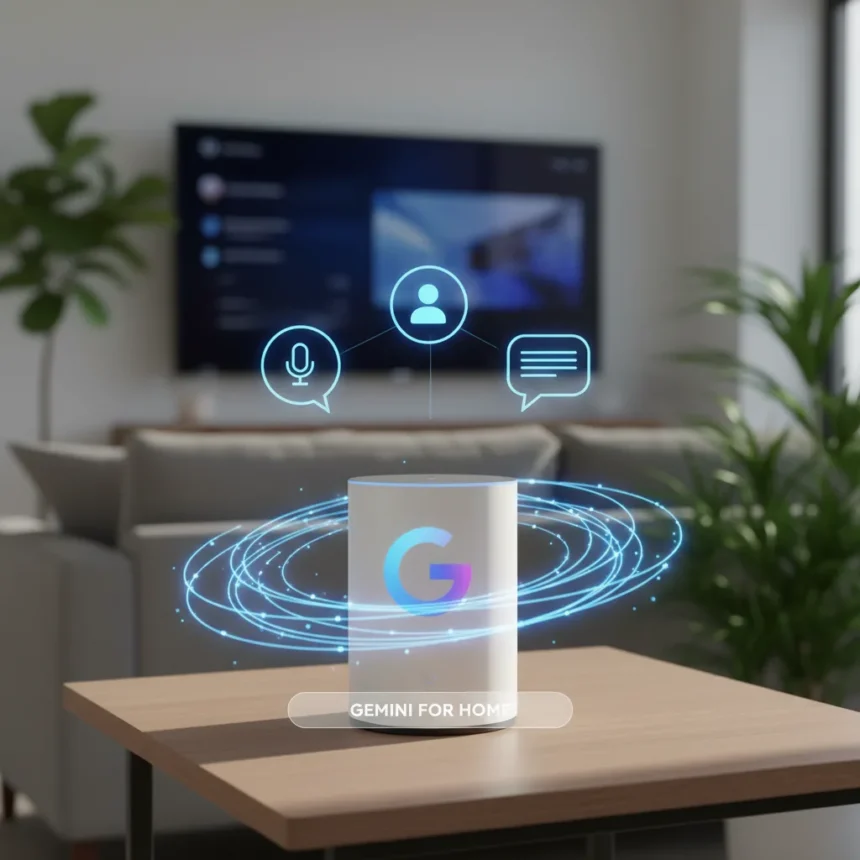
Gemini for Home is Google’s new voice assistant replacing Google Assistant on compatible Nest speakers and displays, enabling natural conversations and multi-device control through conversational commands. After launching in early access in October 2025, Google just fixed the feature users complained about most: the ability to carry on multi-turn conversations without having to repeat context each time.
Key Takeaways
- Gemini for Home now supports ongoing conversations without requiring repeated context, addressing the top user complaint after replacing Google Assistant.
- The redesigned Google Home app offers faster loading, fewer crashes, simplified 3-tab layout, and new gesture controls like swipe timeline and double-tap navigation.
- Early access began October 28, 2025, for select US users; global rollout of the app started immediately after announcement.
- Basic Gemini for Home features are free; advanced AI features like camera insights and typed natural language automations require Google Home Premium.
- Multi-device control now works through natural language—say “turn off all the lights and close the blinds in the family room” instead of issuing separate commands.
Why Conversational Continuity Matters for Gemini for Home
When Google first rolled out Gemini for Home, it could execute individual commands but couldn’t remember context across multiple requests. Users had to repeat themselves constantly, defeating the entire purpose of a natural voice assistant. The fix restores what made Google Assistant beloved: the ability to ask follow-up questions and have the system understand what you’re referring to without re-explaining everything. This single change transforms Gemini for Home from a command executor into an actual conversational partner.
The conversational upgrade matters because smart home control is inherently sequential. You might ask “What’s the temperature in the living room?” and then follow up with “Lower it by two degrees.” Without context memory, Gemini for Home would have no idea which room you meant in the second request. Now it does.
What Else Changed in the Redesigned Google Home App
Google didn’t just fix conversations—it rebuilt the entire Home app from the ground up. The new interface runs faster, crashes less frequently, and uses less battery and memory than the previous version. The layout simplified to three tabs instead of a cluttered dashboard, making navigation faster for everyday users.


New gesture controls borrowed from YouTube’s playback interface let you swipe through timelines and double-tap to fast-forward or rewind through smart home activity logs. Event notifications on Android and iOS lock screens now display rich, animated, zoomed-in previews—so you can see camera footage or device status at a glance without opening the app. Nest features integrated directly into the Home app eliminate the need to switch between separate apps.
Gemini for Home vs. Standard Google Home: What Premium Unlocks
Basic Gemini for Home features come free once you opt in, but Google’s tiered approach creates clear upgrade incentives. The free tier gives you voice control and the “Ask Home” feature for basic queries and automations. Google Home Premium Advanced plan adds AI-powered camera descriptions, notifications like “Sergei walking with a dog,” and the ability to type natural language queries for home events and automations. Premium also surfaces suggested automations based on the devices you own, essentially learning your patterns and proposing rules you didn’t know you needed.



This contrasts sharply with the original Google Assistant, which packed most conversational features into the free experience. Gemini for Home’s premium model reflects Google’s strategy to monetize smart home intelligence while keeping basic voice control accessible.
How to Access Gemini for Home Right Now
Early access started October 28, 2025, for select US users with compatible Nest speakers and displays. To join the waitlist, open the latest Google Home app, tap your profile picture or initial, go to Home settings, then tap Early Access. Google Groups enrollment is also required for some users: sign into Google Groups, tap Settings > Global settings, confirm “Add me to their groups” is checked, and tap Save.
The global rollout of the redesigned Google Home app is already underway on Android and iOS. If you don’t see Gemini for Home yet, it’s likely coming to your region within weeks. Compatible devices include Nest speakers, Nest displays, Nest Cams, and Nest Doorbells.
Does Gemini for Home finally match what Google Assistant could do?
Not entirely—yet. Gemini for Home now handles multi-turn conversations like its predecessor, but it’s still building out feature parity. The addition of conversational memory is the critical piece users missed most. Google Assistant’s strength was understanding nuance and context; Gemini for Home is getting there.



What’s the difference between free Gemini for Home and Google Home Premium?
Free Gemini for Home includes voice control, device commands, and basic “Ask Home” queries. Premium Advanced adds AI camera descriptions, lock screen notifications, typed natural language searches, and suggested automations based on your devices. Camera features like AI-powered descriptions and notifications require the Premium plan.
When will Gemini for Home roll out to my country?
Early access began in the US in October 2025, with global app rollout starting immediately after. Availability expands region by region; check your Google Home app settings under Early Access to request access if you’re outside the US.
Gemini for Home’s conversational fix proves Google listened to the loudest complaint after retiring Google Assistant. A smart home that understands context, remembers what you said five minutes ago, and lets you speak naturally instead of barking commands is fundamentally better than one that doesn’t. The redesigned Home app backs this up with genuine speed and reliability improvements, not just cosmetic changes. If you’ve been waiting for Gemini for Home to feel finished, the wait is nearly over.
Where to Buy
Edited by the All Things Geek team.
Source: TechRadar