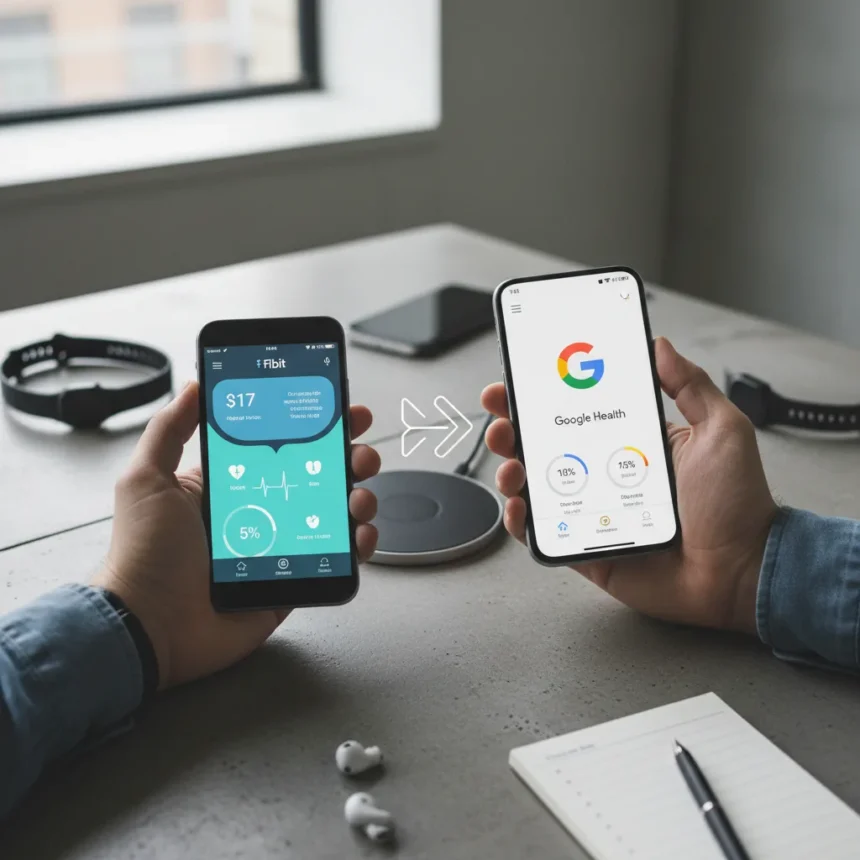
The Fitbit app is becoming Google Health in under two weeks, marking Google’s most aggressive push yet to consolidate its health and fitness ecosystem under a single brand. If you use a Fitbit tracker or smartwatch, this rebrand is not just cosmetic—it requires account migration and will reshape how you access your health data. Here’s what you need to know before the transition rolls out.
Key Takeaways
- Fitbit app rebrands to Google Health in under two weeks from article publication.
- Existing Fitbit accounts will transition to Google accounts; old login methods will no longer work.
- Google Health unifies Fitbit and Google Fit into a single platform with AI-powered coaching features.
- Google Assistant support is ending on older Fitbit watches including Sense, Sense 2, and Versa models.
- Fitbit community forums are shutting down; users must create new accounts on the replacement platform.
What Fitbit app Google Health actually means for your device
Google Health is not a new app—it is a rebrand of the existing Fitbit app that consolidates Google’s fragmented health tracking services. The move absorbs Google Fit’s functionality into a unified platform, though Google has not released a complete feature list. Fitbit hardware like the Inspire 3, Sense 2, and Versa 4 will work with Google Health, but the experience will differ depending on your device’s age and capabilities.
Pixel Watch 4 owners get the most advanced experience. They can access Fitbit Premium’s AI health coach, which provides personalized workout recommendations based on your sleep, stress, and injury history. The coach integrates with Gemini AI to analyze your health data and suggest swaps—for example, replacing a high-intensity interval session with yoga if you logged poor sleep. Custom workouts created in the coach can sync directly to your Pixel Watch 4 for on-wrist guidance.
Older Fitbit devices like the Sense, Sense 2, and Versa 2/3/4 will lose Google Assistant support in the coming weeks. Voice commands for starting workouts, checking stats, or controlling smart home devices will no longer work on these watches. Google has not announced whether these devices will gain access to the AI coach, suggesting they may remain in a maintenance mode within Google Health.


Account migration: what you must do before the transition
Your existing Fitbit account will stop working once Google Health launches. You must migrate to a Google account before the transition completes, though Google has not published a specific deadline. If you delay, you risk losing access to your Fitbit data and wearables.
The migration process ties your Fitbit account to a Google account, consolidating your health history into Google’s broader ecosystem. This is not optional—new Fitbit devices and services already require Google accounts, and the rebrand accelerates this shift. If you use multiple Fitbit devices or have years of tracked data, verify your Google account is set up and linked before the rollout begins.



Fitbit app Google Health and the end of community forums
Fitbit’s community forums are being retired and replaced with a new platform shared with Google Nest products. All existing posts, profiles, and badges from the old forums will be deleted—they will not be transferred or archived. Users must create new accounts on the replacement platform, losing any reputation or history built over years of participation.
This overhaul is frustrating for long-time Fitbit users who relied on forums to troubleshoot issues and share tips. The new unified platform may offer better integration with Google‘s support systems, but the loss of historical data is irreversible. If you have posted helpful guides or solutions in the old forums, save them locally before the migration completes.
What about Fitbit Premium and the AI coach?
Fitbit Premium remains a subscription service, and pricing has not changed with the rebrand. The AI health coach, previewed in 2025, is rolling out to Pixel Watch 4 and recent Fitbit Premium subscribers. Older devices like the Versa 4 and Sense 2 may eventually gain access, but Google has not confirmed a timeline.
The coach’s personalized recommendations depend on consistent health data—sleep, stress, heart rate, and workout history. It is designed to adapt your training plan in real time, which is a significant step beyond Fitbit’s previous static coaching features. However, this functionality is currently limited to newer hardware, widening the gap between premium and budget Fitbit users.



How does Google Health compare to competitors?
Fitbit’s main competitor in the budget tracker space is the Fitbit Air, a screenless tracker priced at $99 that ditches subscription requirements. Oura Ring offers AI-powered health insights comparable to Fitbit’s coach, but it focuses on sleep and recovery rather than workout guidance. Google Fit, which Google Health is absorbing, lacked the polish and popularity of Fitbit and relied on third-party apps for meaningful data sync.
By consolidating Fitbit and Google Fit under one brand, Google is betting that unified ecosystem integration and AI coaching will justify keeping users in its wearables platform. The rebrand signals that Google Fit’s independent identity is ending, though the exact timeline for full deprecation remains unclear.
Known issues with the transition
Pixel Watch owners reported inflated step counts and missing health metrics like SpO2 and skin temperature data following a March 2026 firmware update. The bug appears to be server-side rather than device-specific, and Google has not issued a public statement or fix. If your Pixel Watch is reporting suspicious step counts or missing data, the rebrand to Google Health may not resolve the issue immediately.
Will my Fitbit hardware still work with Google Health?
Yes. Existing Fitbit hardware including trackers and older smartwatches will continue to function with Google Health after the rebrand. However, compatibility varies—newer devices like the Pixel Watch 4 unlock advanced features like the AI coach, while older models like the Versa 2 will lose Google Assistant support. Your device will not become obsolete, but its feature set may narrow depending on its age.
When exactly does the Fitbit app become Google Health?
Google has not announced a specific launch date, only stating that the rebrand begins in under two weeks from the article’s publication. The rollout may be gradual, meaning some users see Google Health before others. Check your app store for updates and monitor your Fitbit account for migration prompts to ensure a smooth transition.
The shift from Fitbit to Google Health is inevitable, but it is not seamless. You will need to migrate your account, adapt to a new interface, and potentially lose access to older community forums. For Pixel Watch 4 owners, the AI coach and unified ecosystem are genuine improvements. For users of older Fitbit hardware, the transition feels more like a forced consolidation than an upgrade. Start your account migration now rather than waiting until the deadline, and save any important forum posts before the old community vanishes.
Edited by the All Things Geek team.
Source: Android Central