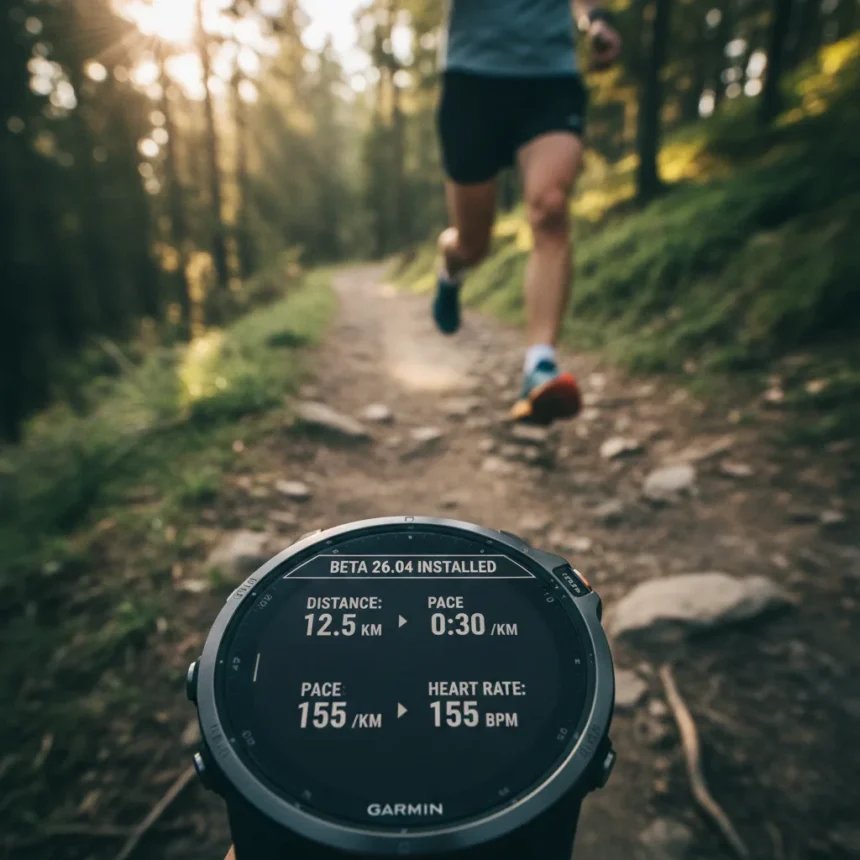
Garmin’s beta 26.04 update quietly landed for older high-end smartwatches, and it tackles the kind of problems that make runners want to throw their watches across the room. The Garmin beta 26.04 update targets legacy devices including the Fenix 7, Fenix 7 Pro, Epix, Epix Pro (42mm, 47mm, and 51mm variants), Enduro 2, Quatix 7, and MARQ Gen 2. Rather than chasing flashy new features, Garmin described this as a targeted software refresh designed to polish the user experience.
Key Takeaways
- Beta 26.04 fixes watch shutdown crashes when skipping music during workouts
- Resolves missing translation in Solar Intensity widget across supported models
- Fixes Training Effect text overflow on German-language screens
- Available now via manual check or beta enrollment through Garmin Connect
- Separate Q1 2026 updates bring Garmin Fitness Coach to newer devices like Venu 4 and Instinct 3
What Garmin Beta 26.04 Actually Fixes
The changelog reveals three concrete bug fixes that address real-world frustrations. First, the update eliminates a critical crash that occurred when users skipped music tracks during runs or workouts. For runners relying on their smartwatch as a music controller, this is not a minor convenience fix—it is the difference between a stable training session and a dead wrist device mid-run. Second, Garmin patched a missing translation in the Solar Intensity widget, improving usability for non-English speakers. Third, the update corrects text overflow in the Training Effect display on German-language screens, ensuring metrics display properly regardless of language settings.
These are not flashy improvements, but they matter. Garmin‘s older flagship watches like the Fenix 7 series command premium prices and attract serious athletes who expect stability. A watch that crashes during music playback undermines that value proposition, even if the core fitness tracking works perfectly. The fixes target the friction points that accumulate over months of daily use.
How to Enroll in Garmin Beta 26.04
Accessing the beta requires a few steps on a computer. Sign into Garmin Connect, locate the watch icon in the upper right corner, select your device, then choose Join Beta Software Program and agree to the terms. Alternatively, you can manually check for updates directly on your device by navigating to Main Menu > Settings > System > Software Update > Check For Updates. The manual method works if you prefer not to enroll in the beta program but still want to try the latest build.


Beta software carries inherent risks—stability is not guaranteed, and bugs may emerge that do not appear in testing. Garmin recommends enrolling only if you are comfortable troubleshooting issues and reporting problems back to the company. For everyday users who depend on their watch for critical training data, waiting for a stable release is the safer choice.
Where Garmin Beta 26.04 Fits in the Broader Update Picture
This beta is distinct from Garmin’s broader Q1 2026 software updates, which introduce Garmin Fitness Coach to newer devices like the Venu 4 and Instinct 3. That feature expansion supports 25+ activity types with time, duration, and heart-rate-based cardio workouts, plus optional strength training routines. The legacy devices receiving beta 26.04 are not getting those coach features as part of this update; instead, they are receiving stability polish while newer watches receive capability expansion. This two-tier approach is common in the smartwatch industry—newer devices get fresh features while older flagships receive maintenance support.



Fenix 7 owners should not expect this beta to transform their watch into a Venu 4. The value proposition of the Fenix 7 remains its durability, multi-GNSS accuracy, and training metrics. Beta 26.04 simply removes the friction that has accumulated since launch.
Should You Enroll in the Beta?
If you own a Fenix 7, Epix, or other listed device and experience music playback crashes during workouts, enrolling makes sense—the fix directly addresses your problem. If you rely on the Solar Intensity widget or use a German-language interface, the improvements are relevant. If your watch runs smoothly and you have not encountered these specific issues, waiting for the stable release eliminates unnecessary risk.
Garmin typically rolls beta builds to stable releases within weeks. Patience is a reasonable strategy for devices you depend on daily.
Is Garmin beta 26.04 available for all Fenix watches?
No. The beta targets specific legacy models: Fenix 7, Fenix 7 Pro, Epix, Epix Pro (all sizes), Enduro 2, Quatix 7, and MARQ Gen 2. Newer models like the Fenix 8 Pro follow different update cycles and are not part of this beta rollout.



How long does Garmin beta 26.04 take to install?
Installation typically takes 10-15 minutes depending on your watch model and connection speed. Ensure your watch has adequate battery charge before starting the update, as interruption mid-install can cause problems.
What happens if I find a bug in the beta?
Report issues through the Garmin forums or beta feedback channels. Garmin uses beta tester reports to identify problems before stable release, so your feedback directly improves the final version.
Garmin’s beta 26.04 proves that the company still cares about its older flagship watches. These are not revolutionary changes, but they are the kind of thoughtful maintenance that keeps premium devices feeling premium. For Fenix 7 and Epix owners tired of music crashes and widget glitches, this beta is worth the enrollment effort.
Where to Buy
Garmin Fenix 7S | Garmin Epix (Gen 2) | Garmin Epix Pro (Gen 2) | Garmin Enduro 2 | Garmin Quatix 7
Edited by the All Things Geek team.
Source: T3