





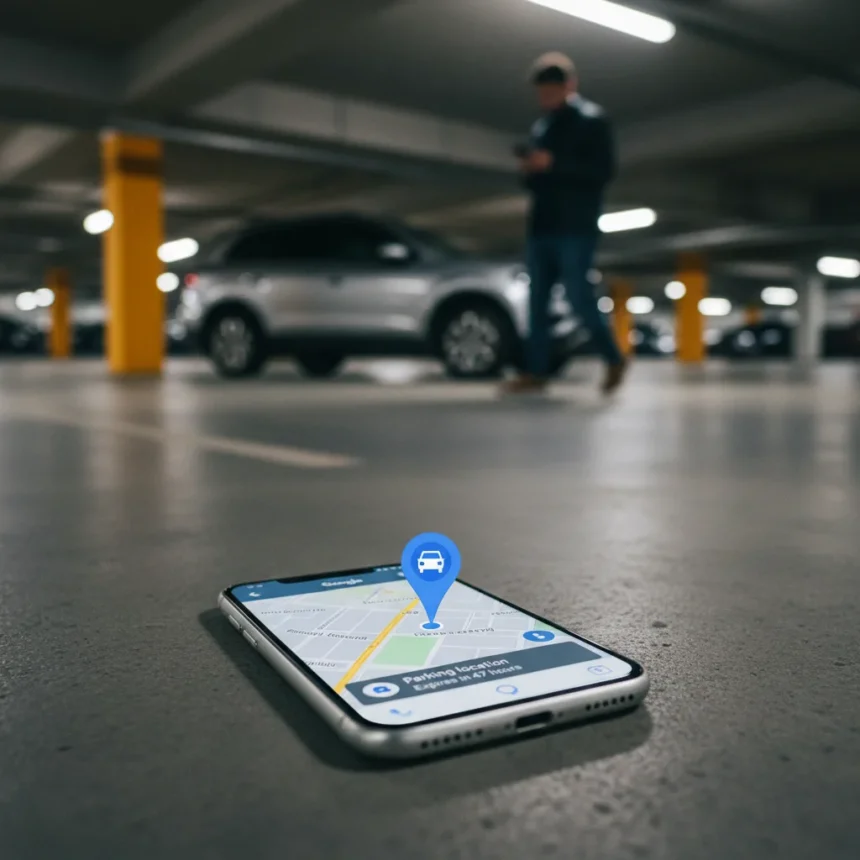
Google Maps parking features solve one of modern driving’s most frustrating problems: forgetting where you parked. The automatic parking detection feature drops a pin labeled “You parked here” that remains visible for up to 48 hours, eliminating the panic of returning to an empty lot and realizing you have no idea which row your car is in.
Key Takeaways
- Google Maps automatically detects and marks your parking location, visible for 48 hours
- The parked car pin can be manually adjusted if the detection is inaccurate
- Enable the feature via Settings > Apps > Google Maps > Location and select “Always”
- Works on iPhone and provides a reliable backup when memory fails
- Free to use with no subscription or additional setup required
How Google Maps parking detection works
When you arrive at a destination and turn off your car, Google Maps automatically detects this moment and drops a pin marking your parking spot. The system uses your phone’s sensors and location data to recognize when you’ve stopped moving, then saves that coordinate. This happens without any manual input from you—the feature runs quietly in the background. The pin persists for up to 48 hours, giving you a reliable visual reference even if you walk away and forget the exact location.
The accuracy of this detection depends on how clearly your phone can identify the moment you parked. In most cases, it works smoothly. However, if the system marks the wrong spot—perhaps detecting a nearby parking garage entrance instead of your actual space—you can manually drag the pin to the correct location. This flexibility means you’re never stuck with an inaccurate marker.
Enabling Google Maps parking detection on your device
Setting up automatic parking detection requires just a few taps in your phone’s settings. Open Settings, navigate to Apps, select Google Maps, then tap Location and choose “Always”. This permission level allows Google Maps to track your location continuously, which is what enables the parking detection system to function. Without this setting enabled, the app cannot detect when you’ve arrived and parked.


Once you enable this permission, the feature activates automatically. You do not need to toggle anything within the Google Maps app itself. The next time you drive to a destination and stop, the app will detect your parking spot and drop the pin. If you ever need to disable the feature, simply revert the location permission to a lower level—but most users find the benefit worth keeping it enabled.
Google Maps parking features vs. Apple Maps alternatives
Apple Maps also offers parking location detection on iPhone, though Google Maps provides a more refined experience with the 48-hour pin persistence and manual adjustment capability. Both services aim to solve the same problem, but Google Maps’ approach of keeping the pin visible for nearly two days gives users a longer window to reference their parking spot. If you switch between iPhone and Android devices, Google Maps ensures consistent functionality across both platforms, whereas Apple’s parking features are limited to the Apple ecosystem.



The key advantage of Google Maps is simplicity. You enable it once and forget about it. No reminders to set, no buttons to tap before parking. The system works silently, and the pin appears automatically when you need it. This “set and forget” approach appeals to users who want parking help without friction.
Why this feature matters for daily driving
Parking stress affects more drivers than most realize. Large parking lots, multi-level garages, and unfamiliar cities create genuine anxiety about remembering where you left your vehicle. Google Maps parking features eliminate this entirely. Instead of frantically hitting your car’s panic button or wandering the lot pressing your key fob, you simply open Google Maps and tap the pin. Your car is right there.
The 48-hour window also covers the common scenario where you park, run errands, leave town, and return the next day. You can still find your car without relying on memory or phone notes. For frequent travelers and urban drivers who use parking garages regularly, this feature becomes indispensable. It is free, requires no subscription, and adds genuine value to an app most people already use daily.
Does Google Maps parking detection work everywhere?
The feature works on iPhone and is designed to function globally wherever Google Maps operates. However, its effectiveness depends on your phone’s ability to detect when you’ve stopped and your location accuracy. In areas with poor GPS signal—such as underground parking garages or dense urban canyons—the detection may be less precise. In these cases, the manual adjustment option allows you to correct the pin location after the fact.



Can you adjust the parking pin after it’s been placed?
Yes. If Google Maps detects your parking spot incorrectly, you can manually drag the pin to the correct location. This flexibility ensures that even if the automatic detection is slightly off, you end up with an accurate marker. Simply open the parked car pin and drag it to your actual spot.
Is there a way to set reminders to leave for your car?
The research available confirms Google Maps offers automatic parking detection and manual pin adjustment, but does not detail a built-in reminder feature for when to leave. The core value of the parking features lies in marking and retrieving your car’s location reliably. If you need time-based reminders, you may need to use your phone’s native reminder app in conjunction with Google Maps.
For anyone who has ever spent ten minutes searching a parking lot or felt the spike of panic when returning to where they think they parked, Google Maps parking features deliver genuine relief. The automatic detection removes the mental load of remembering where you stopped, the 48-hour persistence gives you a comfortable window to find your car, and the manual adjustment option ensures accuracy. Enable it once and let the app handle the rest.
Edited by the All Things Geek team.
Source: Tom's Guide




