





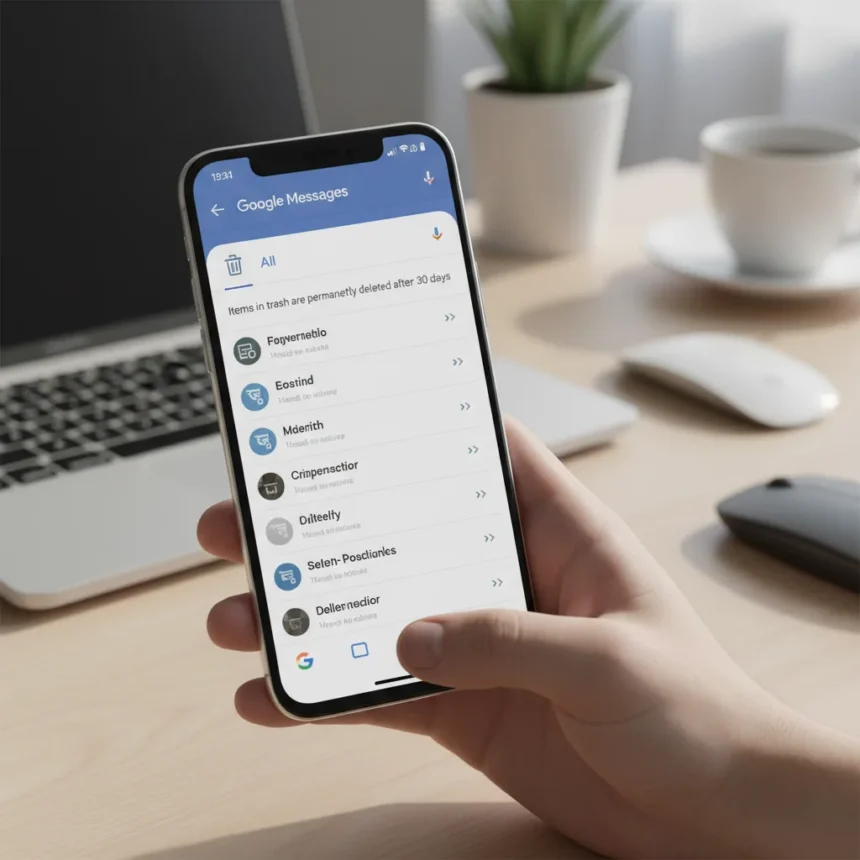
Google Messages trash folder is a recovery feature that moves deleted conversations to a temporary holding area instead of erasing them immediately, giving users a 30-day grace period to restore chats before permanent deletion.
Key Takeaways
- Deleted conversations move to a dedicated Trash folder instead of vanishing instantly
- Items remain recoverable for 30 days before automatic permanent deletion
- One-tap restore functionality lets you bring back conversations quickly
- Feature rolls out now via server-side enablement for Android users
- Google Messages finally catches up to competitors with established trash features
Why Google Messages Needed This Feature
Google Messages has operated without a safety net for years. Delete a conversation, and it was gone—no recovery option, no second chance. Other messaging apps and email services have offered trash folders for ages, making Google’s absence of this basic protection a glaring oversight. The Google Messages trash folder addresses this gap head-on, preventing the panic that comes with accidental deletions.
This matters because conversations contain information people actually need: contact details, addresses, appointment times, confirmations. Losing them permanently because you swiped too fast is frustrating and entirely preventable. A 30-day recovery window is generous enough to catch mistakes but not so long that your trash folder becomes cluttered with months of old deletions.
How the Google Messages Trash Folder Works
The mechanics are straightforward. When you delete a conversation in Google Messages, it no longer disappears into the void. Instead, it moves to a new Trash folder within the app. From there, you have two options: restore it with a single tap or let it sit until the 30-day timer expires, at which point Google automatically and permanently deletes it.


One-tap restore means you do not have to navigate through menus or confirm your choice multiple times. Find the conversation in Trash, tap restore, and it returns to your main message list. This simplicity is crucial for a feature designed to save users from their own mistakes. The process should feel effortless, and based on the design, it does.
The feature rolls out now through server-side enablement, meaning you do not need to update the app to access it—it simply appears for eligible Android users as Google’s servers flip the switch. This gradual rollout approach is standard for Google and ensures stability as the feature reaches millions of users.



Google Messages Trash Folder vs. Competitor Apps
WhatsApp, Telegram, and other messaging platforms have included trash or archive features for years, making Google’s late arrival to this party noteworthy. However, the comparison is not about feature parity anymore—it is about whether Google Messages now offers the same user protection that competitors take for granted. With the trash folder live, it finally does.
The 30-day recovery window is consistent with how Gmail handles deleted emails and how other Google services manage deletion. This consistency across the Google ecosystem means users already familiar with one service will instinctively understand how the trash folder works in Messages. That familiarity reduces friction and makes the feature feel native rather than bolted-on.
When Should You Expect the Google Messages Trash Folder?
The feature is rolling out now, but not all Android users will see it immediately. Google typically staggers server-side rollouts over days or weeks to monitor for issues. If you do not see the Trash folder in your Google Messages app yet, it is coming—you just need to wait a bit longer. There is no action required on your end beyond having the latest version of Google Messages installed.
This gradual approach can be frustrating for users eager to access new features, but it is the responsible way to deploy changes at scale. A bug in the trash folder that affects millions of users would be worse than waiting a few extra days for the feature to reach your device.



Is the Google Messages trash folder free?
Yes. The Google Messages trash folder is a free feature update included with the app. There are no premium tiers, subscription requirements, or paywalls. If you use Google Messages, you get this recovery protection at no extra cost.
Can you permanently delete a conversation without waiting 30 days?
The research brief does not specify whether users can manually purge conversations from Trash before the 30-day timer expires. Based on the information available, conversations are automatically deleted after 30 days, but the exact controls for manual permanent deletion from Trash are not detailed.
Does the trash folder apply to group chats and one-on-one conversations?
The research brief describes the trash folder as applying to conversations generally, without distinguishing between group chats and individual messages. It is reasonable to assume both types are covered, but the specific behavior for group chats is not explicitly confirmed.
The Google Messages trash folder is a long-overdue quality-of-life improvement that transforms accidental deletion from a permanent disaster into a recoverable mistake. For anyone who has ever panicked after deleting an important conversation, this feature is genuinely useful—and it costs nothing.
Edited by the All Things Geek team.
Source: Android Central




