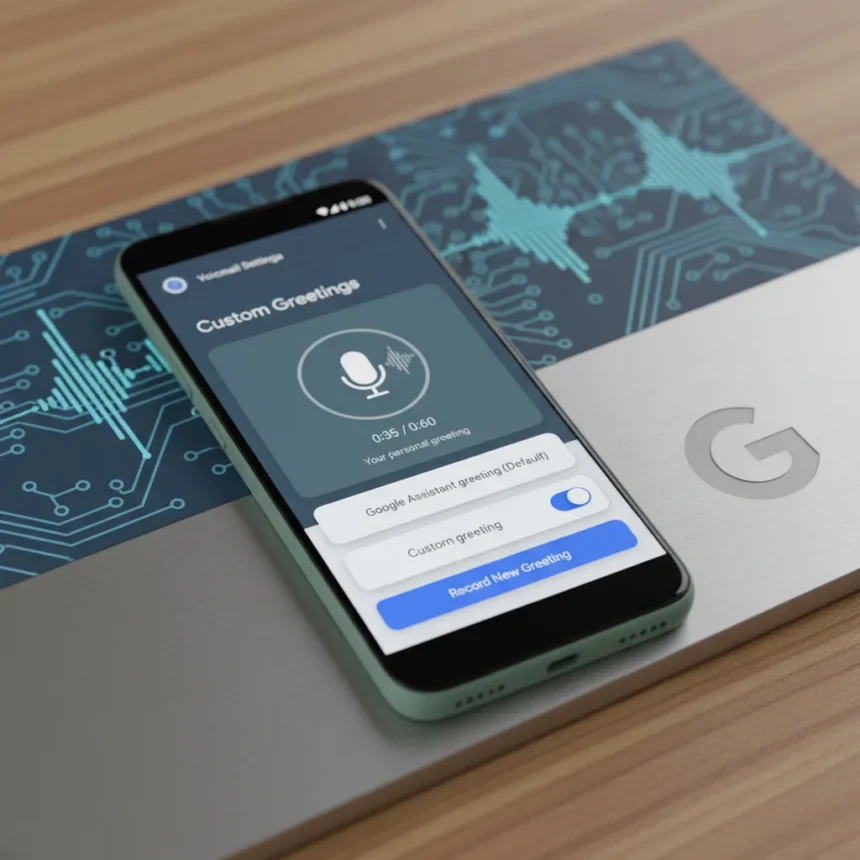
Google Pixel voicemail custom greetings are finally rolling out in beta, letting you ditch the robotic Google Assistant voice and record your own message up to 60 seconds long. The feature, available in Google Phone app beta versions 216 and 217, replaces the standard greeting with a personal touch that actually sounds like you. This is a long-overdue improvement that puts voicemail control directly in your hands instead of buried in carrier settings.
Key Takeaways
- Record custom voicemail greetings up to 60 seconds directly in the Google Phone app beta
- Feature works on Pixel 6 and newer devices with Take a Message support
- Save, rename, delete, and switch between multiple custom greetings from the app
- Available now in beta versions 216 and 217; join free via Google Play
- Future updates may add per-contact custom greetings, though not yet in beta
What Google Pixel Voicemail Custom Greetings Actually Changes
For years, Pixel users have been stuck with the default greeting: “The person you have called is not available. Please leave a message after the tone.” Now, Google Pixel voicemail custom greetings let you replace that robotic message with something that sounds human. The feature ties directly to Take a Message, Google’s AI-powered voicemail system that transcribes messages in real time, rather than forcing you to juggle carrier voicemail portals. This simplification cuts out the middleman—your carrier—and keeps everything inside the Phone app where it belongs.
The custom greeting system lets you save multiple recordings, rename them, and designate which one plays when someone calls. A three-dot menu next to each greeting gives you full control: set as default, rename, or delete. The active greeting is marked with a star, so you always know which one callers hear.
How to Record Your Google Pixel Voicemail Custom Greetings Right Now
Setting up a custom greeting takes under two minutes. Update to the latest Google Phone app beta (version 216 or 217), then open the app and look for a banner at the top reading “A personal touch on your missed calls. Now you can set custom greetings for calls handled by Take a Message.” Tap “Try it out” or navigate to Settings > Take a Message > Manage Greetings.


Once you’re in the Greetings page, tap the circular microphone button. A three-second countdown starts automatically, and you have up to 60 seconds to record. If you mess up mid-recording, tap pause, then either restart to redo the whole thing or save to keep what you have. Your saved greetings stack below the standard greeting option, and you can manage them all from one place.
The process is deliberately friction-free. No carrier websites, no authentication loops, no waiting on hold. Just tap, speak, and save.



When You’ll Get This Feature on Your Pixel
Google Pixel voicemail custom greetings are rolling out widely as of April 2026 in the Phone app beta. The feature is currently limited to beta versions 216 and 217, meaning it is not yet available in the stable channel. To access it now, join the Google Phone beta program for free via Google Play. Server-side rollout is happening gradually, so you might not see the feature immediately even after updating, but it should land within days.
The feature works on Pixel 6, 7, 8, 9, and 10 series devices. Older Pixels are out of luck—you need at least a Pixel 6 to use Take a Message and, by extension, custom greetings.
The Future: Per-Contact Greetings Are Coming
Right now, you get one custom greeting that plays for all incoming calls. But code snippets buried in the beta suggest Google is planning per-contact custom greetings down the line. Imagine recording a professional greeting for work calls and a casual one for friends—all managed from within the Phone app. That is not available yet, but it is clearly in the pipeline.
This incremental approach makes sense. Get the core feature working, gather feedback, then layer on the advanced stuff. It also explains why the current beta is limited to a single default greeting—Google is testing the recording and storage infrastructure first.



Why This Matters More Than It Sounds
Google Pixel voicemail custom greetings represent a quiet but significant shift in how Android handles voicemail. For decades, carriers controlled voicemail. You recorded a greeting on their system, stored it on their servers, and had zero portability if you switched carriers or phones. Google is flipping that model: your greeting lives in the Phone app, synced to your Google account, and travels with you. If you switch to a different Pixel tomorrow, your custom greeting comes with you.
Take a Message itself is already a significant shift—real-time transcription means you can read a voicemail instead of listening to it. Adding custom greetings completes the picture. You are not just transcribing voicemails; you are owning the entire experience.
Is Google Pixel Voicemail Custom Greetings Free?
Yes. The feature is completely free and included in the Phone app beta. There are no subscription tiers, no premium unlock, no carrier fees. Join the beta via Google Play at no cost, and you have access.
Will Per-Contact Greetings Ever Actually Launch?
Code in the beta suggests they are planned, but Google has not committed to a timeline. The current rollout is single-greeting only, and adding per-contact logic requires more testing. Expect it eventually, but do not count on it arriving in the next few weeks.
Can I Use This on Non-Pixel Android Phones?
Not yet. Google Pixel voicemail custom greetings are exclusive to Pixel 6 and newer devices. Other Android phones do not have Take a Message, so they cannot use this feature. If you are on a Samsung, OnePlus, or another brand, you are still stuck with carrier voicemail.
Google Pixel voicemail custom greetings are a small feature with outsized implications. They prove that Google is serious about reclaiming voicemail from carriers and putting it back in users’ hands. The 60-second limit is generous, the recording process is painless, and the server-side rollout is already underway. If you own a Pixel 6 or newer and are tired of sounding like a robot, join the beta and reclaim your voicemail identity.
Where to Buy
Google Pixel 10 | Google Pixel 10 Pro | Google Pixel 10 Pro XL | Google Pixel 10 Pro Fold | Google Pixel 10a
Edited by the All Things Geek team.
Source: TechRadar